Wan 2.7 Image: An Online Image Processing Tool
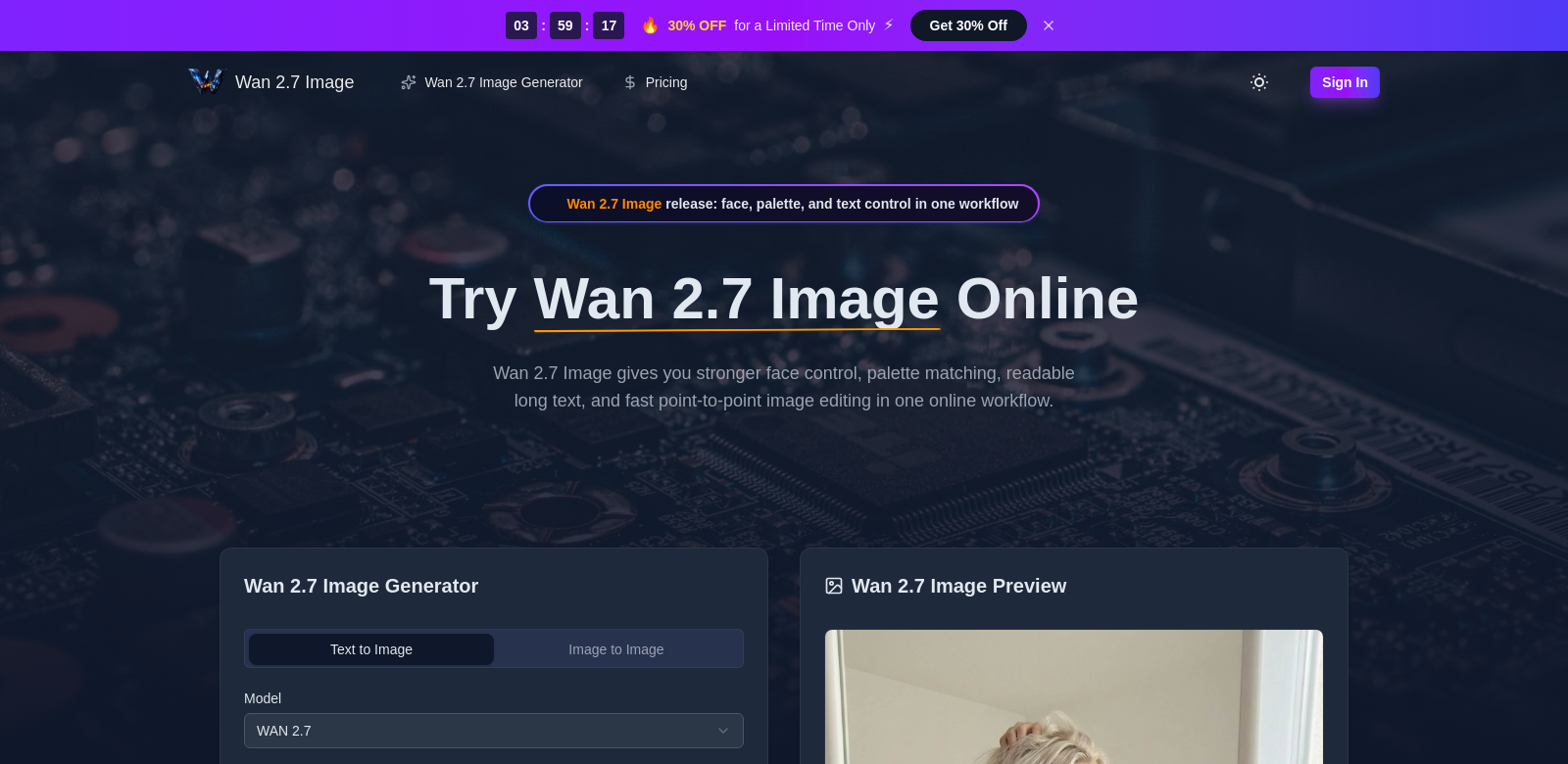
Wan 2.7 Image is an online tool for generating and editing images. It comes with powerful features like face control, palette extraction, long text rendering, and interactive editing workflows. It isn't just for casual users; professionals looking for quick, effective image processing will find it useful too.
Who Uses Wan 2.7 Image
Knowing who uses a tool helps make sure it fits their needs. Wan 2.7 Image serves many different users, each with their own specific needs that the tool handles well. Here, we'll look at who uses Wan 2.7 Image and what they need from it.
-
Graphic Designers: Graphic designers need strong, flexible tools to create good-looking images. Wan 2.7 Image has features like batch consistency and precise face control, so designers can keep a consistent style across many images.
-
Digital Artists: Digital artists use the palette extraction and long text rendering features. These let them try out new color schemes and add text easily to their artwork, which helps them be more creative.
-
Photographers: For photographers, editing is a key part of post-production. Wan 2.7 Image's interactive editing workflows make the process smoother, allowing faster touch-ups without losing quality.
-
Social Media Managers: Social media managers need tools that can help create catchy content fast. Wan 2.7 Image is easy to use, so they can make high-quality images for different platforms, making their ads work better.
-
Educators and Students: Teachers and students can use Wan 2.7 Image for assignments and projects where they edit images. Its easy-to-use interface and many features let them improve their visual presentations without hassle.
Problems Wan 2.7 Image Solves
In today's busy world, you need quick, effective image editing tools. Wan 2.7 Image sees common problems users face with image editing and offers good solutions.
Common Editing Problems
-
Time-Consuming Editing Tasks: Many users get stuck with tools that take too long or have confusing steps, making things slow and frustrating.
-
Inconsistent Results: Users often struggle to keep things consistent across many images, especially when using different tools.
-
Limited Features in Free Tools: Many free or basic tools don't have key features, so they can't produce professional-level work.
-
Complex Interfaces: Users often get overwhelmed by confusing interfaces, which hurts their productivity and creativity.
How Wan 2.7 Image Helps
Wan 2.7 Image solves these problems with a full set of features made to be easy to use and fast. Its streamlined interface makes editing simple, letting users focus on being creative instead of fighting with complicated tools. Face control and batch processing keep results consistent across many images, cutting down on manual tweaks. By combining powerful functions with a simple design, Wan 2.7 Image becomes a great option for both beginners and pros.
How You Can Use It
You can use Wan 2.7 Image in many different ways:
- Creating Marketing Material: Businesses can use it to make great images for brochures, social media posts, and ads that look good.
- Enhancing Visual Education Resources: Educators can use the tool to create engaging visuals for presentations, making learning materials more interesting for students.
- Art Projects: Artists can use Wan 2.7 Image to create and finish their digital artwork, trying out unique styles and presentations that fit their artistic vision.
Top Features of Wan 2.7 Image
Wan 2.7 Image has some standout features for an online image editor. Here are some of its best:
-
Face Control: This feature lets you adjust faces in images, giving you precise control.
-
Palette Extraction: You can easily pull color palettes from images, so you can keep consistent color schemes across all your projects.
-
Long Text Rendering: Perfect for artists and designers, this feature lets you smoothly add text to your visuals, making your final work look better.
-
Batch Consistency: This keeps things uniform across many images, great for projects that need a consistent look.
-
Interactive Editing Workflows: The easy-to-use interface lets you interact with the tool, making editing more enjoyable and faster.
Common Questions About Wan 2.7 Image
-
What types of images can I edit with Wan 2.7 Image? You can edit all sorts of images, from digital artwork to photographs, making it flexible for different uses.
-
Is Wan 2.7 Image suitable for beginners? Yes, its intuitive design means anyone can use it, and beginners can get good results fast.
-
Can I work collaboratively on a project using Wan 2.7 Image? It's mainly for individual use, but you can easily share your edited images and work with others using different platforms.
-
Are there any subscription fees for using Wan 2.7 Image? Wan 2.7 Image has both free and paid features, so it's available to many users, depending on what they need.
-
How can I improve my skills using Wan 2.7 Image? You can find tutorials and guides online to learn advanced tricks and get the most out of its features.