Twitter/X Data API Services: A Full Look
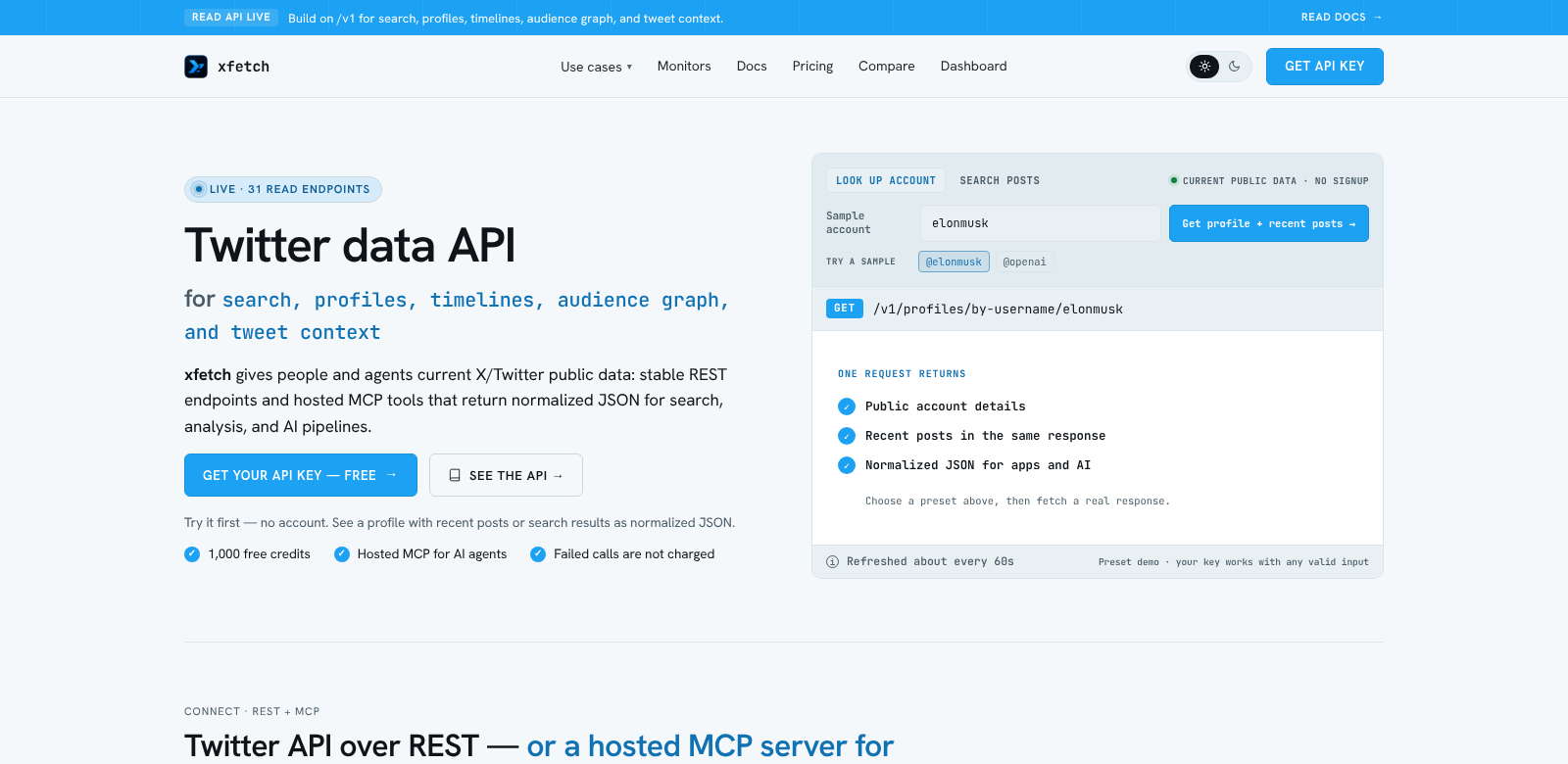
Social media data shapes strategic decisions, and the Twitter/X Data API helps developers, researchers, and businesses get that data. It offers a standard REST interface to access Twitter posts, profiles, timelines, audience graphs, and tweet contexts.
Developers use this API for sentiment analysis, marketing strategies based on trends, or just to understand user interactions. It's built for both new and experienced developers, letting anyone access Twitter's data. You get 1,000 API credits to start, which is plenty to try it out.
Who Uses the Twitter/X Data API?
Who uses the Twitter/X Data API? All sorts of people and businesses:
-
Developers: Software engineers and data architects use the API to build apps that analyze Twitter content. Think social listening tools or trend dashboards.
-
Digital Marketers: Marketers analyze Twitter data to create targeted campaigns, track engagement, and adjust messages based on how users feel. They can categorize tweets and find influential users to improve their outreach.
-
Researchers: Academics and social scientists use the API to study social behavior and public opinion. They use tweet context and audience graphs for data analysis.
-
Media Outlets: News organizations use the API to track real-time news by following trending tweets and discussions, making their reporting more accurate and timely.
-
Businesses: Companies use social media insights for market research. They track what competitors do on Twitter and understand how consumers feel about their brands or products.
Problems the Twitter/X Data API Solves
The Twitter/X Data API solves several problems for people who need real-time social media data.
Problems We Found
-
Limited Data Access: Many users struggle to get full Twitter data because of platform rules and privacy concerns.
-
Hard to Analyze Data: Social media data can be overwhelming. Users often can't collect and understand it without the right tools.
-
Monitoring Takes Too Long: Manually tracking hashtags or users is a lot of work and inefficient.
How the Twitter/X Data API Helps
The Twitter/X Data API gives users a simple, efficient way to collect and analyze Twitter data. Using REST endpoints, you can programmatically ask for different types of data, which makes data collection much easier.
The API lets users monitor timelines and tweets in real-time, solving the monitoring problem. Its organized output also makes data easier to work with and analyze, so you don't have to manually gather everything. Users can filter results better, save time, and make decisions faster with fresh insights.
Use Cases
Here are some ways people use the Twitter/X Data API:
-
Trend Analysis: Companies can use the API to see what's trending over time, helping them with marketing or product launches.
-
Sentiment Analysis: Researchers can get data to analyze public sentiment, understanding how consumers react to events and promotions.
-
Competitive Analysis: Businesses can track how competitors perform on Twitter, looking at their engagement, follower growth, and public interactions.
-
Crisis Management: Organizations can monitor negative sentiment in real-time during a crisis, letting them respond quickly to protect their brand.
Top Features of the Twitter/X Data API
The Twitter/X Data API has many features for its different users:
-
Real-Time Data Access: Get instant access to live tweets, making your insights more relevant.
-
Comprehensive Data Retrieval: The API lets you pull out tweets, plus related data like user interactions, retweets, and likes.
-
Standard REST Endpoints: Data requests are simpler with standard endpoints, so anyone can work with the data.
-
Flexible Query Parameters: Customize requests using specific hashtags, locations, and user IDs to get exactly the data you need.
-
Clear Documentation: The official docs give new users clear guidance, making it easier to understand and use the API.
Frequently Asked Questions about the Twitter/X Data API
-
How do I get started with the Twitter/X Data API? Sign up for an account on Twitter's developer platform and get your API credentials. You'll get 1,000 credits to start exploring the API.
-
What types of data can I retrieve using the API? You can get tweets, user profiles, timelines, tweet engagement metrics, and audience graphs – a full dataset for analysis.
-
Is there a limit to the number of requests I can make? Yes, request limits depend on your API plan. Check your plan for specific usage quotas and thresholds.
-
Can I access historical tweets with the Twitter/X Data API? You might get some historical data, depending on your API subscription. If you need a lot of old data, other options might be available.
-
How can I use the data retrieved effectively? You can use the data for business intelligence, market research, or academic studies. The insights help you make better decisions and plan strategies based on current social media trends.