
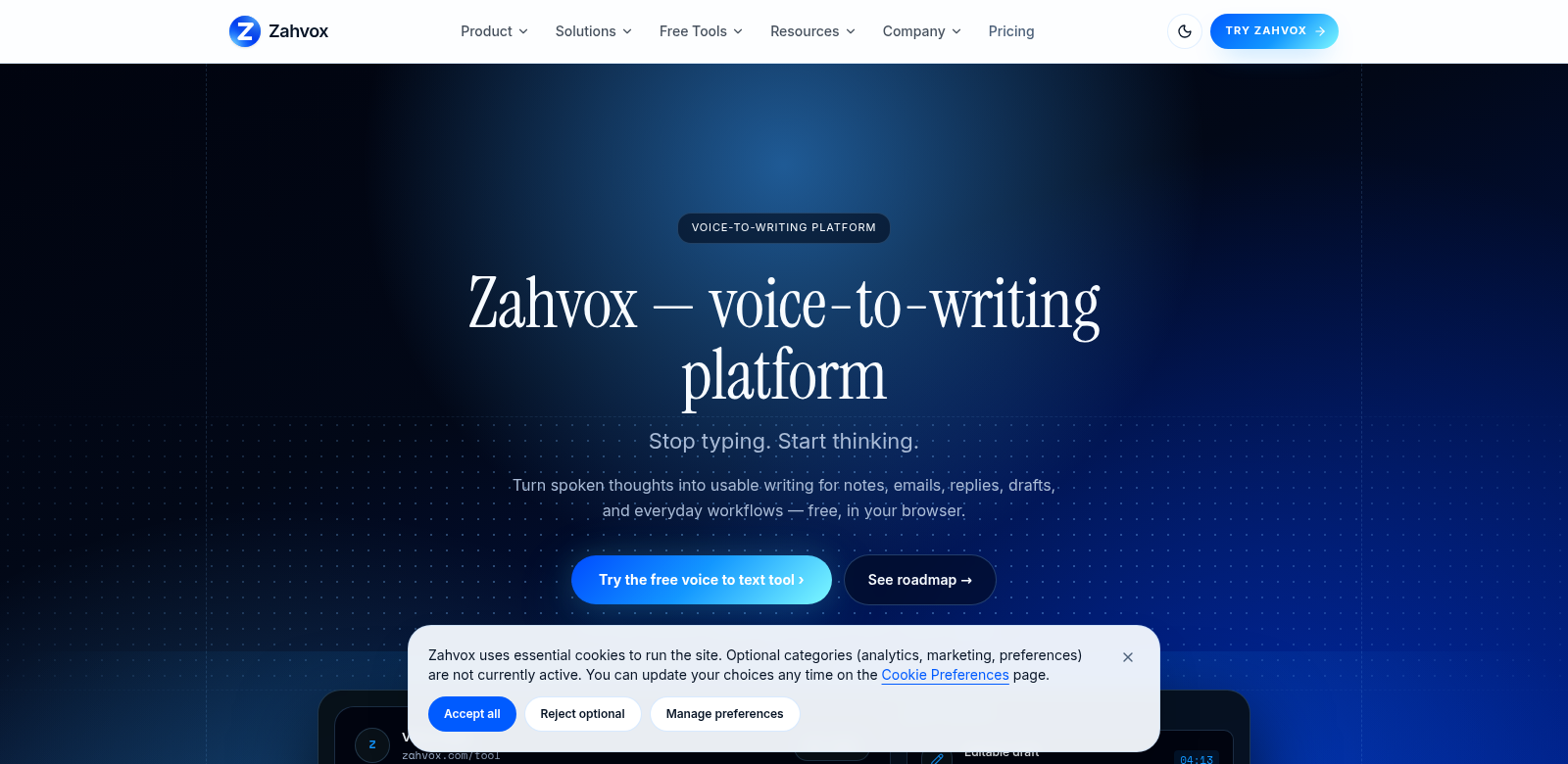
Zahvox: Your Free Voice-to-Text Tool
Zahvox makes it easy to turn your spoken words into text. It's built for speed, letting you speak in 21 languages, edit what you say, and turn your thoughts into notes, emails, or drafts without a hitch. Even better, no signup needed. Just open it and start talking. Seriously, being able to talk instead of type is a game-changer, especially if you're buried in documents or writing a lot.
Who Uses Zahvox?
Who uses Zahvox? All sorts of people, really. Anyone who needs to get words down fast can get a lot out of its voice-to-text magic.
-
Students: Students love Zahvox for taking notes in lectures. It turns spoken lectures into text right away, so they can actually listen and learn instead of frantically trying to write everything down. It helps them build clear, concise study guides.
-
Professionals: Professionals across fields – marketing, journalism, content creation – use Zahvox to speed up their work. Talking out a draft instead of typing saves a ton of time and energy. They can focus on making their ideas shine, not on the mechanics of writing.
-
Business Owners: Small business owners are always juggling a million things. Zahvox helps them whip up emails, project descriptions, and all sorts of documents by turning their spoken thoughts into text, fast.
-
Content Creators: Podcasts and video are huge now, and creators can just talk their scripts into Zahvox. It keeps their ideas flowing naturally and cuts down on the usual writing roadblocks.
-
Elderly Users: Typing can be tough for older folks. Zahvox lets them communicate easily – whether it's writing letters to family or jotting down memories. It makes tech a bit friendlier.
Problems Zahvox Solves
Every good solution starts with a real problem. Zahvox tackles a few common ones head-on.
Problems Zahvox Found
-
Manual Transcription is a Pain: Trying to write everything down by hand or transcribe audio yourself? It's a struggle, and you often miss important stuff.
-
Typing Can't Keep Up: Typing is slow. If your brain moves faster than your fingers, getting ideas down can be frustrating.
-
Language Hurdles: If you speak multiple languages, finding a transcription tool that actually supports them all is tough.
-
Accessibility Gaps: Some people just can't type easily, whether it's due to physical limitations or age.
-
Not Enough Time: Everyone's short on time. We need faster ways to get things documented.
Zahvox's Solution
Zahvox jumps in to solve these problems with a voice-to-text tool that's not just efficient, but genuinely easy to use. Its smart algorithm understands what you say and turns it into text accurately, so you don't lose any details. You can even edit your transcript as you speak, letting you fine-tune notes without missing a word. And with support for 21 languages, Zahvox really opens things up for a global audience.
You can use Zahvox for so many things: drafting a quick email, brainstorming a blog post, or even writing up detailed project docs. It's a versatile app, and honestly, it's a lifesaver in our busy world.
How People Use Zahvox
Here are some ways people are really using Zahvox:
-
Academic Settings: Students grab lectures and seminars, turning spoken content into study guides without breaking a sweat.
-
Business Services: Teams use Zahvox for meeting minutes, making sure every discussion point gets captured accurately and fast.
-
Creative Writing: Authors use it to draft stories by just talking their ideas out loud, which really boosts their creative flow.
-
Customer Services: Support agents can use Zahvox to document customer chats, making sure all the important details are recorded quickly and efficiently.
-
Personal Use: For personal stuff, people use Zahvox for reminders, lists, and writing letters or emails.
Top Features of Zahvox
Zahvox isn't just functional; it's packed with features that hit a wide range of user needs.
-
Multi-Language Support: Zahvox lets you speak in 21 different languages, making it super accessible for anyone, anywhere.
-
Real-Time Editing: You can edit your transcript as you go, so you get accuracy and clarity without having to stop talking.
-
No Signup Required: No signup means no hassle. Zahvox lets you jump straight into your work.
-
User-Friendly Interface: Zahvox has a simple interface. Anyone, no matter their age or tech skill, can use it without getting confused.
-
Cloud-Based Operations: Since it's cloud-based, you can get to your transcripts from anywhere. That means you can work how and where you want.
Common Questions About Zahvox
-
How does Zahvox work? Zahvox uses smart speech recognition to turn your spoken words into text accurately. It handles multiple languages, too, for all sorts of users.
-
Do I need to create an account to use Zahvox? Nope! Zahvox is totally free and doesn't require a signup. Just open it and start using it.
-
Can I edit the transcripts in real time? Yes, you can edit your transcripts as you speak. This helps you capture your ideas with precision.
-
Is Zahvox suitable for professional use? Definitely. Professionals in all sorts of fields can use Zahvox to boost productivity and smooth out their workflow by quickly getting written content done.
-
What should I do if the speech recognition is inaccurate? Zahvox is always learning your speech patterns. You can help it get even better by correcting transcripts as you go. Also, try to speak clearly and at a good pace.