Comment Exporter: Your Go-To Tool for Social Media Comments
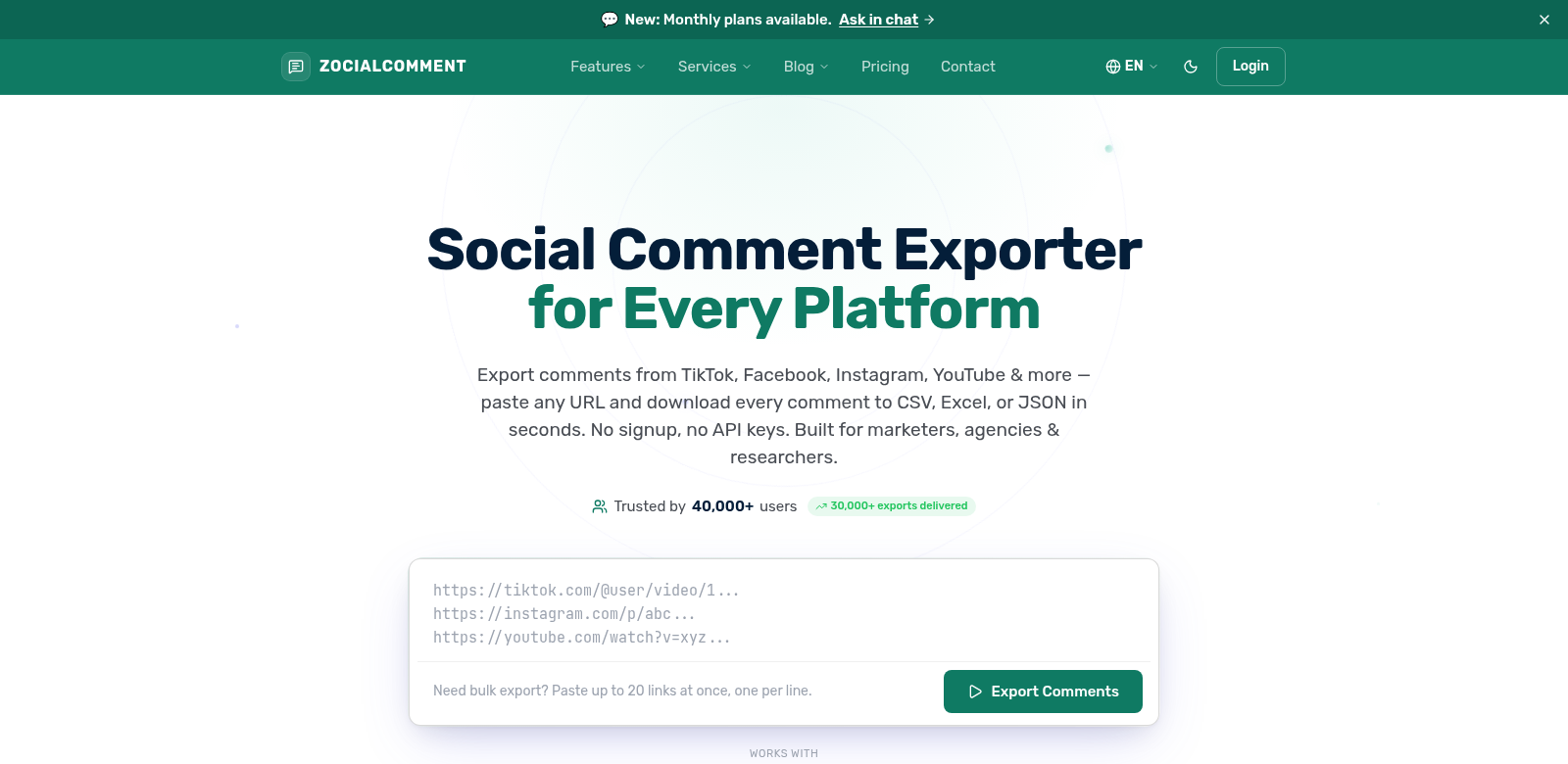
We all know how much social media has changed how we talk and connect. For anyone creating content, marketing, or doing research, really getting what your audience thinks from their comments is a big deal. That's where Comment Exporter comes in. It's a simple, powerful way to grab comments from Instagram, TikTok, YouTube, Reddit, Facebook, and Threads. You can download everything into CSV, Excel, or JSON in seconds. No account needed, no API keys—just quick, easy access to the data you need for digital analysis.
Who Uses Comment Exporter?
Comment Exporter helps all sorts of people who rely on social media. Here's a look at who finds it most useful and why:
-
Content Creators: You live and breathe audience engagement. Comment Exporter lets you dig into comments on your posts, see what people love (or don't!), and make content that truly hits the mark.
-
Digital Marketers: Track campaign feedback across platforms without breaking a sweat. Export comments from your promo posts to understand customer feelings and tweak your strategy on the fly.
-
Researchers and Analysts: If you're studying social trends or behaviors, you need raw data. This tool gives you exactly that—comments ready for deep qualitative and quantitative analysis, making your research solid.
-
Brand Managers: Keep an eye on your brand's reputation. Analyze comments on your posts and even your competitors' to understand public sentiment. It's crucial for protecting your brand and knowing how to respond.
-
Social Media Managers: You're juggling interactions constantly. Comment Exporter lets you quickly pull and analyze comments from all your platforms, helping you fine-tune your content strategy and see what's actually working.
The Problems Comment Exporter Solves
Dealing with the sheer volume of social media comments can feel like drowning. Comment Exporter tackles some common headaches head-on.
The Headaches We All Face
-
Too Much Information: When a post blows up, manually sifting through hundreds or thousands of comments is a nightmare. It's slow, boring, and a huge time sink.
-
No Easy Way to Get Data Out: Most platforms don't make it easy to export comments. This really limits your ability to understand engagement beyond just a quick glance.
-
Time is Short: Professionals are always up against deadlines. You can't afford to spend hours just collecting data.
-
Complicated Tools: Other tools often demand complex APIs or force you to sign up for accounts, which is a big barrier if you're not a tech wizard.
How Comment Exporter Fixes It
Comment Exporter cuts through these problems with surprising ease. Just paste a URL, and it simplifies the whole extraction process. You can grab all comments from a post in just a few clicks. Then, save that data in CSV, Excel, or JSON—whatever works best for your analysis.
Plus, you don't need to sign up or mess with API keys. This means anyone, even casual users, can jump in and get what they need without the usual setup hassle. Its speed and simplicity make it incredibly useful for anyone doing social media analysis.
Real-World Examples
Imagine a digital marketing team gearing up for an Instagram product launch. They could use Comment Exporter to pull comments from competitor posts, seeing exactly what excites people. That data then shapes their own marketing messages, making them super targeted based on real opinions about similar products. Or, think about a researcher studying consumer behavior for a university project. They could gather massive amounts of comment data from various platforms, uncovering truly significant insights.
Top Features of Comment Exporter
Comment Exporter is powerful because of these key features:
-
Works Everywhere: Grab comments from Instagram, TikTok, YouTube, Reddit, Facebook, and Threads. You get a complete picture.
-
Instant Downloads: Get your comments in seconds. This speeds up your work and boosts your productivity.
-
No Signup Needed: Start using it right away. No accounts, no API integrations, just direct access for everyone.
-
Flexible Formats: Export comments as CSV, Excel, or JSON. Whether you need simple data or complex analysis, it's ready.
-
Super Easy to Use: The design is straightforward. Anyone, no matter their tech skill, can navigate it and get their data quickly.
Common Questions About Comment Exporter
-
What social media platforms does Comment Exporter work with? It supports Instagram, TikTok, YouTube, Reddit, Facebook, and Threads.
-
How do I download comments? Just paste the URL of the post you want comments from into the tool. It'll quickly pull the data, ready for you to download in your chosen format (CSV, Excel, or JSON).
-
Does it cost anything to use? Nope! Comment Exporter is completely free to use, no registration or payment required.
-
Can I analyze the data after I export it? Absolutely. Once you have it in Excel or CSV, you can use your favorite data analysis tools to spot trends, gauge sentiment, and check engagement.
-
Is this tool good for big projects? Yes, it is! Comment Exporter handles multiple posts and large amounts of data, making it perfect for businesses and researchers alike.