Transform Your Presentations with AI PPT Maker
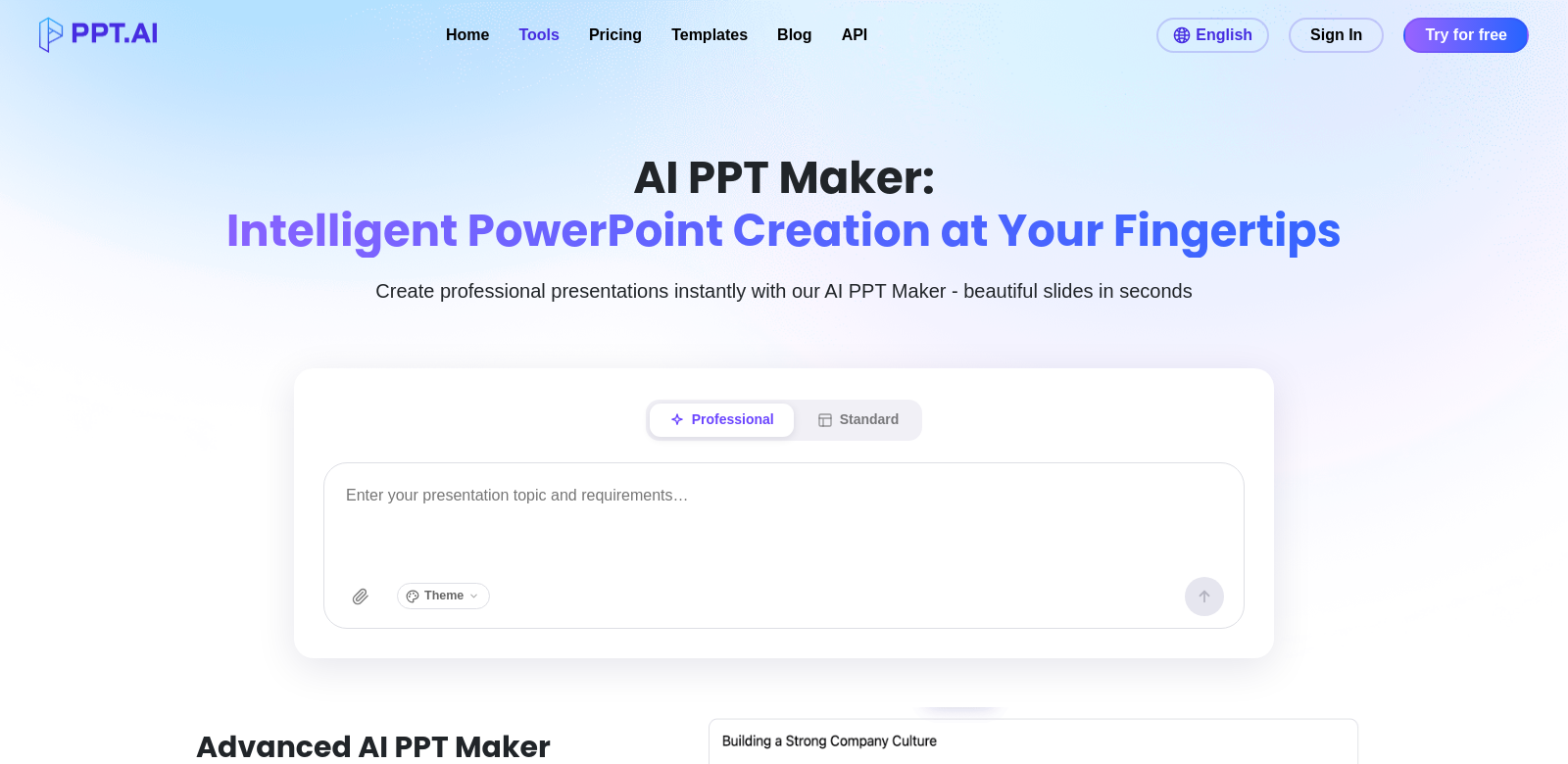
Presentations are a big part of professional life, but making them look good and pack a punch can be a real headache. You're often short on time and maybe not a design whiz. That's where AI PPT Maker comes in. It uses artificial intelligence to turn your ideas into presentations, fast. This software handles the boring design stuff, so you can focus on what you want to say.
Who uses AI PPT Maker?
Lots of different people use AI PPT Maker because they need good presentations, quickly.
- Business Professionals: If you're in the corporate world, you know you need to impress clients or stakeholders with presentations. AI PPT Maker helps you create polished slides quickly, so you can focus on your message, not the formatting.
- Educators: Teachers and professors can use AI PPT Maker to build engaging lessons. It helps add multimedia and visuals, making complex topics easier for students to grasp.
- Students: When you're swamped with assignments, whipping up great-looking slides in minutes is a lifesaver. AI PPT Maker takes care of the visuals, so you can focus on research.
- Marketing Teams: Marketers need to create persuasive presentations for pitches and strategies, often on short notice. This tool helps them put together professional decks fast, so they can react quickly to market changes.
- Event Coordinators: If you're organizing conferences or workshops, you'll need many presentations. AI PPT Maker helps create consistent, attractive slides that flow well from one speaker to the next, which makes the event better for attendees.
The problem with presentations (and how AI PPT Maker fixes it)
Making presentations the old way often runs into snags.
Common presentation problems
- They take too long: Building slides by hand can eat up hours you could spend on other, more important work.
- Design isn't everyone's strong suit: Not everyone's a designer. That often means dull, generic presentations that don't grab anyone's attention.
- Too much information: It's tough to boil down complex info for slides. Too often, people end up with too much data, which just confuses the audience.
- Inconsistent look: If several people work on a presentation, it can end up looking messy and disjointed, and that's distracting.
- Last-minute stress: Rushing to finish a presentation often means lower quality and a lot of stress.
How AI PPT Maker helps
AI PPT Maker tackles these problems head-on with smart features that make presentation creation easy. It automates slide design, using AI to understand your input and build professional-looking slides effortlessly. This saves time and makes sure your presentations meet modern design standards, even if you're not a designer.
You just put in your content. The tool analyzes it to highlight key points on the slides. You can also customize designs and layouts to match your brand. By simplifying content formatting, AI PPT Maker helps keep presentations clear and effective, so it's easier to connect with your audience.
A quick example
Picture a marketing team gearing up for a big product launch. They're on a tight deadline with tons of info to share. They use AI PPT Maker. They feed in their main points, data, and images. Moments later, they get a set of polished slides. This not only makes them feel more confident but also improves the presentation itself, freeing them up to focus on delivering their message.
Key features of AI PPT Maker
AI PPT Maker changes how you create presentations, thanks to these features:
- Automatic Slide Generation: Turn your ideas into slides instantly, saving you hours of manual work.
- Customizable Templates: Pick from many professional templates and tweak them to fit your style and brand.
- Content Clarity Optimization: The software helps make your key points clear and easy for your audience to understand.
- Multimedia Integration: Easily add pictures, videos, and animations to make your presentations more engaging.
- Collaborative Tools: Share and work on presentations with your team, so everyone's on the same page before you present.
AI PPT Maker: Your questions answered
-
How does AI PPT Maker work? It uses AI to understand what you type and automatically creates PowerPoint slides. It looks at your content and key points to build slides that look good and get your message across.
-
Can I use it for any type of presentation? Yes, it's flexible. Use it for business, school, or even casual presentations. It has templates and design options for all sorts of topics and styles.
-
Can I change how my presentations look? Definitely! AI PPT Maker gives you a starting point, but you can customize templates, adjust designs, and move content around to get things just right.
-
**What makes it different from other