Atracker: Your Self-Hosted Tracker for Media Tagging
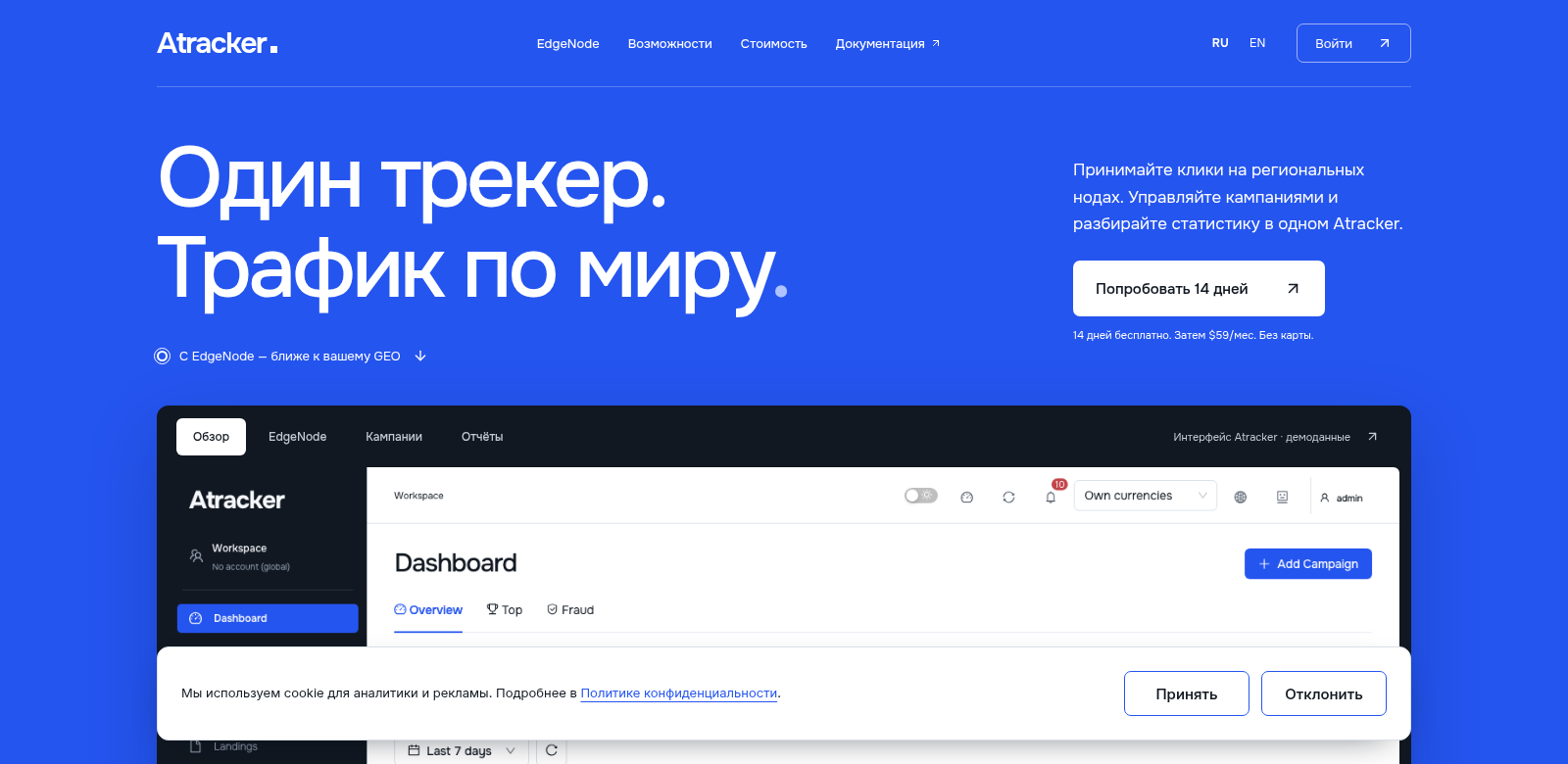
Atracker is a powerful self-hosted tracker built specifically for media tagging. It gives you unique control over your tracking, whether you're working alone or with a team. Atracker connects smoothly with EdgeNode and includes a smart AI agent. For just $59 a month, you unlock a ton of features that make tracking easier and more effective. Want to see it in action? You can try Atracker free for 14 days and explore everything it offers before you commit.
Who Uses Atracker?
Atracker helps all sorts of people and teams, each with their own specific needs. Here's a look at who benefits most and how Atracker helps them:
-
Freelancers: Juggling multiple projects for different clients is tough. Atracker lets freelancers easily track task progress for each client, keeping them organized and on schedule.
-
Content Creators: If you make videos, podcasts, or articles, Atracker helps you manage your workflow. Creators can keep an eye on their media tagging and fine-tune their content strategies over time.
-
Small Business Owners: Small businesses use Atracker to track marketing efforts and customer interactions. This clear view helps them make smarter decisions based on real data.
-
Marketing Teams: Marketing pros get a lot out of Atracker’s analytics. These tools help them plan campaigns with solid media tracking data.
-
Software Developers: Developers can log project tasks and track their progress efficiently, tying their coding work directly to project goals.
The Problems Atracker Solves
Modern teams often hit roadblocks when managing media content and tracking tasks. Atracker steps in to fix these common issues:
What We Saw as Problems
-
Disorganization: Many people struggle to track multiple projects, which leads to wasted time and missed deadlines.
-
Data Silos: Information often gets stuck in separate systems within organizations, making it hard to get useful insights.
-
Slow Collaboration: Teams need tools that allow for instant feedback, but most standard tracking solutions don't offer this.
-
Poor Visibility: It's usually hard to get a clear, single view of task performance and project status.
How Atracker Helps
Atracker brings media tracking and project management together into one smooth workflow. Its straightforward interface lets you:
- Put all your task information in one place, making everything clear and organized.
- See real-time analytics that pull data from all your media channels, giving you valuable insights for decisions.
- Work better with your team through sharing features that allow for instant feedback and project updates.
- Customize your dashboard to focus on performance and status, giving you a better overview.
Real-World Uses
Atracker is flexible enough for many different industries and jobs. Here are a few examples:
- Content Production: A film crew tracks media assets and project stages, making sure deliveries happen on time.
- Event Management: An event coordinator uses Atracker to schedule and monitor every task for event prep, boosting efficiency.
- Digital Marketing Agencies: Agencies can monitor various campaigns, analyzing performance across different channels from one dashboard.
Key Features of Atracker
Atracker comes packed with features that set it apart from typical tracking tools:
-
Self-Hosted: Install Atracker on your own servers. This means your organization controls its data security and privacy.
-
AI Integration: Our AI helps automate tagging and offers insights based on your past data.
-
Collaboration Tools: Built-in features let your team work together in real-time, making communication easy.
-
Custom Dashboards: Tailor your dashboards to show exactly what matters most to you, giving you better operational control.
-
Detailed Reporting: A range of reporting options helps you analyze performance metrics and make data-driven decisions.
Atracker: Your Questions Answered
-
What is Atracker? Atracker is a self-hosted tool that simplifies media tracking and project management for individuals and teams. It uses AI and EdgeNode to give you powerful tracking capabilities while keeping your data secure on your own servers.
-
How does the 14-day trial work? Just sign up for the free 14-day trial on the Atracker website. You can explore all the features without paying anything upfront. It's a great way to fully test the solution before you decide to buy.
-
Is Atracker easy to set up? Yes, Atracker is designed for quick and easy installation. Our comprehensive documentation means even those new to tech can get started without trouble.
-
Can I customize the features? Yes! Atracker lets you customize many features, like dashboards and notifications, to fit your exact needs. This flexibility makes it useful for a wide range of situations.
-
Does Atracker provide customer support? Yes, Atracker offers extensive customer support. This includes documentation, FAQs, and direct support channels, so you can always get help when you need it.