Burning Bridges AI: Turn Photos into Viral Videos
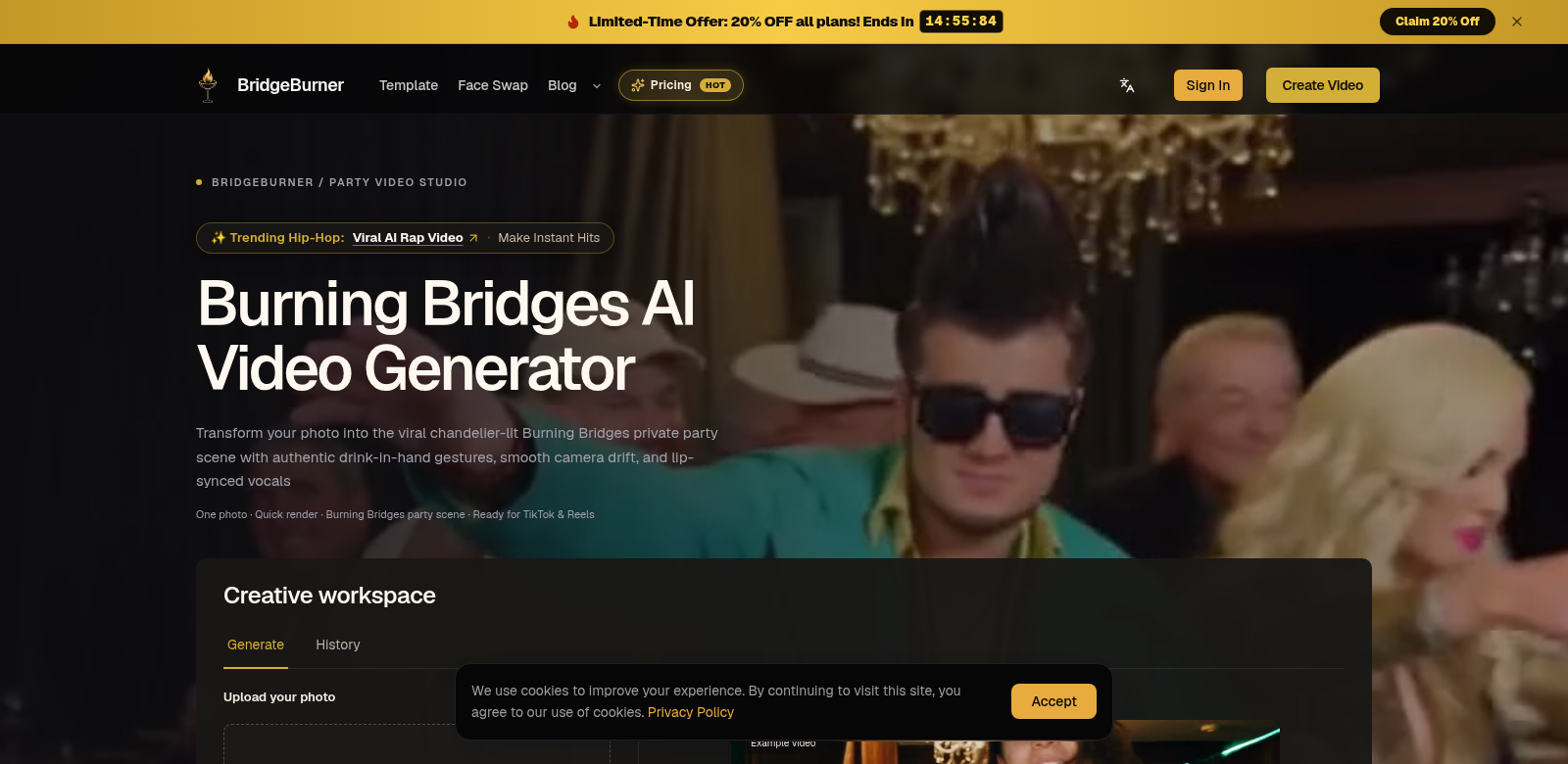
Burning Bridges AI changes how you make videos. It takes your regular photos and transforms them into eye-catching clips perfect for TikTok and Instagram Reels. The best part? You keep your original style and quality, and you don't need any editing skills or prompts. With social media hungry for more visual content, Burning Bridges AI gives creators and businesses a real edge, helping them get noticed online. It lets you whip up impressive videos quickly, saving you time and hassle – a must-have in today's fast-paced digital world. Check it out: Burning Bridges AI.
Who Uses Burning Bridges AI?
Burning Bridges AI helps all sorts of people, thanks to how easy it is to use and what it can do. Here are some of the folks who get a lot out of it:
-
Social Media Influencers: Influencers constantly need fresh, high-quality content. Burning Bridges AI lets them turn photos into great videos without effort, keeping their feed lively and their brand voice consistent.
-
Small Business Owners: Video is key for digital marketing. Small businesses can use Burning Bridges AI to make promo videos from their existing images, skipping expensive production costs and competing better.
-
Content Creators and Artists: If you're an artist or creator, this platform makes it simple to turn static images into dynamic video. It's a powerful way to show off your work and stand out.
-
Marketing Professionals: Marketers in the fast-paced digital world can quickly make video ads from promotional images with Burning Bridges AI. This means more engagement and more time to focus on strategy, not just making the ads.
-
Event Planners: Planners can transform event photos into memorable video highlights for clients or social media. It adds a nice touch to their service and makes clients happier.
What Burning Bridges AI Solves
Making good videos that people actually want to watch is tough, especially as everyone expects more and more digital content.
The Problems
-
No Time: Creators are always under pressure to churn out new content, which can be exhausting.
-
No Skills: Most people don't have the video editing skills or software needed to make videos that stand out.
-
Too Expensive: Traditional video production costs a lot. Small businesses and new creators often can't afford the gear and experts.
-
Hard to Engage: With so much video out there, businesses find it hard to grab and keep their audience's attention without top-notch visuals.
The Burning Bridges AI Solution
Burning Bridges AI fixes these problems with its easy-to-use platform. It takes your images and turns them into videos, so you don't need any technical skills or fancy editing software. Just grab your photos – from an event, a product launch, or your art – and quickly make them into eye-catching videos. You can also tweak them with different options to match your audience's style, making them more engaging and shareable.
A Real-World Example
Imagine a social media marketing team. They're always scrambling to make lots of content on a tight deadline. With Burning Bridges AI, they can quickly turn their photo collection into popular video formats their audience will love. For example, after a product launch, they can take those event photos and instantly create lively video clips to share everywhere. This boosts brand visibility and gets people talking. The tool is also great for event planners who want to make recap videos – a nice way to give attendees a memorable souvenir.
What Burning Bridges AI Does Best
Burning Bridges AI has some great features that make it a joy to use:
-
Turn Photos into Videos, Fast: Just a few clicks, and your still images become vertical videos ready for social media.
-
No Editing Skills Needed: Anyone can make professional-looking videos, even if they've never edited before. The platform handles it.
-
Blazing-Fast Processing: Get your videos generated quickly, so you can keep up with social media's demands.
-
Keeps Your Original Style: Our tech makes sure your final video looks and feels like your original photos, keeping your message and style consistent.
-
Make It Your Own: Add captions, effects, and music to personalize every video you create.
Burning Bridges AI: Your Questions Answered
-
What kind of content can I make? You can turn almost any visual material into a video. Think promo images, artwork, or event photos – anything you want to share on social media.
-
Do I need experience to use this? Nope! Burning Bridges AI is super easy to use. You don't need any special skills or training to create great videos.
-
Can I customize my videos? Absolutely. You can add your own captions, effects, and music to make each video truly yours.
-
How does it keep my original style? Our tech focuses on keeping the look and feel of your original images intact as it converts them. This means your videos tell a consistent story.
-
Is there an upload limit for images? You can upload many images to create your videos. The platform handles various uploads for all kinds of projects.