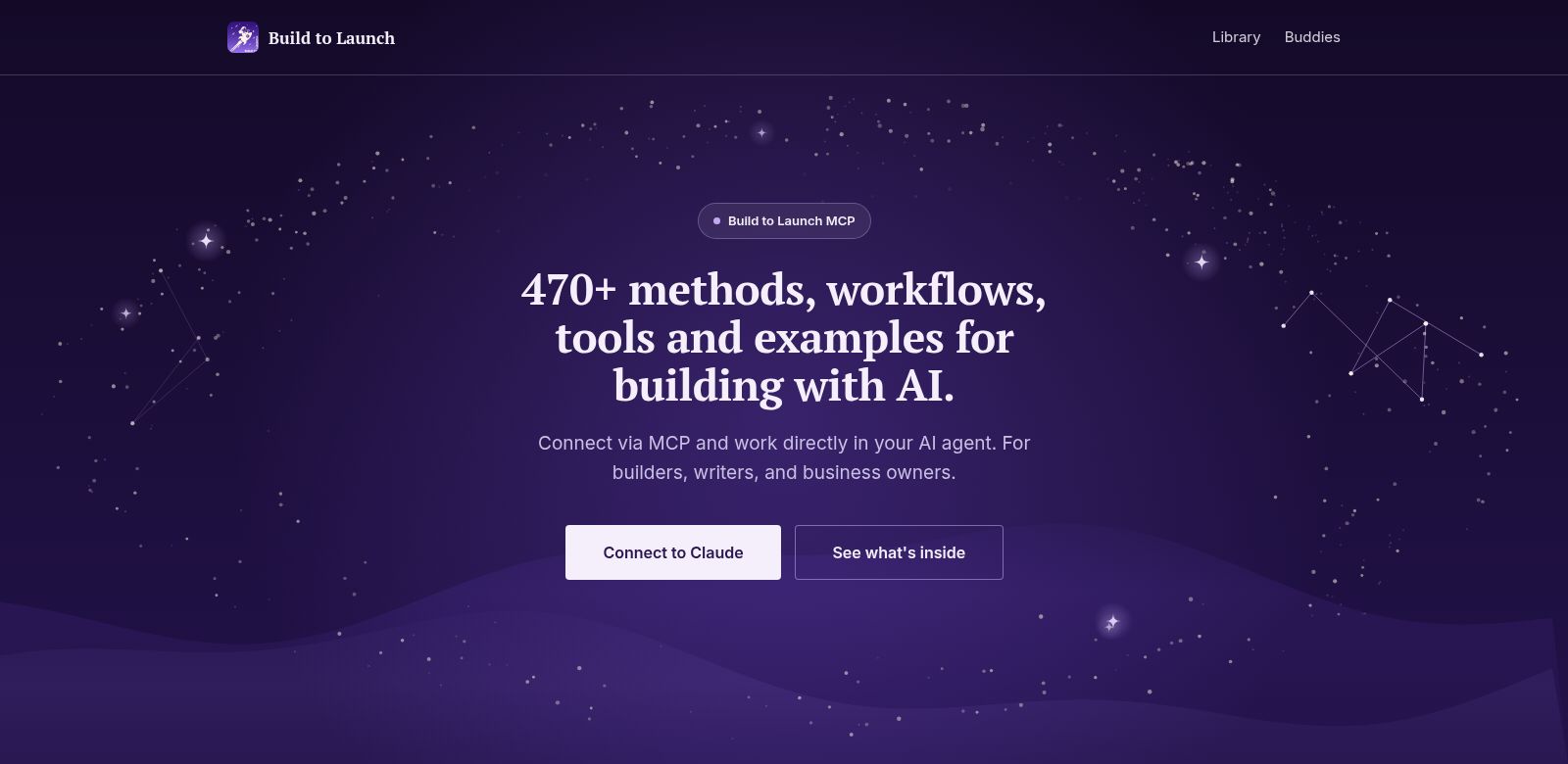
Build to Launch: The Official MCP for Claude
Build to Launch helps AI agents do more. It's a platform that brings together a huge collection of methods and tools—over 470 methods and more than 140 live tools, to be exact. This makes it a serious player in AI development. Whether you're just starting out or you're an experienced pro, Build to Launch offers what you need to get more done and be more creative. It gives you a clear, organized way to use your AI systems to their fullest. Find out more at Build to Launch.
Who Uses Build to Launch?
Build to Launch serves a wide range of people, each with their own needs. Understanding these different users shows how the platform helps everyone.
-
AI Developers: Developers building new software need solid tools for testing, integrating, and deploying their AI. Build to Launch delivers this with its many methods and live tools. It cuts down development time and makes AI outputs more reliable.
-
Business Analysts: Business analysts rely on data to make smart decisions. Build to Launch's methods let them use data analytics tools to understand complex information and create strategies that actually work for their business.
-
Educators and Trainers: Educators who want to teach AI find Build to Launch incredibly useful. Its many methods help them show how AI works in the real world, making lessons more engaging and practical.
-
Startups: Startups get a huge boost from Build to Launch. It gives them access to the same advanced tools and methods that bigger companies use. This levels the playing field, helping startups quickly develop and test their AI solutions.
-
Research Institutions: Researchers need dependable, efficient tools for experiments and data collection. Build to Launch meets these demands by putting various methods onto one easy-to-access platform, making research more efficient.
Problems Build to Launch Solves
AI development and integration come with plenty of headaches. Build to Launch tackles these head-on with its smart platform.
Common Problems We Saw
-
Tool Integration is a Mess: Many users struggle to connect different AI tools. It's often a slow, frustrating process that kills new ideas and messes up workflows.
-
Limited Access to Tools: Teams often can't get their hands on all the tools and methods they need. This limits what they can build and stops them from using advanced AI features.
-
Not Enough Training and Support: There's a real lack of good training for new tools. Users end up feeling lost and can't get the most out of their AI systems without proper guidance.
How Build to Launch Helps
Build to Launch simplifies these challenges. It brings together over 470 integration methods and 140 live tools into one platform. This means users can easily connect different parts of their AI systems. Its straightforward interface makes navigating tools simple. Plus, Build to Launch offers plenty of learning materials, like documentation and tutorials, to help users get good at what they're doing. This way, people can confidently use these tools in their projects.
What You Can Do With It
Build to Launch is incredibly flexible, showing up in many different use cases. From building customer service chatbots to analyzing natural language for sentiment, it gives users the tools they need for all sorts of projects. Schools use the platform to teach AI basics, while businesses use its power for market research and predicting trends. Its ability to adapt across industries makes Build to Launch a top choice for anyone looking to get the most out of their AI efforts.
Top Features
Build to Launch stands out because of its many features, designed for all kinds of users.
-
All-in-One Tool Integration: The platform offers over 470 methods and 140 live tools. They all work together smoothly, so you don't have to worry about compatibility.
-
Easy-to-Use Interface: The clean interface means you can find your way around without getting overwhelmed.
-
Lots of Learning Resources: You get a rich collection of tutorials and guides to help you understand and use AI methods effectively.
-
Always Up-to-Date: Build to Launch constantly updates, so you always have access to the newest tools and methods.
-
Community Support: A lively community helps users connect, share knowledge, and get tips from each other.
Frequently Asked Questions
-
What kinds of tools does Build to Launch offer? Build to Launch provides a wide range of tools for AI development, including data analysis, natural language processing, and visualization.
-
How do I get started with Build to Launch? It's easy to get started. Just sign up on their website, check out the tools, and use the educational resources to learn how to integrate them into your projects.
-
Is there a community or support system? Yes, Build to Launch has a strong community where users can connect for support, share best practices, and find solutions to common problems.
-
Can Build to Launch handle projects of any size? Yes. Whether you're working on a personal project or a large enterprise application, Build to Launch offers the flexibility and tools you need for any scale.
-
What if I have more questions? You can reach out through the support section on the Build to Launch website. You'll also find more support and community engagement there.