ButterKit: Make Your App Store Screenshots Shine
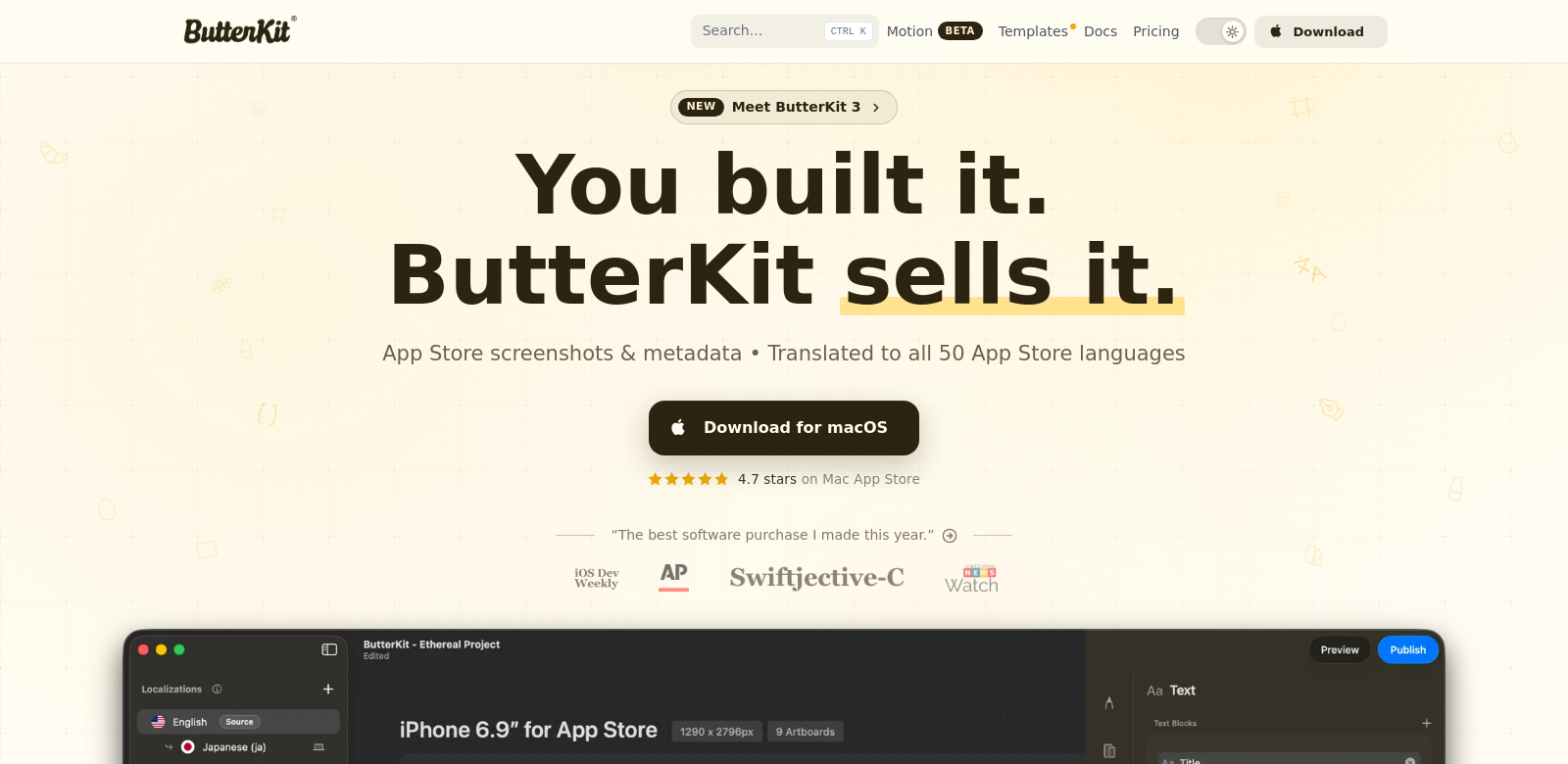
ButterKit is a macOS app that makes creating great App Store screenshots simple. It lets you grab images right from Xcode, put them in 3D frames, automatically translate text into different languages, and export everything in bulk, ready for upload. With ButterKit, your app can stand out in a crowded market, which means more downloads and happier customers. If you're building or marketing apps, ButterKit is a huge help, simplifying a usually tedious process and making your screenshots look fantastic.
Who Uses ButterKit?
ButterKit helps all sorts of app developers and marketers who want their App Store listings to perform better. Here's a look at who benefits most:
-
Independent Developers: Independent developers often don't have big design teams. ButterKit is perfect for them because it helps create professional-looking screenshots without needing graphic design skills. This saves time and makes sure their apps catch the eye of potential users.
-
Small to Medium Businesses (SMBs): SMBs need every advantage in the app market. ButterKit lets them quickly make localized screenshots, helping them reach global audiences and adapt to different market demands. The bulk export feature also makes their work much faster.
-
Marketing Agencies: Marketing pros use ButterKit to create visuals that really show off an app's features. For agencies juggling many projects, ButterKit simplifies the design process, ensuring clients get attractive, relevant screenshots every time.
-
App Publishers: Publishers need compelling visuals to draw users to their platforms. ButterKit helps them generate lively, engaging screenshots that can significantly boost conversion rates and overall app performance.
-
Entrepreneurs: Entrepreneurs with new app ideas can use ButterKit to create striking screenshots that effectively present their products. This is critical when launching an app, as first impressions are everything.
What ButterKit Solves
The app development world moves fast, and marketing and asset creation often come with big headaches. ButterKit tackles these head-on, making your app presentation much smoother.
Common Problems
-
Limited Design Resources: Many developers lack high-quality design assets or the expertise to create them. ButterKit gives developers easy-to-use tools to generate professional screenshots without needing a design background.
-
Time-Consuming Localization: Translating screenshots for different markets can take forever and lead to mistakes. ButterKit's auto-translate feature speeds this up, keeping everything consistent and accurate across various app store regions.
-
Tricky Screenshot Capture: Grabbing app screenshots from Xcode can be a pain. ButterKit simplifies this by letting you capture directly, making your workflow much smoother.
ButterKit's Solution
ButterKit solves these problems with its comprehensive features. The app lets developers capture screenshots precisely and frame them beautifully in 3D. The localization process is seamless, helping users reach wider audiences and tailor their marketing for different regions. By automating much of the screenshot creation, users can spend more time on their core development work, which is where the real innovation happens.
How You Might Use ButterKit
ButterKit is flexible and fits into many different situations:
-
Launching a New App: When you're launching a new app, use ButterKit to create initial marketing visuals that highlight unique features. This can really boost early user engagement.
-
Updating Existing Apps: For apps with big updates, adding new screenshots through ButterKit can refresh their App Store presence, clearly showing off improvements and new features.
-
Marketing Campaigns: During specific marketing campaigns, agencies can use ButterKit to produce visuals that match their message, ensuring consistency across all promotional materials.
Top Features
ButterKit stands out because of its powerful features, all designed to simplify screenshot creation and localization:
-
Direct Xcode Capture: Get exact screenshots straight from Xcode, no more guesswork or fiddling around.
-
3D Framing: Frame your screenshots in 3D for a striking visual that grabs attention.
-
Auto-Translation: Automatically translate text for screenshots, so you can localize your marketing materials without extra effort.
-
Bulk Export Options: Export many screenshots at once, saving you time and speeding up your submission process.
-
User-Friendly Interface: It's designed to be easy to use, letting anyone create professional visuals effortlessly.
Frequently Asked Questions
-
How does ButterKit help with localization? ButterKit simplifies localization with automatic translation features that keep your messaging accurate and consistent across different markets. This saves developers from manually translating text, freeing them up to focus on the creative side of their marketing.
-
Is ButterKit suitable for all types of app developers? Yes, ButterKit works for a wide range of users, from independent developers to large marketing agencies. Its easy-to-use interface and powerful features make it accessible no matter your technical skill level.
-
Can I use ButterKit for creating screenshots for Android apps? ButterKit is built specifically for macOS App Store screenshots. While many of its features might inspire similar workflows for Android developers, you'd likely need other tools for specific Android requirements.
-
What platforms does ButterKit support? Currently, ButterKit is optimized for macOS, specifically for developers working on iOS applications. We might broaden its platform compatibility in future updates.
-
How does bulk export work in ButterKit? The bulk export feature lets you export multiple screenshots at the same time. You can choose your preferred formats, making it easy to upload them to app store listings or use in marketing materials. This speeds up the whole app marketing process.