Guide to Carousel Posts for Social Engagement
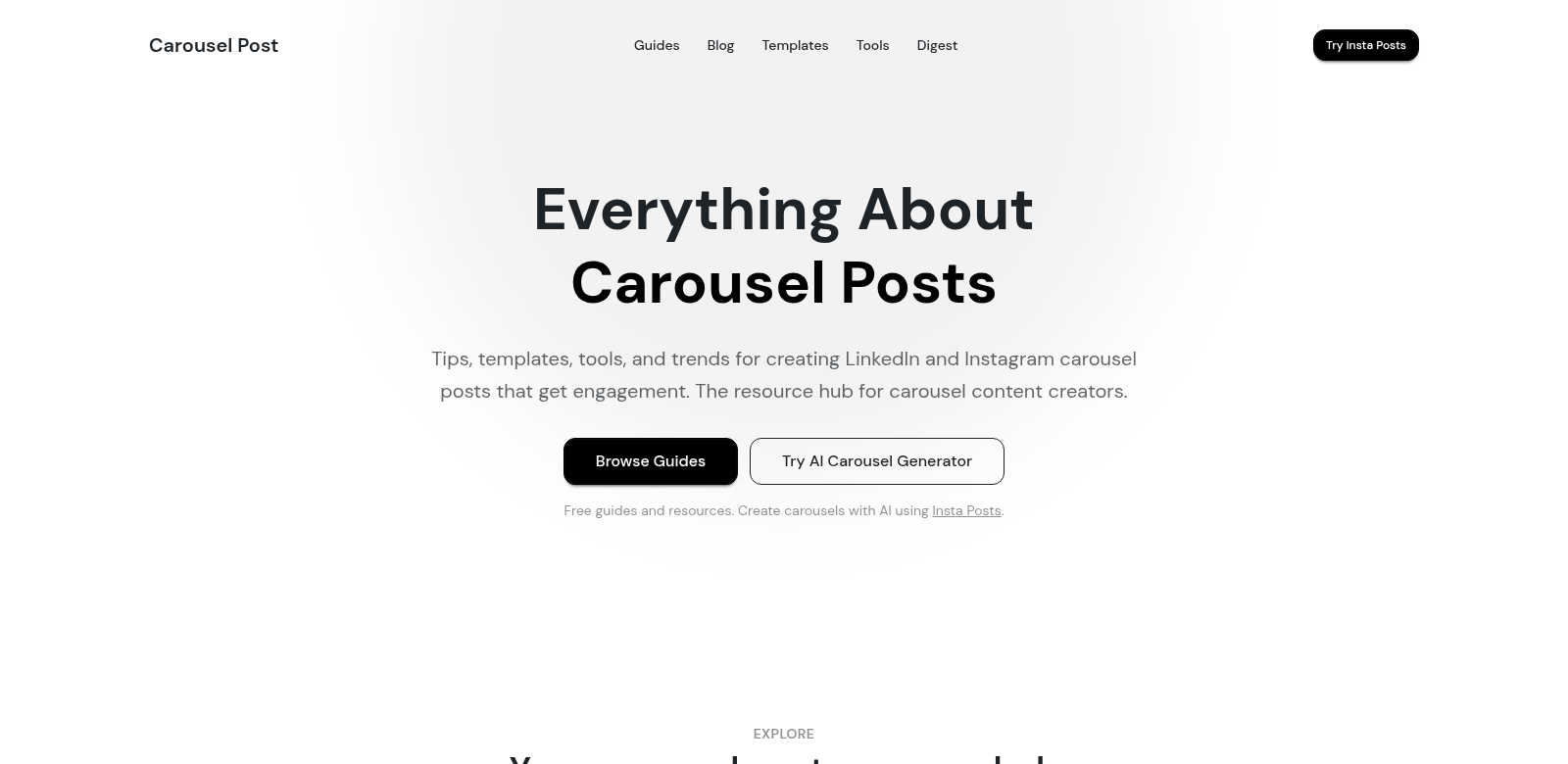
Carousel posts are everywhere on social media, especially on LinkedIn and Instagram. They let you pack multiple images or videos into one post, getting people to swipe through and engage with what you've shared. With so many brands and creators using them, knowing how to make a good one is key. That's where Carousel Post comes in: it offers tips, templates, and tools to help you create carousels that actually get noticed.
Customers of Carousel Post
Carousel Post is built for social media marketers, content creators, and businesses looking to boost their online presence. They use carousels to tell stories, share information, and generally connect with their audience. Let's look at who benefits most from Carousel Post.
-
Social Media Marketers: Marketers use carousels to show off different parts of a campaign all at once. They can tell a story, detail product features, or explain services, which helps get people interested and, hopefully, convert them into customers.
-
Content Creators: Creators find carousels great for sharing a story or a visual series. It's a way to show off their creative side and get their message across to followers.
-
Small Business Owners: Small business owners can use carousels to feature their products or services, or even give a peek behind the scenes. It's a good way to grab new customers and keep current ones in the loop.
-
Digital Marketing Agencies: Agencies use carousels to run effective campaigns across different platforms. They can take complicated ideas and break them down simply, making them appealing to their clients' audiences.
-
Influencers: Influencers use carousels to share stories or personal experiences that grab their followers' attention. This keeps people interested and encourages them to like, comment, and share.
Problems and solution by Carousel Post
Making good carousel posts isn't always easy. Carousel Post helps users tackle these common problems by giving them the right tools to make their content shine.
Problems Carousel Post helps solve
-
Lack of engagement: Lots of social media posts just don't grab people. Often, it's because the content looks too similar, so people scroll past.
-
Visual overload: Stuffing too much info onto one slide can overwhelm viewers, making them just give up.
-
Difficulty in storytelling: It's tough for marketers and creators to tell a full story when they only have a little space.
-
Ineffective content planning: People often struggle to plan how their content should flow from one slide to the next, which makes the whole post less impactful.
Solution by Carousel Post
Carousel Post helps users get around these problems with detailed guides and tools specifically for making great carousels. With its templates and professional tools, marketers can create good-looking content that's split up nicely across slides, keeping people engaged from start to finish. Carousel Post makes it easier to build stories and visual flows that keep viewers swiping and, hopefully, turn them into loyal customers. Plus, the platform gives smart advice on planning content for the best results.
Use case
People use Carousel Post's resources for all sorts of things. A company, for instance, could make a carousel that shows off each product feature, or even a step-by-step guide. Influencers might share a series of photos from their day or experiences, connecting with their audience through relatable content. Even educational material becomes easier to understand when it's broken down into carousel posts, letting you explain topics one step at a time for better learning.
Top features of Carousel Post
Carousel Post provides several standout features that support users in their content creation journey:
-
Templates: The platform has tons of ready-made templates you can tweak to match your brand. This makes it simple to look professional, even if you're not a designer.
-
Content strategies: Carousel Post gives users strategies specifically for carousels, showing them how to get better engagement.
-
Analytics tools: The service comes with analytics tools so you can see how your posts are doing. This helps you adjust and improve your approach based on real numbers.
-
Tutorials and guides: Users get access to lots of tutorials and guides. These teach you how to make great content and really understand how social media works.
-
Community: Carousel Post has a community where customers can swap stories, share tips, and get feedback on their posts from others. It's a great way to learn together.
Frequently asked questions about Carousel Post
-
How can I improve engagement on my posts? Try using carousels to show different kinds of content. They're interactive, which grabs people's attention and gets them swiping through your slides.
-
What types of content work best in carousel posts? Carousels are great for lots of things: showing off product features, tutorials, tips, or telling a story. If your content works well in a step-by-step format, it'll do great here.
-
Are templates included with this service? Yes! Carousel Post has a huge range of customizable templates for all sorts of content. You can easily make good-looking posts that fit your brand.
-
Can I track how well my carousel posts are performing? Yes, you can. Carousel Post gives you analytics tools to track engagement and see how people interact with your posts. This helps you make smarter changes.
-
Is there a community for support? Yep, there's a community platform. You can share ideas, get feedback, and learn from other users' experiences.