Streamlining Image Generation with Clawpaint
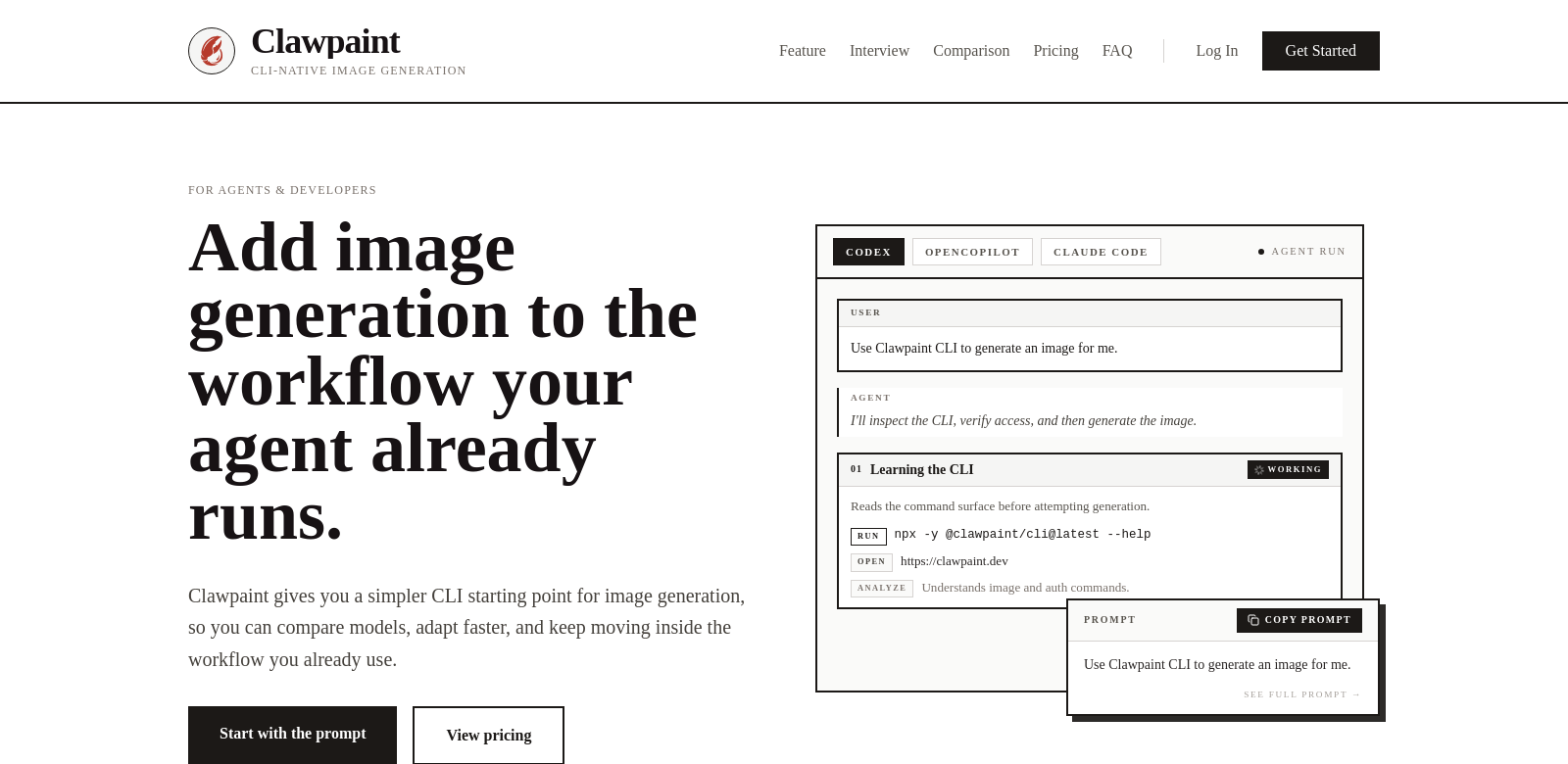
Clawpaint is changing how professionals work with image generation. It offers a simple command-line interface (CLI) that's a great starting point for any image generation task. This lets you quickly compare different image generation models, adapt to changes without a fuss, and keep your workflows smooth. Clawpaint is made to fit right into your current processes, making it a must-have for teams looking to boost their image-related productivity.
Who Uses Clawpaint?
Clawpaint is useful for all sorts of people, each needing something a little different from their image generation tech. Here are a few examples of how Clawpaint helps different folks:
-
Graphic Designers: Designers are always on a deadline and need great images, fast. Clawpaint makes image generation a breeze, letting them test and swap models easily. This helps them make eye-catching graphics without the usual time crunch.
-
Marketing Professionals: Marketing teams need images for their campaigns. Clawpaint gives them a way to quickly generate images that match their brand. The ability to switch models on the fly means they can keep up with the latest trends.
-
Game Developers: Games need tons of cool visuals. Clawpaint lets developers play with different art styles and create assets that make the game better. They can try out different models to get the perfect look and feel.
-
Content Creators: Bloggers and video creators use images to tell stories. Clawpaint makes it easy to find and create the right images, so they can focus on making great content instead of struggling with visuals.
-
Software Engineers: Engineers who need to analyze images can use Clawpaint to make fake images for training machine learning models. Quickly generating lots of different images makes the models stronger and perform better in the real world.
Clawpaint: Solving Problems
Image generation can be tricky in today's fast-moving digital world. Clawpaint is here to fix that.
What Problems Did Clawpaint Find?
-
Time Waste: Image generation can take forever, slowing down projects.
-
Model Confusion: It's hard to compare different models without the right tools, which can delay decisions.
-
Workflow Chaos: Many image generation tools force you to change your whole workflow, which nobody wants.
-
Quality Issues: Different models can produce wildly different results, leading to inconsistencies.
-
Adaptability Problems: Not being able to quickly switch between models can hold you back.
How Clawpaint Solves It
Clawpaint tackles these issues with features designed for efficiency and flexibility. The simple CLI lets you run commands quickly and focus on being creative. Comparing models side by side helps you make smart decisions and get visuals done faster. Plus, Clawpaint is designed to fit into your existing workflows, so you don't have to change everything.
Clawpaint also makes sure the output quality is high and consistent. It uses smart algorithms to give you reliable results while still letting you explore different creative avenues.
Real-World Use
Here's how Clawpaint can be used: A graphic designer might use it to create promo materials for a product launch, quickly generating images in different styles to find the best one.
Or, a game studio could use Clawpaint to prototype character designs in various settings, getting a feel for gameplay and story engagement without wasting resources.
Top Clawpaint Features
Here's what makes Clawpaint stand out:
-
Easy CLI: The simple command-line interface means anyone can use it without a steep learning curve.
-
Quick Model Comparison: Easily compare different image generation models to find the perfect one.
-
Seamless Integration: Clawpaint fits into your existing workflows, so you don't have to overhaul your systems.
-
High-Quality Output: Consistent quality across all generated images ensures top-notch results.
-
Flexibility: Quickly switch between different models to keep up with fast-moving projects.
Clawpaint FAQs
-
What kind of projects is Clawpaint good for?
Clawpaint is versatile and works for graphic design, marketing, game development, content creation, and more. It adapts easily to different project types, making it a great choice across industries. -
How does Clawpaint make sure the images are high quality?
Clawpaint uses smart algorithms to enhance image quality and keep it consistent across different models. You can trust that the images will meet professional standards. -
Is Clawpaint easy to integrate?
Yes, Clawpaint is designed to fit into your existing workflows with minimal adjustments, making it easy to adopt. -
Can I compare models?
Absolutely! One of Clawpaint's best features is the ability to compare models effortlessly, helping you make informed decisions. -
What kind of support is available?
Clawpaint offers comprehensive support, including documentation, tutorials, and community forums, so you can quickly troubleshoot issues and improve your skills.