Crop PDF Pages with WPS Tool
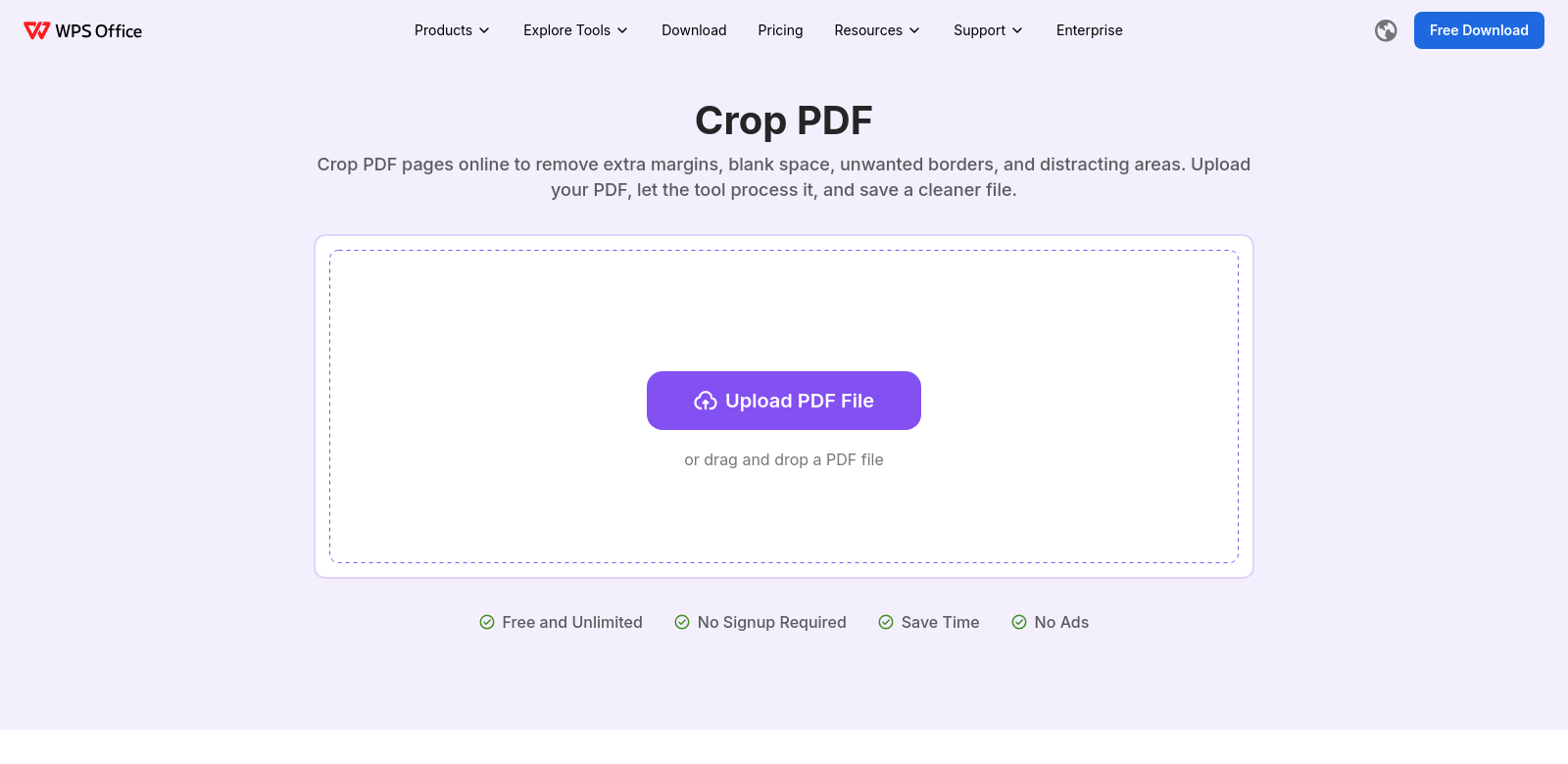
We all deal with PDFs these days, whether for work, school, or just personal stuff. But often, you run into oversized pages or annoying margins that just make your documents look messy. WPS offers a free, easy-to-use tool specifically for cropping PDFs. It lets you quickly trim margins and clean up pages before you save. With WPS's Crop PDF tool, you can make your PDFs look much better in just a few clicks. It's perfect for anyone, from professionals to casual users.
Who Uses WPS?
It's worth seeing who uses WPS to understand how flexible its PDF cropping tool really is. WPS helps all sorts of people with different needs, like:
-
Students: Students live with PDFs for assignments, research, and e-books. Cropping margins helps them turn in cleaner work and makes scanned documents easier to read.
-
Professionals: Professionals often need to make sharp-looking presentations and reports. WPS's cropping tool helps them make sure every document looks tidy and professional.
-
Graphic Designers: Designers often use PDFs to show off their visual work. Cropping helps them get rid of extra white space, letting their designs stand out.
-
Teachers and Educators: Teachers can use cropping to prepare teaching materials. This helps make content more engaging by fitting it visually to what students need.
-
Home Users: Everyday users might need to tweak family documents or photos shared as PDFs. WPS offers an easy way for anyone to improve their PDFs for personal use.
What Problems WPS Solves
WPS's Crop PDF tool fixes a few common problems people run into with PDFs.
Common PDF Problems
-
Unwanted Margins: Scanned documents often have too much white space. This distracts from the content and makes it hard to focus on what's important.
-
Oversized Pages: Scanning documents can sometimes create pages that are too big, especially for people viewing them on smaller screens.
-
Inconsistent Appearance: Professionals need PDFs to look consistent across all documents. Oversized pages mess with that visual consistency.
How WPS Helps
WPS’s Crop PDF tool solves these problems simply, thanks to its easy-to-use interface. You can easily upload your PDF, pick the margins to crop, and see your changes before saving the document. This makes sure your documents look good, with all the extra stuff trimmed off. Plus, the tool is free and online, so you can use it from any device without paying or downloading anything.
Real-World Examples
WPS's Crop PDF tool can be used in many different situations. For example, a student working on a final project can use it to make sure their document has no distracting margins. A graphic designer might crop a PDF presentation to show off their work, getting rid of extra white space around images. Likewise, a teacher can use the tool to make lecture notes more compact, helping students focus better on the content.
Key Features
The WPS Crop PDF tool comes with several features that make it easy and effective to use:
-
User-Friendly Interface: Its clean, simple interface means anyone can navigate and crop PDFs easily, no tech skills needed.
-
Preview Functionality: You can see your changes instantly, so you're happy with how things look before you save.
-
Speed: It processes quickly, letting you finish cropping in just seconds.
-
Online Access: Since it's online, you don't need to install anything. You can access it from anywhere, on any device with internet.
-
No Cost: WPS gives you a great service without any fees, making it a good choice for everyone.
Common Questions
-
Can I crop multiple PDF pages at once? Right now, WPS's Crop PDF tool lets you select and crop one document at a time. But you can easily repeat the process for multiple files pretty fast.
-
Is my PDF content secure when using the online tool? Yes, WPS takes your privacy seriously. All uploaded documents are processed securely, and your original files aren't stored after you're done.
-
What file types can I upload? The Crop PDF tool only supports PDF format. If you need to, you can convert other files to PDF using WPS's other tools.
-
Is there a limit to the size of files I can upload? WPS doesn't have strict limits, but bigger files might take longer to process. It's best to keep files manageable for faster edits.
-
Do I need to create an account to use the tool? No, WPS’s Crop PDF tool is free to use without an account. You can crop documents instantly.