CSVtoSheets: Open CSVs in Google Sheets, Instantly (on Mac)
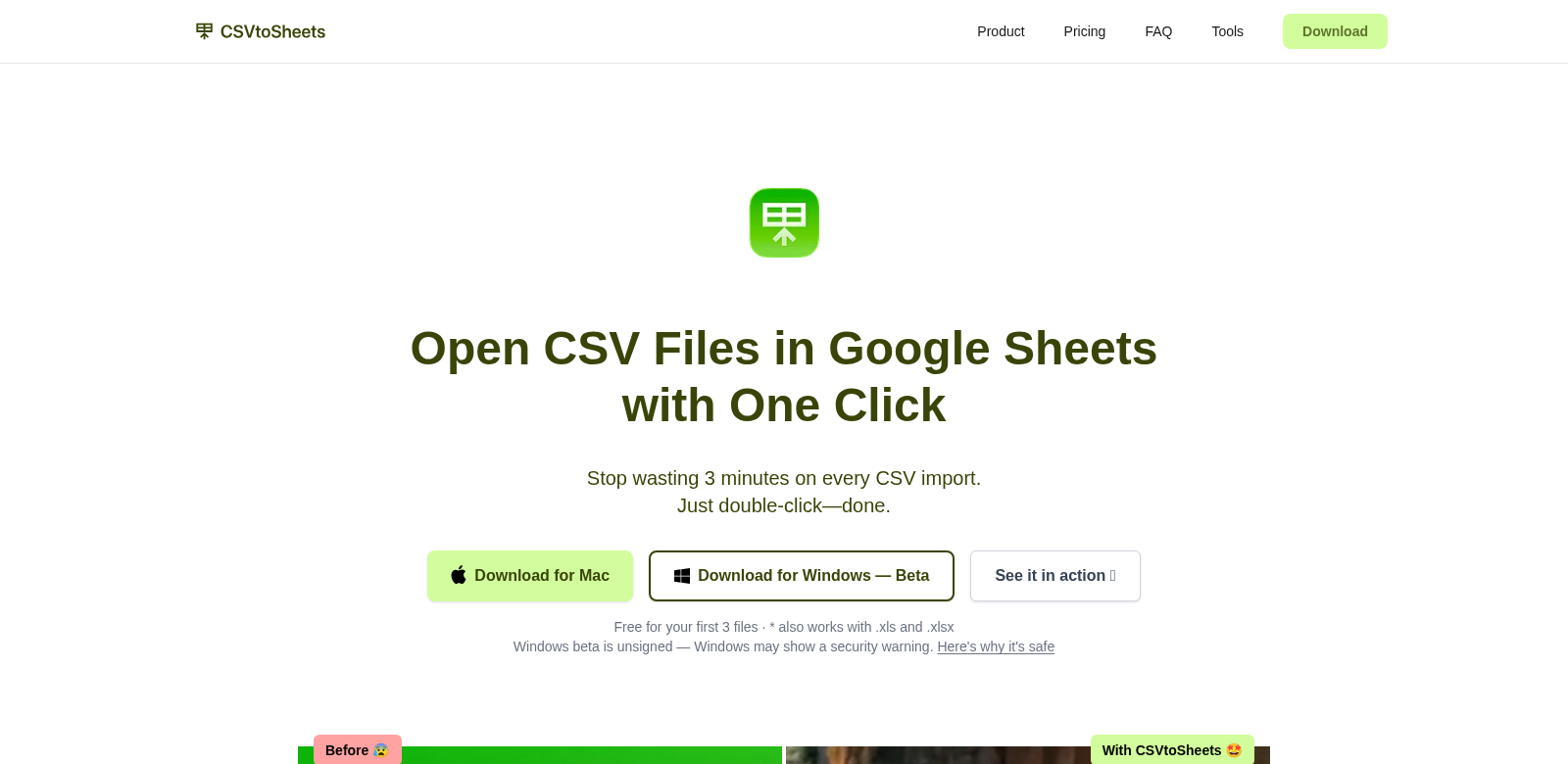
CSVtoSheets is a Mac app that lets you open CSV, XLS, and XLSX files directly in Google Sheets. Just double-click a file, and your data appears in Google Sheets, no manual imports needed. It's built for anyone who wants to save time and avoid the usual headaches of getting data into Google Sheets. Plus, you buy it once and own it forever, which is a pretty sweet deal for both personal and work use. Learn more at CSVtoSheets.
Who Uses CSVtoSheets?
CSVtoSheets helps all sorts of people. Here are some of the folks who get the most out of it:
-
Data Analysts: Analysts deal with huge datasets in all kinds of formats. CSVtoSheets lets them jump straight into their data for analysis, cutting out the tedious manual imports they'd normally do every time they open a file.
-
Small Business Owners: Running a small business means juggling customer lists, sales figures, and inventory. CSVtoSheets helps them get to their key data fast, so they can make smarter business decisions without wasting time.
-
Researchers: Researchers often work with survey results or experimental data in CSV or XLS files. CSVtoSheets makes it easy to pull that data into Google Sheets for analysis, which also simplifies sharing and working with their team.
-
Students and Educators: Whether it's for projects or classroom assignments, students and teachers use spreadsheets to organize information. CSVtoSheets lets them open and work with data files instantly, so they can focus on learning instead of fiddling with imports.
-
Accountants: Accountants handle tons of numbers in different file types. CSVtoSheets gives them instant access to financial documents right in Google Sheets, helping them stay accurate and save time on forecasting and reports.
The Problems CSVtoSheets Solves
CSVtoSheets tackles some annoying problems people run into when working with CSVs and spreadsheets on their Macs.
The Headaches
-
Time-Consuming File Imports: Getting a CSV or spreadsheet into Google Sheets usually means a bunch of steps, which just slows you down.
-
Compatibility Issues: Different file formats can cause real headaches, especially when you're trying to share documents between different systems.
-
Confusing Import Processes: Not everyone knows how to use the import features in spreadsheet apps. That can be super frustrating when you just need to get to your data.
-
Subscription Fatigue: Ongoing subscriptions for cloud services can really add up, especially for casual users or small businesses who just need a simple way to manage files.
How CSVtoSheets Fixes Them
CSVtoSheets offers a straightforward fix for all these issues. You just double-click a CSV, XLS, or XLSX file, and the app opens it right in Google Sheets. No more clunky import steps. This saves a ton of time, letting you get straight to analyzing your data and making decisions.
And because it's a one-time purchase with lifetime access, CSVtoSheets cuts out those annoying ongoing costs. It's a smart, budget-friendly option for anyone. Plus, it works with multiple file formats, so you can handle your data smoothly no matter where it comes from.
How People Use It
CSVtoSheets is super versatile, helping out in both business and academic settings. For example, data analysts can quickly pull up financial data and show their findings to stakeholders, while teachers can bring data reports to life in the classroom for projects.
Small business owners can track sales trends, and researchers can quickly analyze survey results. This means faster insights and better teamwork.
What Makes CSVtoSheets Great
Here are some of the best things about CSVtoSheets:
-
Instant Access: Open files right away, which means less time managing files and more time working.
-
Works with Many File Types: The app handles various file formats, so it'll likely work with whatever data you have.
-
Buy Once, Own Forever: Pay just once and get unlimited access to the software, with no hidden fees or subscriptions.
-
Super Easy to Use: We designed CSVtoSheets to be simple and intuitive, so anyone can pick it up and use it right away.
-
Plays Nice with Google Sheets: The app moves your data smoothly into Google Sheets, making it easier to work together with others.
FAQs About CSVtoSheets
-
Does CSVtoSheets work on all macOS versions? Yep, it's built to run smoothly on many different macOS versions, so most users should be covered.
-
Do I need a Google account? Yes, you do. The software uses Google Sheets to handle your data.
-
What file types can I open? You can open CSV, XLS, and XLSX files directly, which covers most common data types.
-
How does the one-time purchase work? You pay once and get lifetime access to the software, with no recurring subscription fees ever.
-
Can I use it for team projects? Definitely! Since CSVtoSheets works directly with Google Sheets, it makes sharing and collaborating with your team super easy.