Present Better with CuePrompter
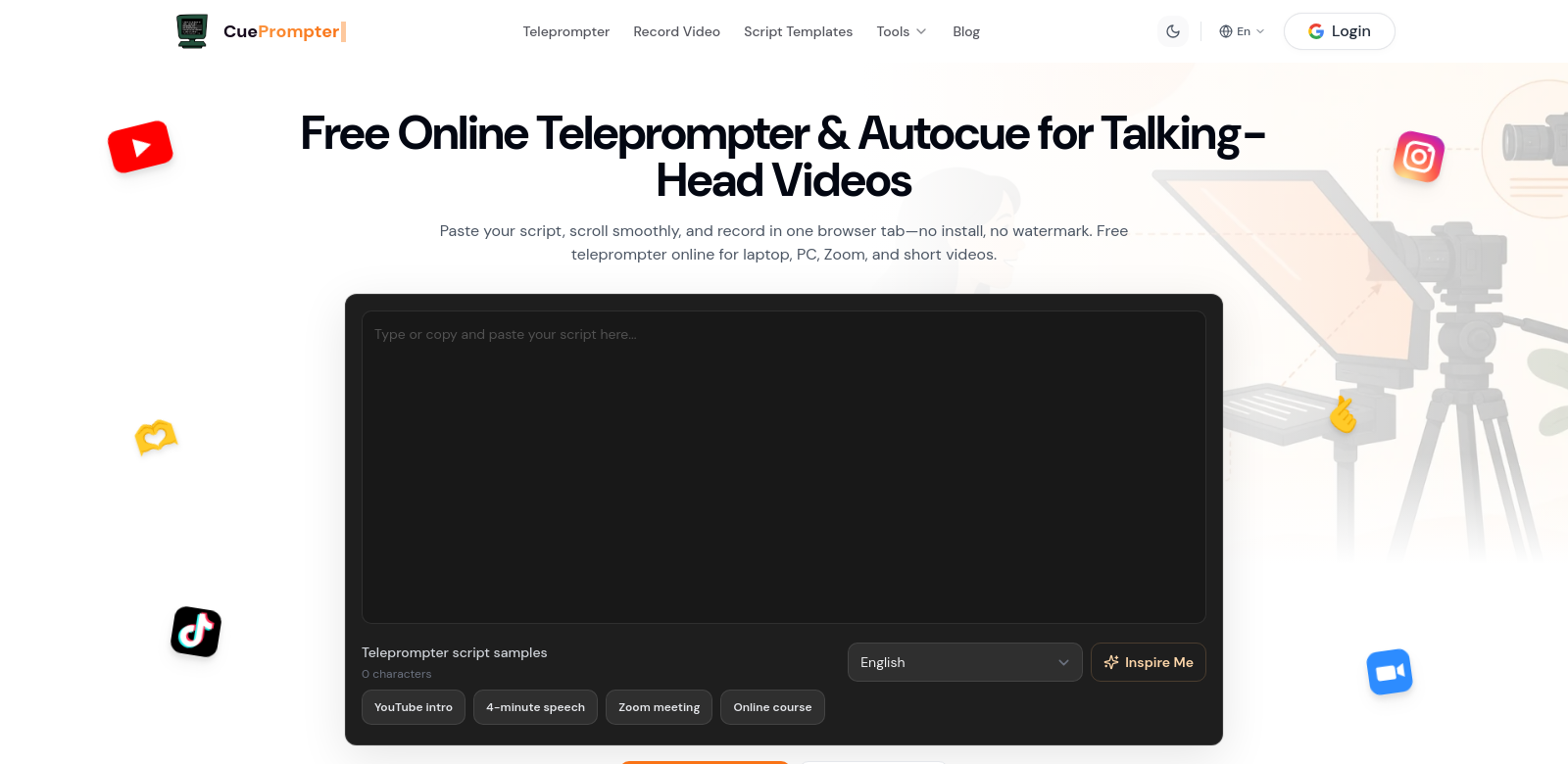
CuePrompter is a free online teleprompter for anyone who gives presentations: professionals, teachers, and content creators. Just paste your script, and you're ready to speak with confidence. It's a simple tool that helps you improve your delivery, offering a clean interface and useful features without needing downloads or leaving watermarks. It works for beginners and seasoned speakers alike. Learn more at CuePrompter.
Who Uses CuePrompter?
CuePrompter helps all sorts of people. Here are a few examples of who benefits from it:
-
Professionals. Business executives and presenters use it for speeches, webinars, and product demos. It helps them stay focused on what they're saying instead of trying to remember lines, making them more confident and effective.
-
Educators. Teachers and lecturers use CuePrompter to keep students engaged. By using a teleprompter in class, they can look at their students, which makes lessons more interactive.
-
Content Creators. YouTubers and vloggers find CuePrompter great for scripting videos. Scrolling through their script easily helps them keep a natural flow while filming, creating professional-looking content without expensive gear.
-
Public Speakers. People getting ready for speeches use CuePrompter for live events. It lets them focus on their message, not the stress of forgetting what to say.
-
Sales Teams. Salespeople use CuePrompter for pitches. It helps them deliver key information clearly and persuasively, which can mean more sales.
Problems CuePrompter Solves
CuePrompter helps speakers overcome common hurdles with its simple, user-focused design.
The Problems
-
Forgetting your script. It's tough to remember everything when you're under pressure. CuePrompter gives you a scrolling script to follow, so you don't have to worry about blanking out.
-
Looking away from your audience. Presenters often look down at notes, breaking eye contact. CuePrompter lets you keep your eyes on your audience, which makes your message land better.
-
Expensive equipment. Professional teleprompters cost a lot. CuePrompter offers a powerful tool for free, making it available to everyone.
-
Tricky setups. Many teleprompters are a pain to set up. CuePrompter is online, so there's no installation or complicated process. Just open your browser and go.
The Solution
CuePrompter solves these problems with an easy-to-use, accessible tool. Just paste your script, and it appears in a scrolling format, ready for a smooth delivery.
Unlike old-school teleprompters that need a lot of setup, CuePrompter works online. That means you can practice anywhere, anytime – at your desk or on the couch. Plus, no watermarks mean your presentations always look professional. This flexibility lets you use it for anything, from a Zoom pitch to a live speech.
How People Use CuePrompter
CuePrompter is useful in many different situations:
-
Corporate Training. Companies use CuePrompter to help employees practice presentations. This improves their skills before big meetings.
-
Webinars. With more online events happening, presenters use CuePrompter to stay clear and engaging. This helps attendees grasp key points without the speaker looking down at notes.
-
Film and Theater. Actors can use CuePrompter to deliver lines perfectly, keeping the production moving smoothly.
-
Content Creation. YouTube creators script their videos with CuePrompter, making sure their dialogue is clear and well-paced to keep viewers interested.
-
Public Speaking. CuePrompter helps speakers stay organized and focused during their talks, making them better communicators.
CuePrompter's Best Features
CuePrompter has several features designed to make your presentations easy and effective.
-
It's Free. You get all the main features without paying anything. This means anyone can use it.
-
Simple Script Input. Just paste your script, and it's ready to go. No fuss, no wasted time.
-
Adjustable Scrolling. You can change how fast the text scrolls and which way it goes. Set it up however feels best for you, whether you're new to teleprompters or a pro.
-
No Watermarks. Your presentations will always look professional because CuePrompter doesn't add any watermarks.
-
Works on Any Device. Use CuePrompter on your tablet, laptop, or desktop. It's flexible and easy to use no matter what device you're on.
Frequently Asked Questions
-
How does CuePrompter work? You paste your script into the online platform. CuePrompter then shows the text scrolling, so you can read it naturally while still looking at your audience.
-
Is CuePrompter really free? Yes, it's completely free. No hidden fees, no subscriptions. You get all features at no cost.
-
Can I use CuePrompter for online presentations? Definitely! CuePrompter is great for online presentations, webinars, and virtual meetings. You can run it at the same time you're on a video call or recording.
-
What devices can I use CuePrompter on? You can use CuePrompter on any device with internet access: laptops, PCs, tablets, and even mobile phones. It works everywhere.
-
Are there any technical requirements for using CuePrompter? Nope. You don't need to install any software. Just open a web browser and go online.