Filator - Comprehensive Online Tools for Your Needs
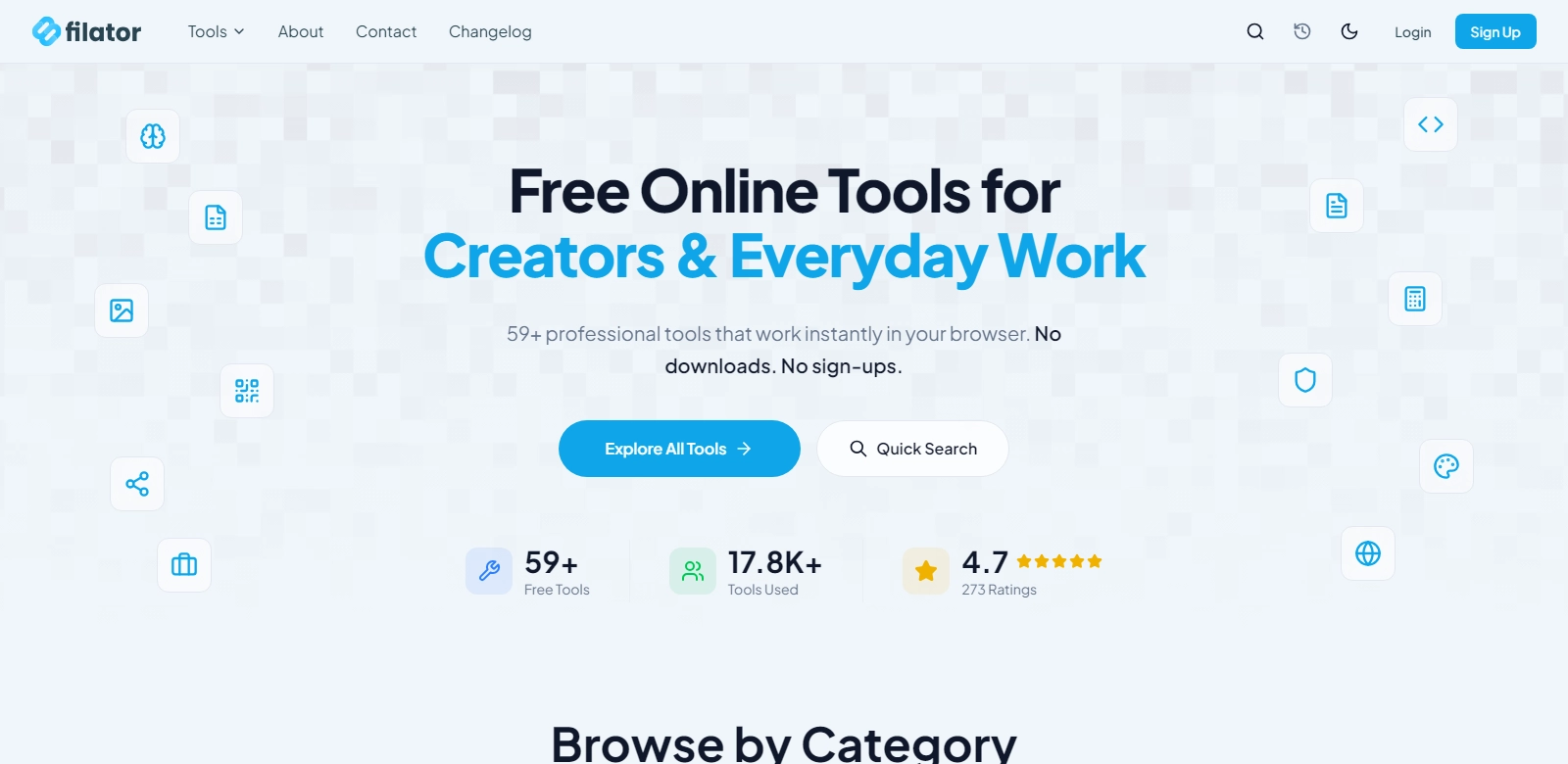
Filator is a premier destination for anyone looking for versatile online tools designed to meet a variety of needs including management of PDFs, image manipulation, QR code generation, password security, and much more. Filator's platform is characterized by its user-centric approach, ensuring that each tool is geared towards ease of use, accessibility, and instant functionality. No downloads or signups are required, allowing users to immediately access the functionality they need directly in their browser. Whether you are a professional in need of sophisticated tools or a casual user requiring simple solutions, Filator encompasses a wide range of features that can cater to diverse user requirements.
Customers of Filator
Filator serves a broad array of customers, from individual users seeking simple solutions to large businesses in need of robust tools. Understanding the different customer personas that Filator attracts can provide insight into how the platform tailors its offerings.
-
Students:
Students often require tools that help them convert files, edit images, and generate QR codes for presentations and assignments. Filator provides a suite of helpful utilities that streamline these processes, allowing students to save time and effort while focusing on their studies. The browser-based functionality means they can access these tools from any location, be it home or school. -
Small Business Owners:
For small business owners, Filator offers a range of utilities that can simplify everyday administrative tasks. From generating invoices in PDF format to creating visually appealing graphics for social media, Filator can significantly enhance productivity. The ease of use without requiring software installation is especially beneficial for these users, who often juggle many roles. -
Teachers and Educators:
Educators can utilize Filator’s tools to create more engaging learning materials. The ability to convert documents into PDFs, manipulate images for classroom presentations, and set up QR codes for quick access to resources are just a few ways in which teachers can enhance their lessons, fostering a more interactive learning environment. -
Graphic Designers:
Professionals in the graphic design field can utilize Filator for quick edits and conversions. With its image editing tools, designers can quickly adjust file types, resize images, and create prototypes without the need for complex software. This can allow them to focus more on the creative aspects of their projects. -
General Users:
Everyday internet users benefit from Filator's simplicity. Whether they need to convert a document, create a password, or generate a barcode, anyone can easily navigate Filator's tools. The clear interface and straightforward functions are designed to accommodate users of all skill levels.
Problems and Solutions by Filator
Filator addresses common problems faced by users in various digital contexts.
Problems Filator Found
-
Difficulty in Accessing Tools:
Many online tools require downloads or subscriptions that complicate access for immediate needs. Users often seek quick solutions without a long setup process. -
File Format Incompatibility:
Occasional tasks might require file conversion between incompatible formats, which can be frustrating when tool availability is limited. -
Password Security Concerns:
With the increasing importance of digital security, users need reliable and easy-to-use tools for password management and generation to protect their personal information. -
Limitations of Free Tools:
Many available tools offer limited functionality unless users pay for premium versions, which restricts access for casual users who may need only basic features.
Solution by Filator
Filator effectively addresses these challenges by providing a comprehensive suite of tools available at no cost and without registration requirements. For instance, users can convert files with a few clicks, choose from various output formats, and ensure their data is secure through simple yet effective password managers.
Use Case
Filator is highly versatile, allowing for numerous use cases across various sectors:
- A small business owner can quickly create professional invoices by converting Word documents to PDF format, ensuring that they maintain their formatting.
- Teachers can develop engaging materials by converting images and text into a cohesive PDF booklet for distribution to students.
- Graphic designers can edit and resize images directly online, providing flexibility and allowing for rapid adjustments on the fly.
Top Features of Filator
Filator boasts an extensive list of features designed to meet the needs of its diverse user base:
-
PDF Conversion:
Users can convert various file types to and from PDFs seamlessly, facilitating easy document sharing. -
Image Editing:
Basic editing functions such as resizing, cropping, and format conversion ensure quick image adjustments. -
QR Code Generation:
Users can create custom QR codes that link to URLs, texts, or contact information, enhancing digital engagement. -
Password Management:
Filator offers reliable tools for generating and managing secure passwords, addressing increasing security needs. -
No Installation Necessary:
All tools are accessible directly through the web browser, reaffirming user convenience and ease of access.
Frequently Asked Questions with Filator
-
What types of files can be converted with Filator?
Filator supports a range of formats including Word, Excel, and image files, making it easy for users to work with various documents without worrying about compatibility issues. -
Is any software required to use Filator?
No, all tools operate directly in your web browser, eliminating the need for downloads or installations, thus enhancing user accessibility. -
Are there any costs associated with using Filator?
Filator is entirely free to use, ensuring that users can access crucial tools without financial constraints, promoting widespread usability. -
How secure is my information when using Filator?
Filator employs standard data protection measures, ensuring that user information and uploaded files remain secure and private. -
Can multiple tools be accessed simultaneously?
Users can conveniently switch between tools within their web browser, allowing for efficient and streamlined workflow management.