Flowmaps: See Your App Ideas Take Shape
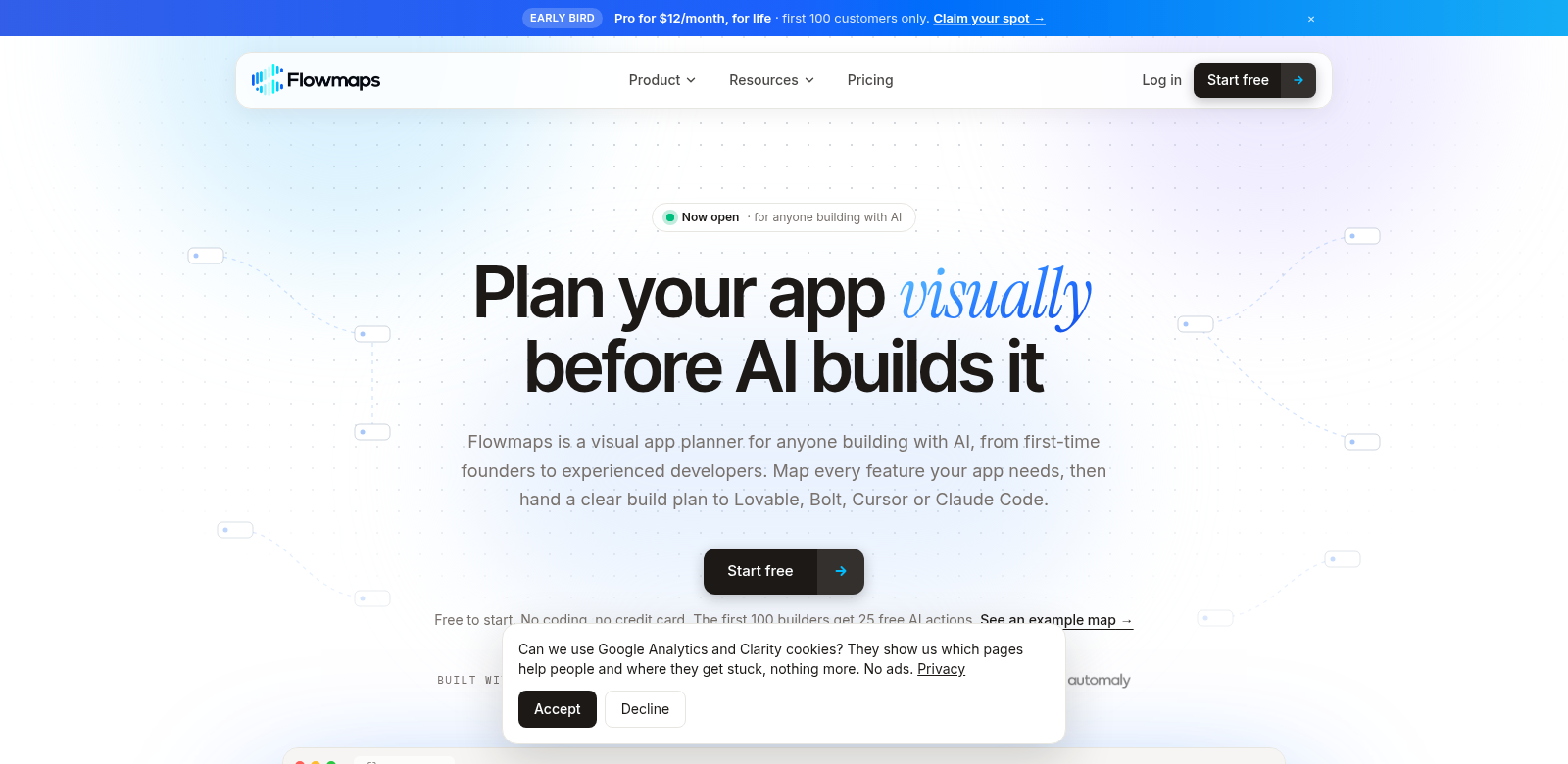
Flowmaps helps you build apps by letting you draw out your ideas. This doesn't just clear up your thinking; it organizes your work, making it simpler to plan each step as your app grows from an idea into a finished product. Whether you've built a dozen apps or you're just starting with a big idea, Flowmaps helps you turn those app concepts into detailed, step-by-step plans. It even works with powerful AI tools like Lovable, Bolt, Cursor, or Claude Code to get things built. Teams using Flowmaps can stay on track from day one, which really boosts their chances of success.
Who Uses Flowmaps?
Flowmaps helps all sorts of people. Seeing who uses it shows you just how useful it is. Here are some of the key folks who get a lot out of Flowmaps:
-
Founders: Startup founders and entrepreneurs who need a clear way to turn their ideas into real development plans. Flowmaps lets them see their ideas clearly before they pour time and money into writing code.
-
Developers: Coders and development teams who want clarity when building apps. The visual maps help them stay focused and make sure they don't miss any features during development.
-
Product Managers: People who guide a product's development. Flowmaps helps them turn technical talk into visual diagrams, making it easier to share ideas with stakeholders and their team.
-
Designers: UI/UX designers can use Flowmaps to visualize user flows and app layouts. This helps them work better with developers, since everyone gets a clear picture of the user experience they're aiming for.
-
Marketing Teams: People who launch apps can use Flowmaps to map out user journeys. This makes sure marketing plans align with development strategies right from the start.
The Problems Flowmaps Solves
Building an app always comes with challenges. Flowmaps gets these problems and offers ways to fix them.
Common App Development Headaches
-
Lack of Clarity: It's tough for many developers to turn abstract ideas into concrete plans. This often leads to miscommunication and delays.
-
Messy Planning: A messy plan can gum up the whole development process, wasting time and money.
-
Team Silos: Different teams (design, development, marketing) often work in their own bubbles, without a shared vision for the project.
-
Too Much Complexity: As projects get bigger, keeping track of all the features gets really complicated.
-
Shifting Requirements: Things change fast in app development. Trying to adjust plans on the fly can cause chaos if you don't have a clear visual framework.
How Flowmaps Helps
Flowmaps tackles these problems by giving you a platform to map out ideas visually, bringing clarity and structure. It encourages you to break down big concepts into smaller, manageable pieces, then arrange them into a clear visual map. This isn't just a blueprint for development; it's also a communication tool that helps different teams on the project understand each other.
The app also makes real-time collaboration easy. Multiple users can jump in, contribute, and change plans as needed. This makes Flowmaps an adaptable resource that grows with your project, handling changes while keeping everyone focused on the main goal. By turning planning into a structured visual experience, Flowmaps makes things more efficient and gets teams working together better, from the very start to launch.
A Real-World Example
Imagine a startup founder excited to build a new mobile app. With Flowmaps, they can create a visual map showing the app's features, how the user interface works, and the development schedule. This visual doesn't just clarify their own ideas; it also helps their development team agree on what features are needed and when they should be done. When problems pop up or plans need to change, Flowmaps makes it easy to adapt without losing sight of the project's main goals. The founder ends up saving time and money, guiding their project straight to success.
What Flowmaps Can Do
Flowmaps comes with features that make planning a lot better:
-
Visual Mapping: You can create detailed visual diagrams that show every part of your app's development journey.
-
Interactive Collaboration: Multiple team members can contribute in real time, making sure everyone stays on the same page with project changes and updates.
-
Step-by-Step Planning: Flowmaps lets you break down your ideas into actionable tasks, giving development teams a clear roadmap.
-
Works with AI Tools: Flowmaps connects easily with AI tools like Lovable and Claude Code, making the jump from planning to building much smoother.
-
Easy to Use: The platform is easy to use, so anyone can pick it up, no matter their technical skill.
Flowmaps: Your Questions Answered
-
What kinds of projects can I use Flowmaps for? Flowmaps works for all kinds of projects, from simple mobile apps to complex software. It makes sure every part of the development process is visually clear and smooth.
-
Is Flowmaps easy for new app developers to use? Yes, the platform has intuitive features for both experienced developers and newcomers. It helps everyone visualize and organize their ideas well.
-
Can Flowmaps connect with my other tools? Flowmaps can connect with popular AI and development tools. This gives you a complete toolkit that makes planning and execution better.
-
How does Flowmaps help my team work together? Its interactive platform lets people contribute and make changes in real time. This keeps teams in sync throughout the whole development process.
-
Is there a free trial? Flowmaps offers a free starting option. You can explore its features and see if it fits your workflow before you commit to a paid plan.