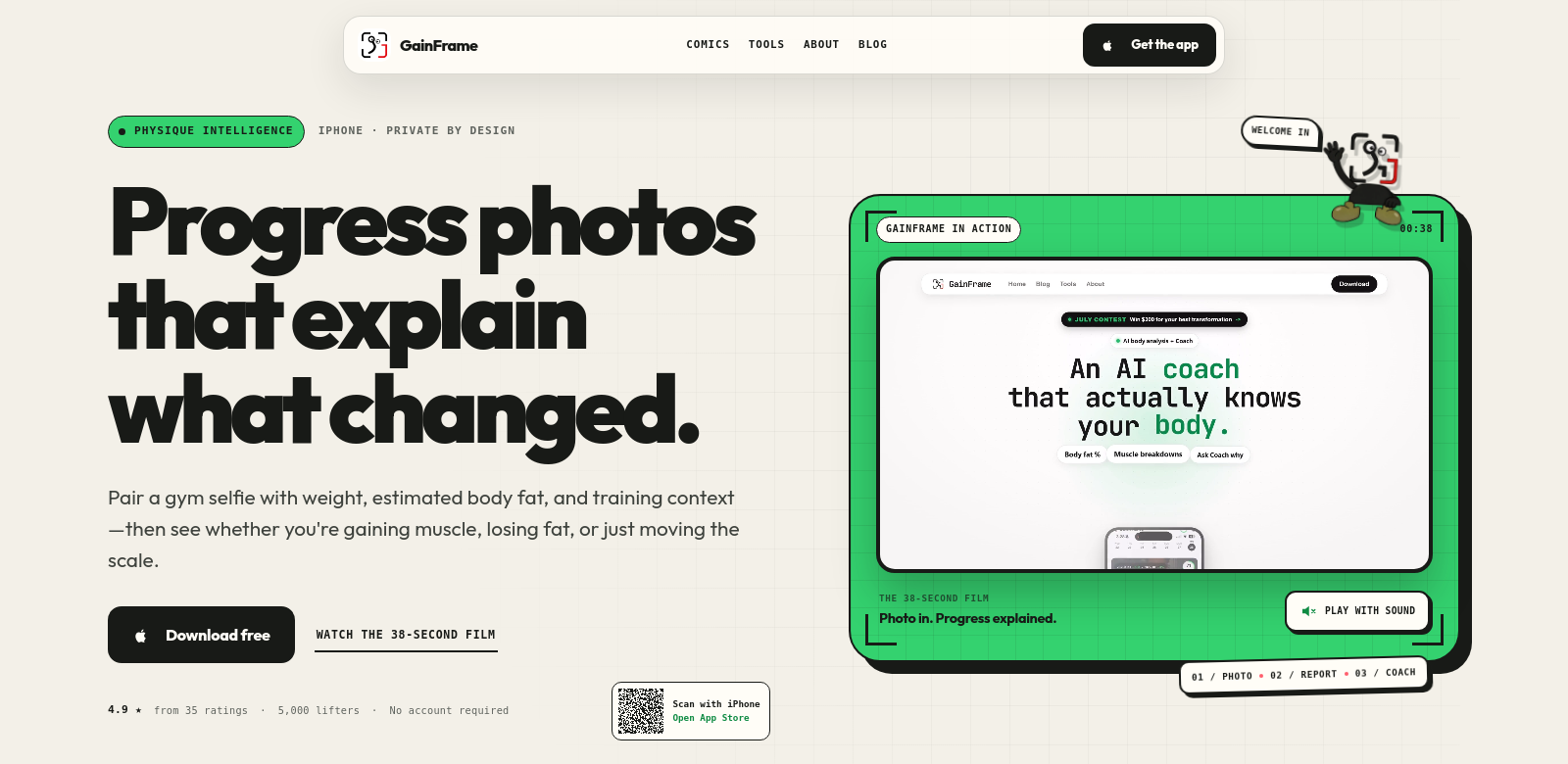
GainFrame: See Your Fitness Journey Unfold
GainFrame changes how people track their fitness and body transformations. It takes your progress photos and turns them into real data, showing you how your body composition shifts and how your muscles develop. The platform also makes coaching better by letting coaches and clients talk privately about the changes they see, making it a powerful tool for anyone committed to their fitness goals.
Who Uses GainFrame?
GainFrame works for all sorts of people, each getting something different out of its unique way of tracking fitness. Here's who uses it and why:
-
Personal Trainers: Trainers use GainFrame to show clients their progress visually. It helps them keep clients motivated and adjust workouts based on what they see happening to the body.
-
Fitness Enthusiasts: If you're into fitness but don't want to overthink tracking, GainFrame is perfect. You just upload photos, get automatic feedback, and it helps you stick with your routine.
-
Bodybuilders: Bodybuilders need exact details. GainFrame shows them muscle growth and body composition changes clearly, which is huge for planning diets and workouts. It helps them see what's working and what needs more attention to hit their targets.
-
Rehabilitation Patients: People recovering from injuries or surgery can track their rehab with GainFrame, cutting down on specialist visits. Photos help them document even small but important improvements.
-
Remote Fitness Coaches: Remote coaching is big now, and GainFrame gives coaches what they need to track clients from anywhere. It helps them talk in detail about visible changes and offer truly personalized coaching.
The Problems GainFrame Solves
Problems GainFrame Found
GainFrame looked at the fitness and personal training world and saw a few key issues that made tracking progress and coaching harder.
-
No Visual Feedback: People often can't see their own changes, which makes it tough to stay motivated. Most progress photos just sit there, unused.
-
Poor Communication: Trainers and clients struggle to talk about changes clearly, missing chances to tweak plans for better results.
-
Too Much Data: So many tracking tools exist that users get buried in numbers without any visual context, which just causes confusion.
GainFrame's Solution
GainFrame fixes these problems by changing how users see and use their fitness journey. It uses smart tech to turn your progress photos into clear trends, showing you exactly how your body changes over time. Seeing your physical progress so clearly is a huge motivator.
Plus, the built-in coaching feature lets coaches and clients have private, one-on-one chats. Coaches can give specific advice based on what they see in the photos. This personal touch means trainers can adjust plans with solid visual proof, making sure each client gets a strategy that truly works for them.
How People Use It
GainFrame works in many different fitness situations. Coaches track client progress and suggest changes to workouts and diets based on what they see. Individuals can log their own transformations to stay accountable and motivated. For rehab, patients might share their recovery journey with therapists, helping guide them back to full strength. It's a flexible tool that gets results.
GainFrame's Best Features
GainFrame has some key features that make it different from other fitness trackers.
-
Body Composition Trends: You get a full breakdown of how your body changes over time, making it simple to see where you're growing.
-
Muscle Comparisons: Compare photos side-by-side to clearly see how your muscles develop over time.
-
Private Coaching Conversations: Coaches and clients can talk privately, discussing specific changes and giving helpful feedback.
-
Easy-to-Use Interface: The platform is designed to be simple. You can navigate it easily and get the most out of its features without a steep learning curve.
-
Deep Analytics: GainFrame gives you analytics that go past the obvious, digging into the details of your fitness journey and progress.
Frequently Asked Questions with GainFrame
-
How does GainFrame turn photos into data? GainFrame uses smart algorithms to analyze your uploaded progress photos. It pulls out key visual measurements and creates detailed trends about your body composition.
-
Can personal trainers really use GainFrame with clients? Yes, definitely. GainFrame was built for trainers, offering tools for visual analysis, personalized coaching, and clear communication.
-
Is GainFrame good for beginners? Yes, its simple design makes it easy for beginners to track their fitness without needing advanced tool experience.
-
What kind of progress can I track with GainFrame? You can track things like body composition, muscle growth, and your overall fitness transformation by comparing photos over time.
-
How does GainFrame keep my data private? GainFrame takes data privacy seriously. All your information and photos are stored securely and only shared if you give clear permission.