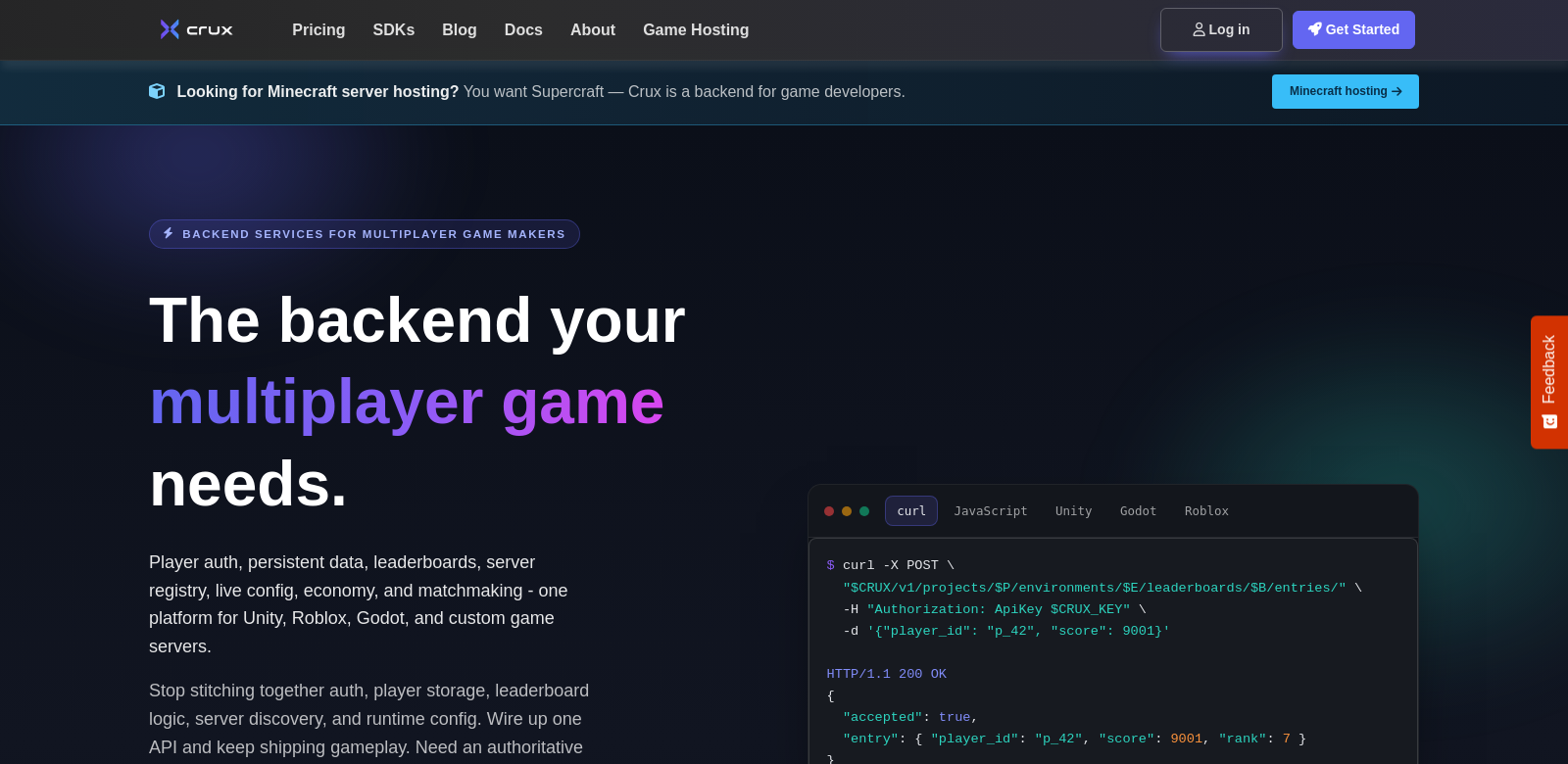
Crux: A Game Server Backend for Unity, Roblox, and Godot
Crux is a multiplayer backend for game developers on platforms like Unity, Roblox, and Godot. It includes player authentication, data management, real-time leaderboards, matchmaking, live configuration, and server registry. You can handle up to 10,000 Monthly Active Users (MAU) for free, which makes it a smart, cost-effective choice for indie developers and even larger studios. Whether you're building a fast-paced action game or a deep RPG, Crux lets you focus on creating engaging gameplay instead of getting stuck on backend complexities.
Who uses Crux?
Crux is for all kinds of game developers, including:
-
Indie Developers: Indie developers love Crux's free tier. It lets them build their games without spending a ton on servers upfront. Plus, Crux helps them manage user data and keep players engaged.
-
Small to Medium Enterprises (SMEs): SMEs can use Crux to get powerful backend features that used to be just for the big guys. They can scale their games easily, keeping things fast and reliable.
-
Larger Game Studios: Larger studios appreciate that Crux can handle a lot of MAUs and performs well. Live configuration, for example, lets them quickly adapt to player feedback and game changes.
-
Educational Institutions: Universities or coding boot camps teaching game development can use Crux to give students hands-on experience with a real-world backend. Students learn about multiplayer game mechanics and server management.
-
Game Jams Participants: Game jam participants can use Crux's quick setup to get their projects running fast. This means they can focus on creativity and gameplay, not server headaches.
Problems Crux Solves
Crux solves some common headaches for game developers, helping them launch and keep their multiplayer games running smoothly.
The Problems
-
Server Scalability: Many developers struggle to scale their game servers to handle more players. This often means lag and a bad experience for players.
-
User Management: Managing user data—like authentication and stats—is a pain and easy to mess up if you do it by hand, especially for real-time games.
-
Matchmaking Complexity: Building a fair and efficient matchmaking system is tough, and most developers don't have the resources to build one themselves.
-
Updating Game Settings: Changing game settings to keep up with player needs can be a real chore without an easy way to do it.
-
High Hosting Costs: Traditional hosting solutions often come with high costs that are too expensive for smaller developers.
How Crux Helps
Crux solves these problems so developers can focus on what they do best: making great games. Its server architecture is built to scale. As your player base grows, the backend grows with it, smoothly and without performance hits. The user management system makes account creation and data tracking simple, letting developers easily get important metrics and player stats. Crux's matchmaking system makes games better by balancing teams based on skill, keeping things fair and competitive.
Plus, the live configuration feature lets developers change game settings in real-time based on player feedback or new trends, all with minimal downtime. And finally, the free tier takes the financial pressure off developers. They can focus on making quality games instead of stressing about upfront server costs.
Use Cases
You can use Crux in all sorts of games, showing how flexible and effective it is:
-
Action Games: Fast-paced action games use Crux's leaderboards and matchmaking to make competitive play even better.
-
Role-Playing Games (RPGs): RPGs can use Crux to manage user-generated content and player interactions, which helps create a richer story.
-
Simulation Games: Simulation games can use Crux's live configuration to change game mechanics on the fly, based on real-time player engagement data.
-
Educational Games: Educational games can use Crux to keep user data organized while building engaging learning environments.
Top Features of Crux
Here are some of Crux's best features, designed to help game developers:
-
Player Authentication: Secure login processes keep user data safe, building trust and reliability in your games.
-
Real-Time Leaderboards: Get players hooked with live leaderboards that show current standings and spark competition.
-
Matchmaking Services: Make games better by pairing players with similar skills for a balanced experience.
-
Live Configuration Management: Change game settings on the fly, adapting to player needs and preferences without interrupting service.
-
Player Data Management: An easy way to manage player data helps keep players engaged with personalized experiences.
Frequently Asked Questions
-
What game engines does Crux support? Crux works with popular game engines such as Unity, Roblox, and Godot, so it works for many developers on different platforms.
-
How does the free tier work for new developers? New developers can get up to 10,000 Monthly Active Users for free. This gives them the freedom to experiment and grow their games without worrying about costs.
-
Can Crux handle in-game purchases? Yes, Crux integrates with in-game purchase systems. This helps developers monetize their games and gives players a smooth experience.
-
Is there customer support available? Crux has strong support options to help developers troubleshoot issues and get the most out of their games.
-
What makes Crux different from other backend solutions? Crux is different because it's built specifically for game developers. It has key features to boost player engagement and game performance, all at an affordable price.