
SeeWhatNewAI Tools Directory faviconSeeWhatNewAI Tools Directory faviconSeeWhatNewAI
HomeExploreDirectoryCustomer TypesPricing
Submit
home page logohome page logoSeeWhatNewAI.Com

Discover new AI tools, compare alternatives, and find what fits your workflow faster.

© 2026 SeeWhatNewAI. All rights reserved.

Customer Types

EducatorsContent CreatorsMarketing TeamsSmall Business OwnersStudentsE-commerce OperatorsStartup FoundersKnowledge WorkersFreelancersDevelopers

Tools

Favicon DownloaderDirectoryDev BoxCategoriesGet our badge

Legal

PricingAboutContactPrivacyTermsSubmission PolicyIP & Copyright
    Visit

    GENVIDEO.APP

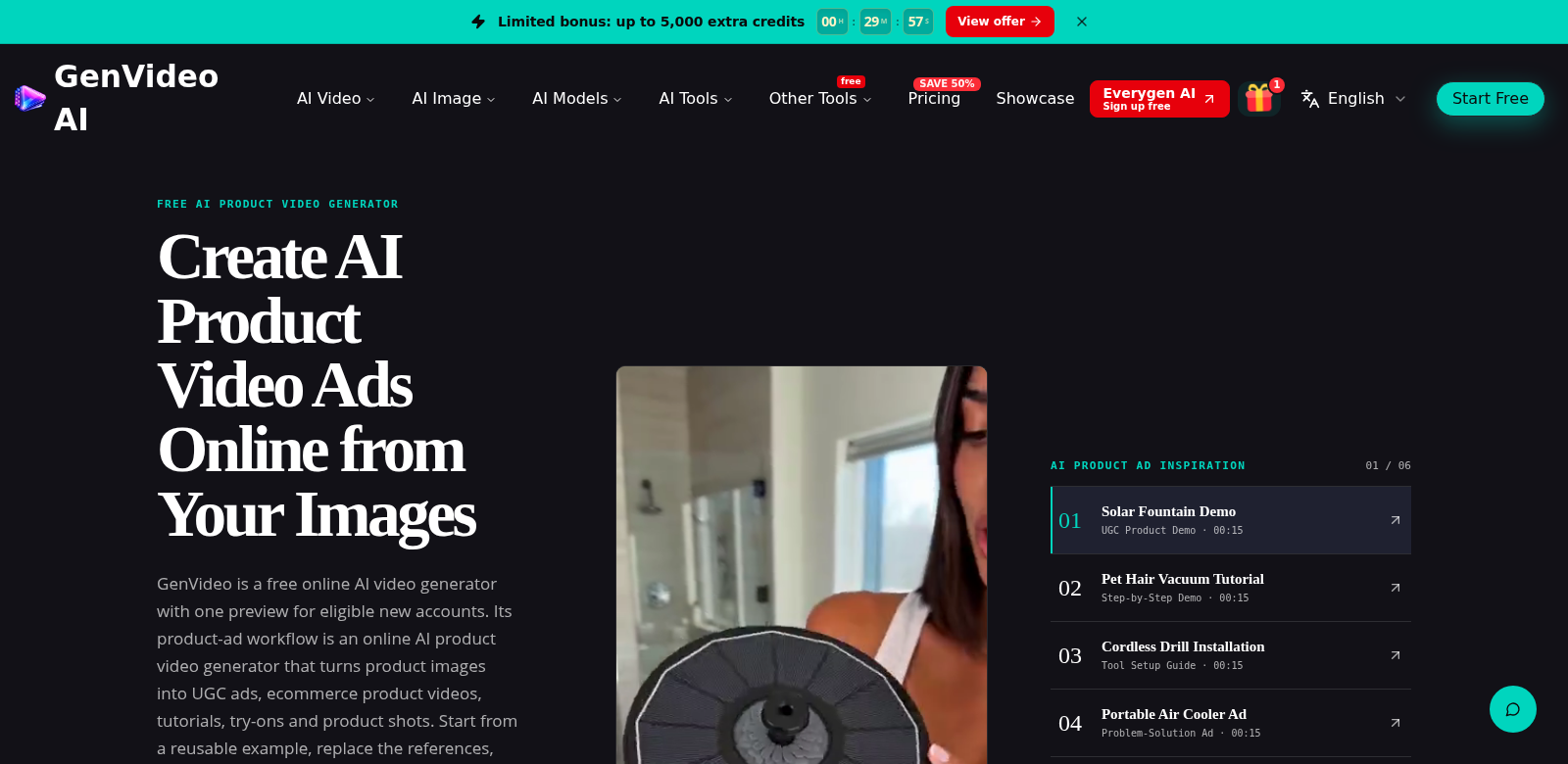
    Genvideo - AI Video generator

    Transform Your Ideas into Engaging Videos with GenVideo

    Explore GenVideo, the free AI video generator that creates stunning videos from text and images effortlessly.

    Genvideo - AI Video generator screenshot

    On this page

    • Turn Your Ideas into Great Videos with GenVideo
    • Who Uses GenVideo?
    • What Makes Video Hard, and How GenVideo Helps
    • The Problems We Saw
    • How GenVideo Helps
    • How You Can Use It
    • Top Features
    • Common Questions
    • More AI Tools
    On this page
    • Turn Your Ideas into Great Videos with GenVideo
    • Who Uses GenVideo?
    • What Makes Video Hard, and How GenVideo Helps
    • The Problems We Saw
    • How GenVideo Helps
    • How You Can Use It
    • Top Features
    • Common Questions
    • More AI Tools

    Turn Your Ideas into Great Videos with GenVideo

    GenVideo is a free AI video generator that helps you make professional-looking videos from just text or images. It uses smart tech to turn your ideas into compelling visual stories. Whether you're a content creator, teacher, or marketer, this tool will seriously upgrade your video game. You get models like Veo 3.1, Seedance, Kling, Wan, and Grok Imagine, so you can really make any idea happen. Want to see everything it can do? Check out GenVideo.

    Who Uses GenVideo?

    Who uses GenVideo? Lots of different people, and here's how it helps them.

    • Content Creators. Freelancers and social media influencers who need quick videos love it. They can make engaging stuff fast, keeping their audience hooked without needing to be video editing pros.

    • Educators. Teachers and learning platforms use GenVideo to make educational videos more interactive. They can turn text and images into videos, helping students remember things better.

    • Marketers. Marketers can whip up promo videos to grab new customers. Taking their ideas and messages and turning them into powerful visuals really boosts their digital campaigns.

    • Small Business Owners. Business owners who want to promote their services can use GenVideo to make promo videos that actually get noticed. It helps them stand out and reach customers in a way that really works.

    • Hobbyists. People who just want to share their hobbies and passions can make great-looking videos without any technical know-how. GenVideo makes video creation fun and easy for anyone.

    What Makes Video Hard, and How GenVideo Helps

    Everyone knows video is huge these days, but making good ones can be tough. GenVideo tackles those problems directly.

    The Problems We Saw

    • Video takes forever. Making videos the old way means tons of editing and a steep learning curve.

    • Expensive software. Most powerful video editing tools cost a lot and can feel impossible for beginners.

    • You need tech skills. Good video production usually needs specific skills that many people just don't have.

    How GenVideo Helps

    GenVideo makes things easy with a simple interface. Its smart AI algorithms let you create videos from text or images without any prior experience. Using models like Veo 3.1 and others, you can make great content way faster than usual. This means you can spend more time being creative and less time wrestling with editing, making video production smooth for everyone.

    How You Can Use It

    You can use GenVideo in lots of ways. For example, a teacher could quickly make a lesson recap video from their notes and some images, turning a boring lecture into something dynamic and visual. Or, a small business could use GenVideo to make promo stuff that really boosts their brand. Bloggers, for instance, can turn their articles into videos, reaching more people and getting them more engaged.

    Top Features

    GenVideo comes with features that make it powerful and easy to use. Here are some of the best:

    1. Multiple Video Models. You get options like Veo 3.1 and Grok Imagine, so you can pick the style that's perfect for your project.

    2. Easy-to-Use Interface. Its simple design means anyone, even beginners, can make videos fast.

    3. Text-to-Video. Turn any written content into engaging video stories, no fuss.

    4. Image-to-Video. Upload images to create video content, making your stories really pop.

    5. Quick Rendering. Expect fast turnaround times, so you can hit your deadlines without stress.

    Common Questions

    1. What type of videos can I create with GenVideo? You can make all sorts of videos: educational content, marketing promos, personal projects – the platform handles many different formats.

    2. Is there a limit to how many videos I can produce? GenVideo has a generous usage policy, so you can make tons of videos without paying extra.

    3. Do I need prior experience to use GenVideo? Nope, GenVideo is built for ease of use, perfect for everyone from total beginners to experienced pros.

    4. How do I share my videos after creation? Once your videos are ready, you can easily download them or share them straight to social media to reach more people.

    5. What resources are available for troubleshooting? GenVideo offers lots of online resources, like tutorials and support forums, to help you with any video production questions.
    Next step

    Try Genvideo - AI Video generator

    Visit

    More AI Tools

    Discover More AI Tools

    Browse similar tools and continue exploring fresh products.

    ExamACE screenshot

    ExamACE

    Achieve excellence in Ontario real estate exams with 4700+ AI-driven practice questions tailored for Humber students.

    AI Fruit Video screenshot

    AI Fruit Video

    Create engaging AI fruit videos from your stories. Effortlessly add characters, scenes, and more. Try it free today!

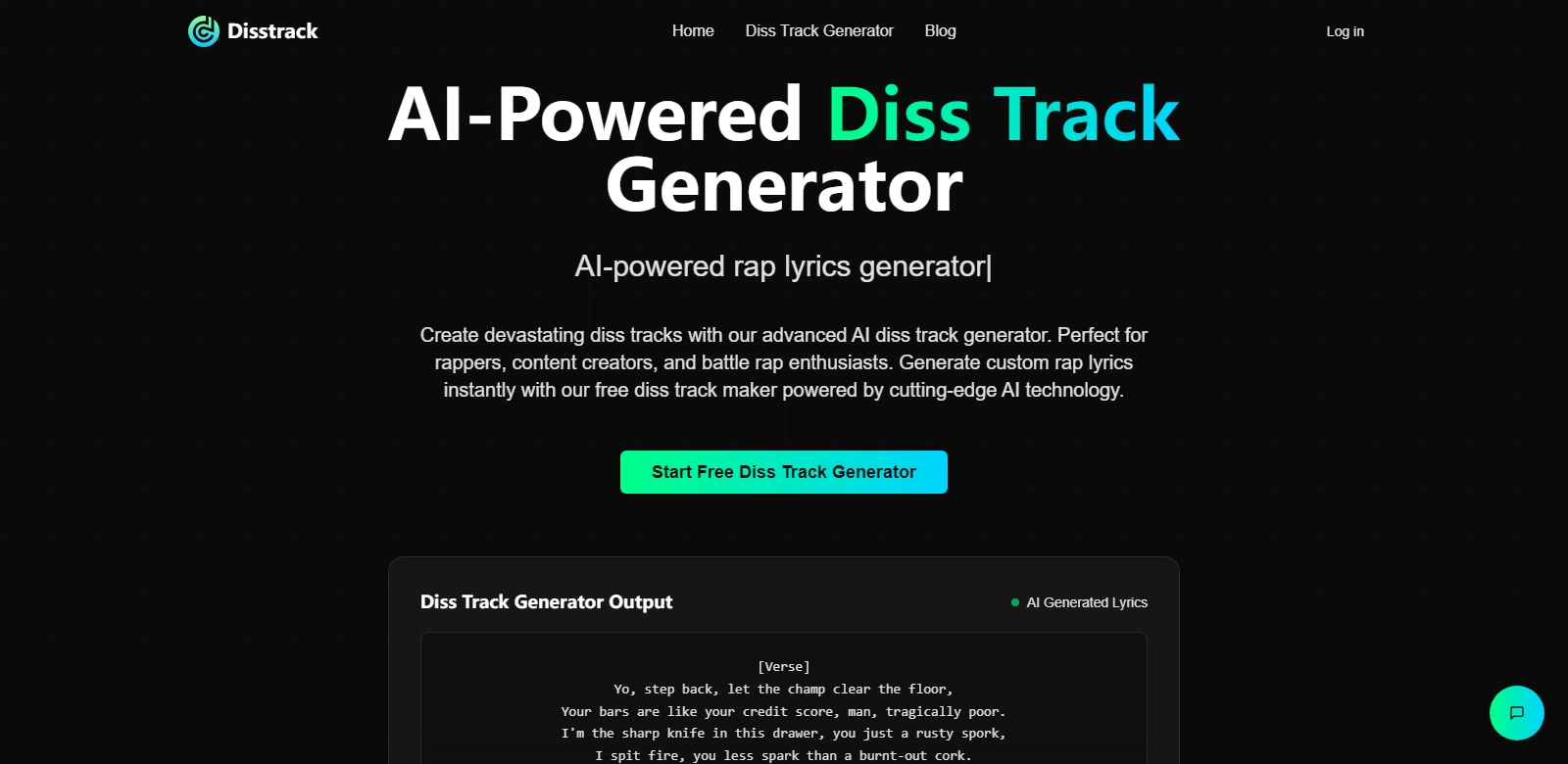
    Diss Track Generator screenshot

    Diss Track Generator

    Create unique diss tracks with our AI-driven generator. Perfect for hip-hop artists looking for a creative edge.

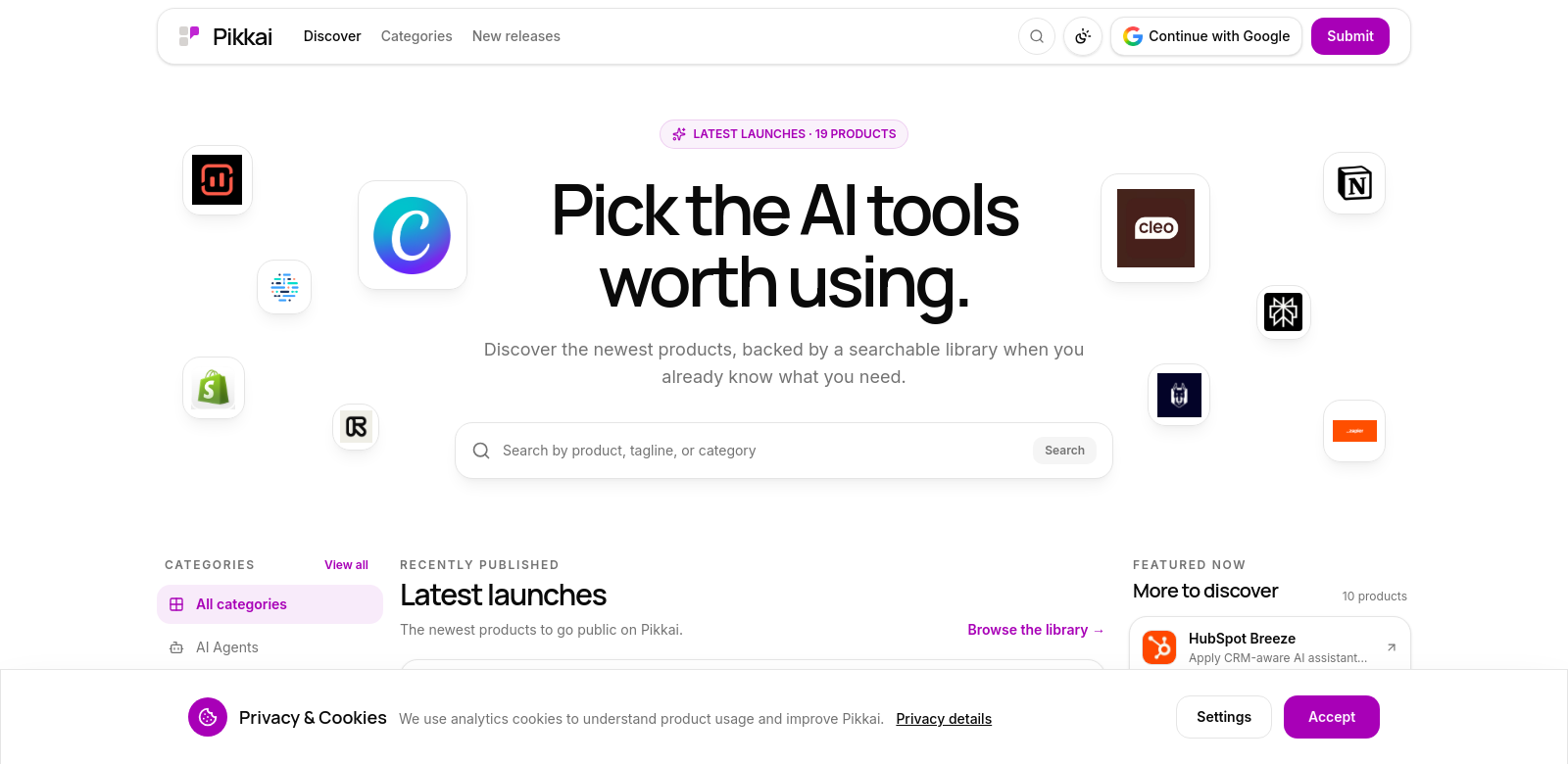
    Pikkai screenshot

    Pikkai

    Explore a selection of top AI tools tailored for builders and innovators, enhancing productivity and creativity.

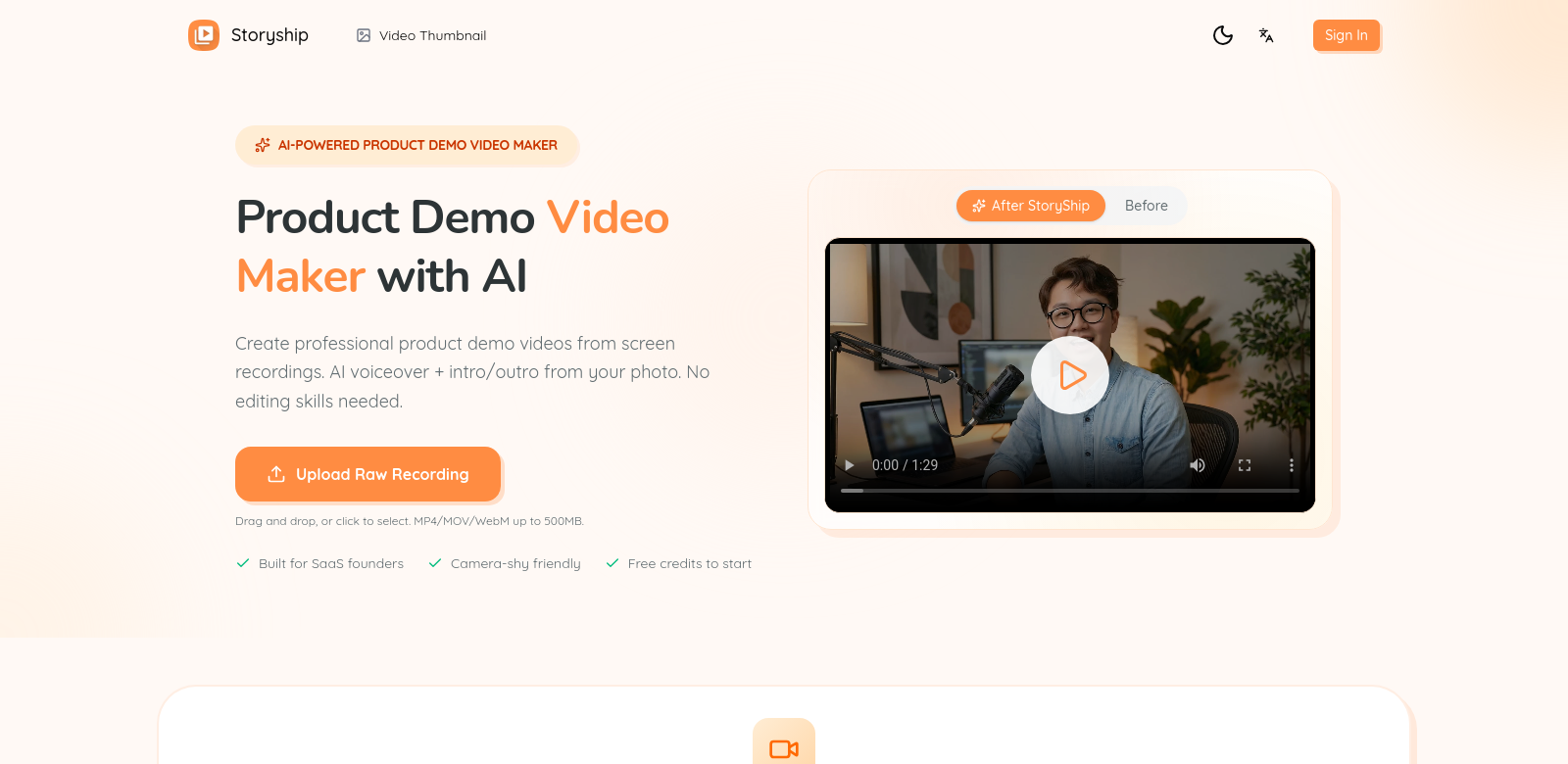
    Storyship screenshot

    Storyship

    Transform your screen recordings into professional demo videos effortlessly with AI tools and fast export.

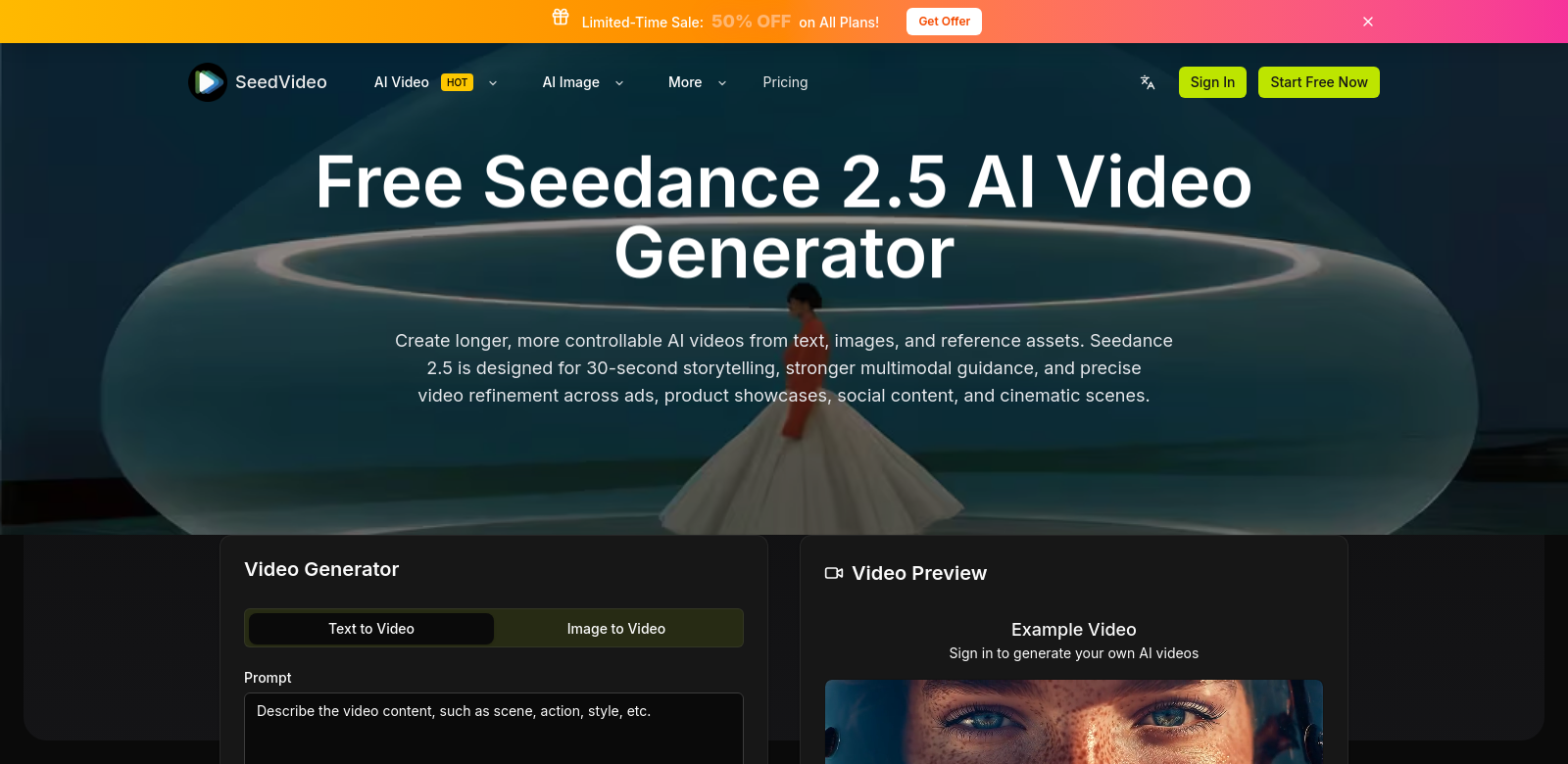
    seedvideo screenshot

    seedvideo

    Explore the advanced features of Seedance 2.5 for creating stunning AI-generated videos from text and images effortlessly.

    UserTrace screenshot

    UserTrace

    Experience the next generation of AI agent evaluation with UserTrace, ensuring realistic interactions and confident deployments.

    Wan 2.6 io screenshot

    Wan 2.6 io

    Explore Wan 2.6, the ultimate AI solution for generating videos and images with seamless quality and audio sync.

    EducatorsContent CreatorsMarketing TeamsSmall Business OwnersStudentsE-commerce OperatorsStartup FoundersKnowledge WorkersFreelancersDevelopersResearchersGraphic DesignersFamiliesArtistsHealthcare ProvidersEvent PlannersGame DevelopersPhotographersWritersContent ManagersGame PlayersBusiness AnalystsNonprofitsIT ProfessionalsCreative StudiosSEO ProfessionalsHR ProfessionalsCustomer Operations TeamsProduct ManagersCompliance ManagersSales TeamsProject ManagersCareer SeekersTravelersIndividual InvestorsReal Estate AgentsBrand ManagersTravel Agency OperatorsRetailersVirtual Companion UsersMusiciansVideo EditorsProduct DesignersOnline ShoppersInstitutional InvestorsWebsite OwnersTradersAnime FansAccessibility-Focused UsersFitness EnthusiastsFinancial AnalystsData ScientistsManufacturersLanguage LearnersLegal ProfessionalsRoleplaying EnthusiastsFinancial AdvisorsPatientsConsultantsArchitectsOnline DatersReal Estate InvestorsJournalistsQA EngineersLogisticsBeauty ProfessionalsProperty ManagersCommunity ManagersHealth-Conscious ConsumersInterior DesignersPublic Relations ProfessionalsHome ImproversStartup InvestorsCouplesOlder AdultsCaregiversWealth ManagersDivination SeekersEngineers