Glasscribe: Real-time Speech-to-Text for Mac Users
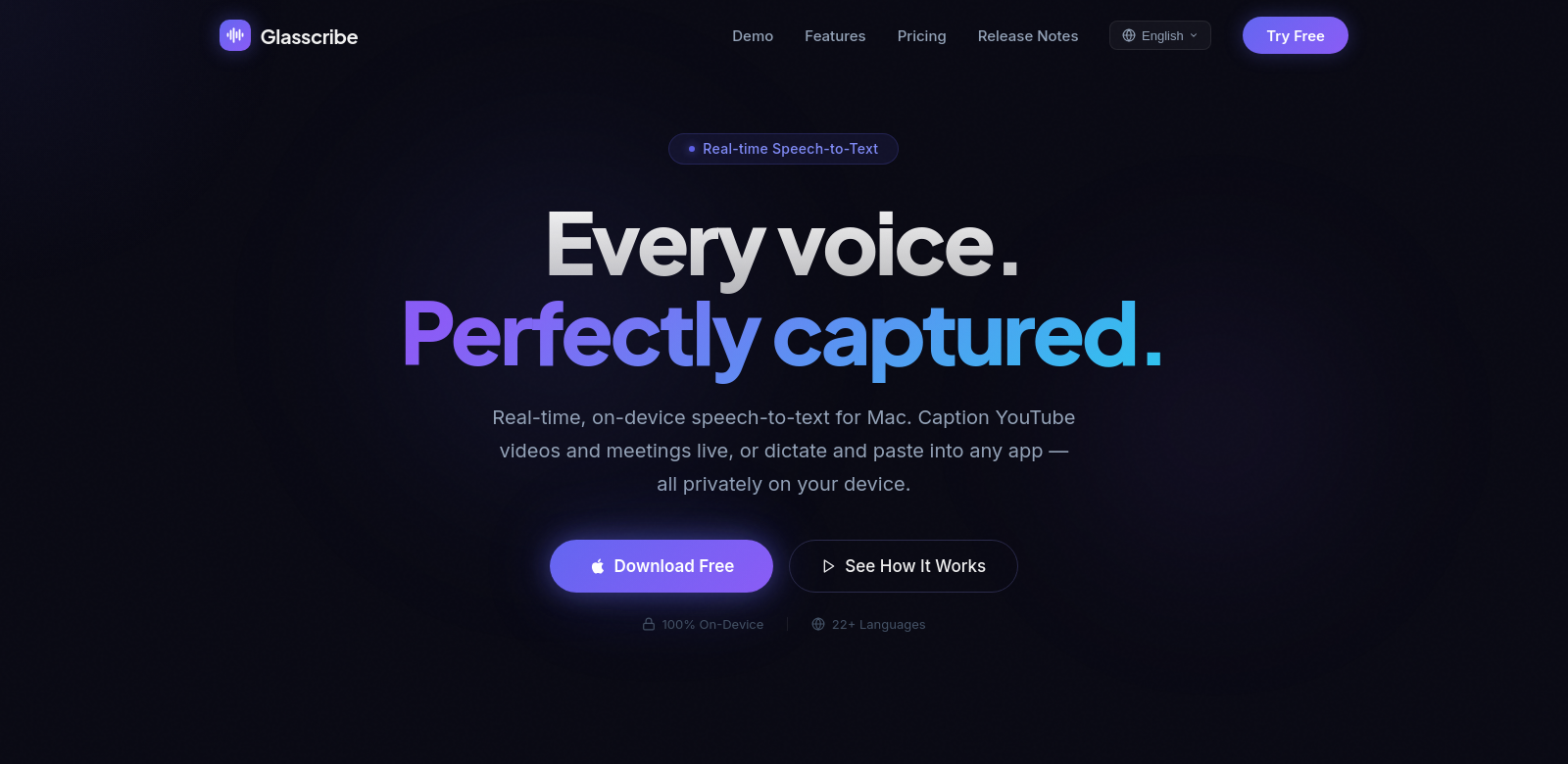
Glasscribe is a macOS app that gives you real-time speech-to-text transcription, right from your menu bar. This isn't just another transcription tool; it changes how you work with spoken words, whether you're dictating, taking notes, or translating on the fly. With support for over 22 languages and the ability to work completely offline, Glasscribe pushes speech recognition forward, keeping your privacy intact and your workflow efficient. Want to know more? Check out Glasscribe.
Who Uses Glasscribe?
Seeing who uses Glasscribe helps you understand just how flexible it is. Here are a few types of people who get a lot out of the app:
-
Students: Students often need to take notes quickly in lectures. Glasscribe lets them record and transcribe lectures in real time, making it a natural fit for their study habits.
-
Professionals: For professionals, especially in fast-paced jobs, having a reliable way to transcribe meetings and conversations is a huge win. Glasscribe provides accurate, real-time transcription, so you can actually focus on the discussion instead of scrambling to write everything down.
-
Content Creators: From podcasters to bloggers, content creators can use Glasscribe to easily turn spoken words into written text, making their production process much smoother.
-
Non-native Speakers: If you're communicating in a language that isn't your first, Glasscribe's live translation feature is incredibly helpful for understanding and creating content in different languages.
-
Accessibility Advocates: Anyone who needs captions or transcription for accessibility will find Glasscribe essential. It gives accurate, real-time text feedback, making spoken events more inclusive.
The Problems Glasscribe Solves
When it comes to speech-to-text technology, people often run into the same frustrations. Glasscribe aims to tackle each of them head-on.
Common Speech-to-Text Problems
-
Accuracy: Many speech recognition programs struggle to get things right, especially in noisy places or when dealing with different accents.
-
Internet Dependence: Most online speech-to-text apps need an internet connection to work, which limits where and when you can use them.
-
Time Drain: Typing out audio manually takes a ton of time and effort, pulling your focus away from the actual content.
-
Language Barriers: Lots of tools only support a few languages, leaving out a huge number of non-English speakers.
-
Privacy Worries: Many applications require you to upload your audio data online, which naturally brings up concerns about privacy and security.
How Glasscribe Fixes Them
Glasscribe directly addresses these issues with a comprehensive solution that genuinely improves your experience. First, the app uses smart algorithms to deliver highly accurate transcriptions, cutting down on errors when converting speech to text. Crucially, it works completely offline. This means you can record and transcribe without needing a stable internet connection, making it useful in all sorts of environments.
By automating transcription, Glasscribe drastically cuts down the time you'd spend on note-taking and content creation. Plus, its extensive support for 22 languages, including real-time translation, makes it accessible and valuable for users worldwide, reflecting our increasingly diverse world. And because all processing happens right on your device, your privacy concerns are eased, and sensitive information stays confidential.
Use Cases
Glasscribe is a versatile tool that fits into many different situations, whether you're in a modern office or a classroom. For instance, in schools, it helps students manage lecture content better and improve how they study. In corporate settings, meeting transcripts can make communication clearer and prevent misunderstandings. Content creators can use the software to streamline their production. Ultimately, it's an invaluable app for anyone who needs accessible technology to communicate more effectively.
Top Glasscribe Features
Glasscribe stands out with several key features:
-
Real-time Transcription: It turns what you say into text instantly, giving you immediate feedback.
-
Offline Functionality: Works without needing an internet connection, making it perfect for any setting.
-
Live Translation: Translates spoken language into text across many languages, making communication and understanding easier.
-
User-Friendly Interface: It's designed to be intuitive, so anyone can navigate it easily, no matter their tech background.
-
Privacy Protection: All processing happens on your device, meaning your data stays secure and confidential.
Glasscribe FAQs
-
How accurate is Glasscribe's transcription? Glasscribe uses advanced algorithms that significantly boost transcription accuracy. It adapts to different accents and contexts to give you high-quality results.
-
Does Glasscribe need constant internet access? No, Glasscribe works entirely offline. You can transcribe speech without needing a stable internet connection, which makes it incredibly flexible.
-
Can I use Glasscribe in a noisy environment? Yes, thanks to advanced noise-cancellation tech, Glasscribe can transcribe speech effectively even when there's a lot of background noise.
-
Is my user data secure with Glasscribe? Absolutely. By processing all data locally on your device, Glasscribe ensures top-notch privacy and security for your sensitive information.
-
What languages does Glasscribe support? Glasscribe currently supports over 22 languages, serving a global audience with its multilingual capabilities.