Habits by Radost IT: Your Cross-Platform Habit Tracker
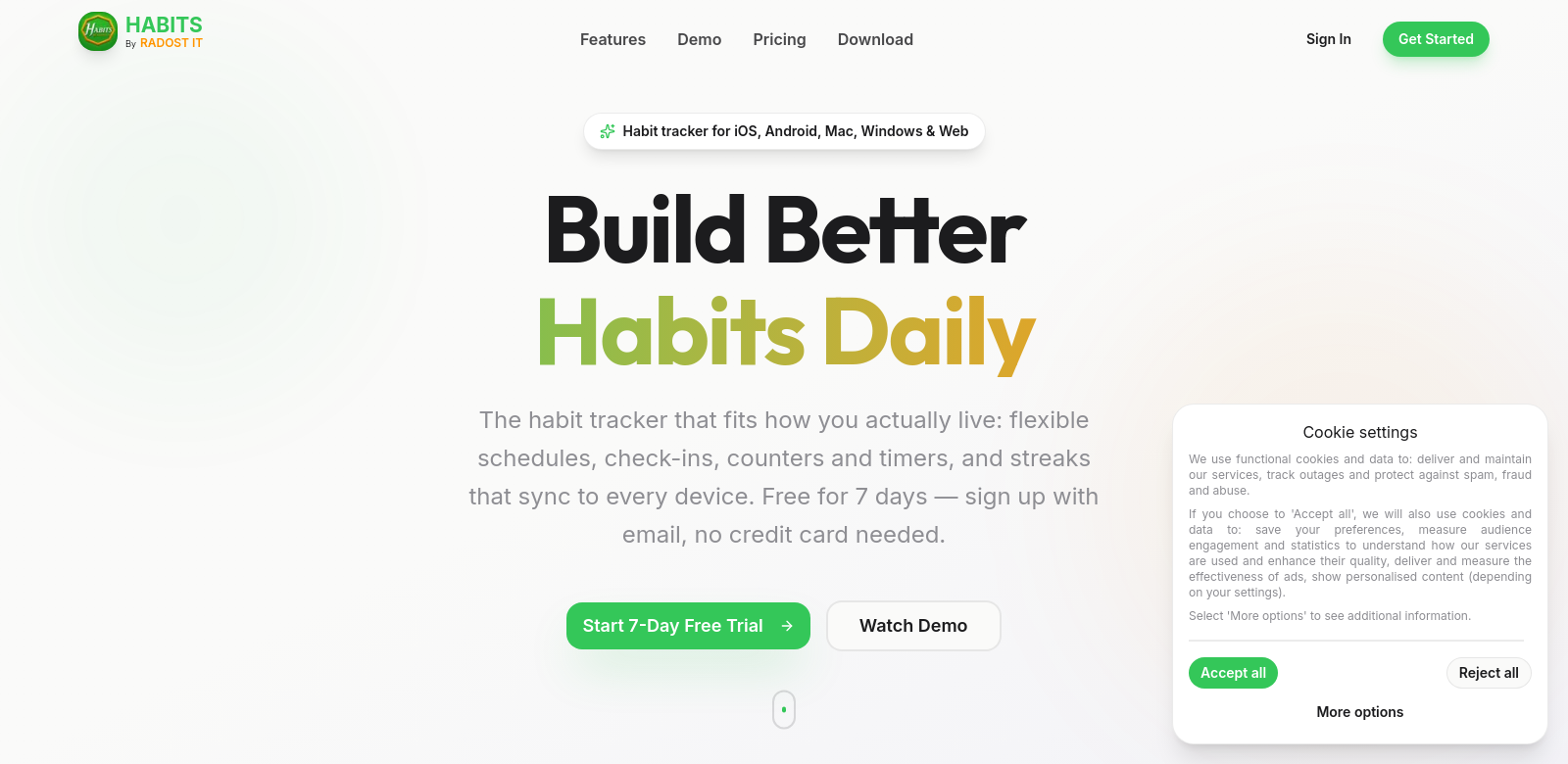
Habits by Radost IT is a habit tracker that works everywhere: iOS, Android, Mac, Windows, and the web. It's built for anyone who wants to build good habits, ditch bad ones, or just keep their daily routines on track. With flexible scheduling, analytics, and cloud sync across all your devices, you can easily check your progress from home, the office, or wherever you are. Want to see more? This detailed overview of the app shows off everything it can do, making it a solid choice for anyone serious about boosting their productivity and feeling better.
Who Uses Habits?
Habits helps all sorts of people with different needs and routines. Everyone here uses technology to get better at what they do. Here are the main groups who get the most out of Habits:
-
Busy Professionals: These folks are constantly juggling tasks. They need a dependable way to keep things organized and make sure they're actually spending time on their habits. The app helps them set reminders and track progress, which keeps them productive.
-
Students: Doing well in school takes discipline and good study habits. Students can use the app's counter and timer to build schedules and stick to their learning goals.
-
Health-Conscious Individuals: People focused on fitness and wellness can use Habits to track specific health goals, like drinking more water or working out. The streak analytics show them how consistent they've been over time.
-
Parents: It's tough for parents to balance family life and personal goals. The app can help them by tracking family-friendly habits, building routines for both themselves and their kids.
-
Self-Improvement Enthusiasts: If you're into personal growth, you can use the app to build all sorts of new habits, from daily reading to mindfulness. The flexible scheduling lets them customize tracking for whatever they're working on.
Problems Habits Solves
Habits tackles a few common issues people run into when trying to build and keep good habits.
Problems Habits Found
-
Lack of Consistency: Lots of people struggle to stick with habits, which often leads to feeling discouraged and like they've failed.
-
Disorganization: Without a clear way to track habits, it's easy to forget what you're supposed to do or just lose motivation.
-
Limited Insight: It's hard to tell if you're actually making progress without good analytics. This can lead to wasted effort because you don't know what's working.
How Habits Helps
Habits offers a straightforward way to solve these problems with its features. You can create custom habit categories, choosing between yes/no tracking, counters, or timers. This helps you organize your goals in a way that's clear and motivating.
Plus, streak analytics give you valuable insights into your progress, encouraging you to keep going. Cloud sync means you can get to your habit data from any device, so you're never stuck. This is especially handy if you use different devices throughout your day.
Notifications and reminders fight disorganization by giving you timely nudges, so you don't forget your habits. All in all, Habits makes building habits simpler, easier to manage, and open to everyone.
How People Use Habits
Because it's so flexible, people use the Habits app in many different ways. For example, a busy professional might set a habit to only check emails at certain times, helping them focus better at work. A student could use the timer to set specific study blocks with short breaks, boosting their productivity without burning out.
Parents might track family activities like outdoor play or shared meals, which can build stronger family bonds and help kids develop consistent routines. Basically, anyone can tweak the app to fit their own goals.
Habits' Best Features
Here are some of the best features that help users build better habits:
-
Flexible Scheduling: You can customize habit tracking to fit your unique schedule, making it easy to weave new habits into your life.
-
Yes/No, Counter, and Timer Habits: Track your progress in different ways, whether it's a simple yes/no, counting reps, or timing an activity. This covers all sorts of preferences and goals.
-
Streak Analytics: See your success with customizable graphs and analytics that show how consistent you've been. It's a great motivator.
-
Cross-Platform Synchronization: On your phone or desktop, you can access your habit data from anywhere, making it simple to stay on track.
-
7-Day Free Trial: Try the app for free for a week to see how it works before you decide to buy.
Habits: Your Questions Answered
-
How does Habits work? You set specific goals and track them using different methods like yes/no, counters, or timers. You can also customize notifications to remind you of your habits, helping you stay on track.
-
Can I access Habits on multiple devices? Yes, you can use Habits across all your devices. Access your account on iOS, Android, Mac, Windows, and the web whenever you want.
-
What makes Habits different from other habit trackers? Things like customizable habit types, streak analytics, and flexible scheduling give you a personalized experience that really sets it apart from other apps out there.
-
Is there a free version available? You can try the app for free with a 7-day trial before committing to a subscription, which costs just $0.99/month after that.
-
How does cloud sync work? Cloud sync keeps your data the same on all your devices. This means you can always pick up right where you left off, no matter which device you're on.