

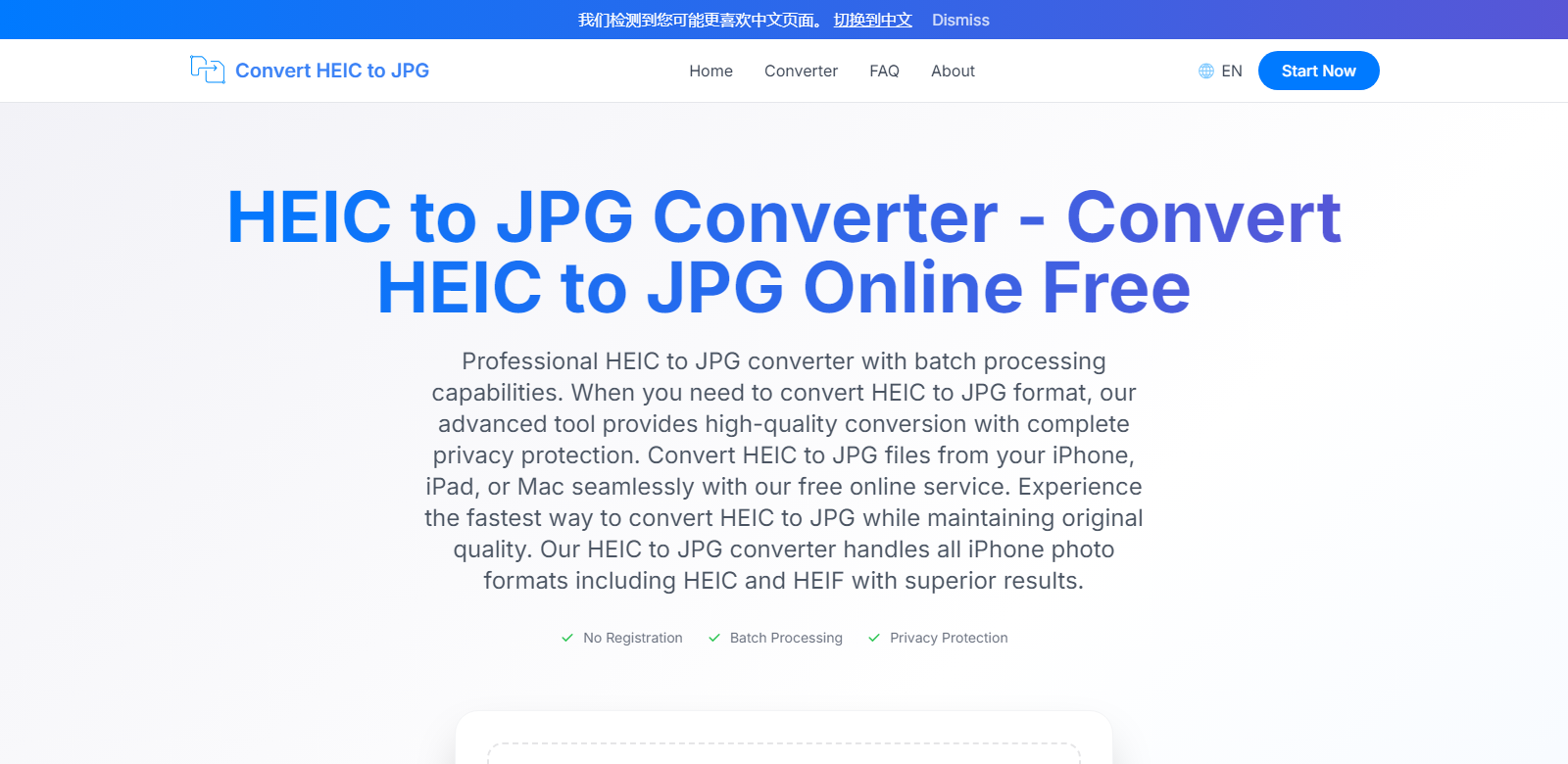
High-Quality HEIC to JPG Conversion Made Easy
In the digital age, the way we photograph and share images has evolved dramatically. Apple introduced the HEIC format as a high-efficiency image container that provides better compression than traditional JPG, closing the gap on quality while saving storage space. However, this innovative format presents compatibility challenges for users who wish to share their photos across diverse platforms. The solution is a reliable online tool that allows users to convert HEIC to JPG while ensuring quality and privacy remain uncompromised. This online service is not only user-friendly but also offers batch processing capabilities and advanced settings for customization, catering to both professional needs and everyday use.
Customers of HEIC to JPG Converter
Understanding the diverse spectrum of users is crucial to providing tailored solutions. The HEIC to JPG converter serves various customer personas, each finding unique value in the service.
-
Photographers: Professional photographers capture images in HEIC format to benefit from higher quality and compression. When delivering images to clients or sharing on social media, converting to JPG is essential for accessibility. The batch processing feature allows photographers to efficiently handle large volumes of photos without sacrificing quality.
-
Content Creators: For content creators juggling multiple projects, the ability to quickly convert HEIC images to JPG format speeds up workflow. They rely on user-friendly platforms that allow seamless sharing across different media channels. This converter meets their needs with fast processing and easy downloads.
-
Small Business Owners: Entrepreneurs who utilize visual content for marketing benefit immensely from processing HEIC files. Having a dependable way to convert images means more control over product presentations online, ensuring compatibility with most e-commerce platforms. The privacy promise provides peace of mind as they handle sensitive merchandise photos.
-
Tech Savvy Users: Users familiar with image formats often prefer HEIC for its efficiency but face barriers when compatibility is a concern. The conversion service offers them an effective way to maintain their preferred format while ensuring others can view and utilize the images without hassle.
-
General Consumers: Average users capturing family moments on iPhones can find themselves perplexed when sharing or printing HEIC photos. A straightforward tool to convert their images ensures they can share memories seamlessly with friends and family, without technical hurdles.
Problems and Solution by HEIC to JPG Converter
As the need for image versatility grows, so do the challenges surrounding HEIC files. Below are common problems users encounter and how the converter addresses them.
Problems HEIC to JPG Converter Found
-
Compatibility Issues: HEIC format, while efficient, is not universally supported. Users often find that sharing these files leads to complications with recipients unable to access them. The converter resolves this issue by transforming HEIC files into JPGs that are widely accepted across platforms.
-
Time-Consuming Processes: Converting files individually can become a tedious task, especially for users with large photo libraries. The batch processing feature efficiently handles multiple files at once, significantly reducing the time needed for conversions.
-
Quality Loss During Conversion: Many available tools sacrifice image quality for the sake of speed. Advanced algorithms within the HEIC to JPG converter ensure that original quality is preserved, offering users consistently impressive results without compromise.
-
Data Privacy Concerns: Users worry about uploading sensitive images to online converters that could expose their content. The HEIC to JPG converter executes all processes client-side and deletes files after one hour, securing users' privacy and data.
Solution by HEIC to JPG Converter
The HEIC to JPG converter provides a comprehensive solution that meets diverse user needs without compromising quality or privacy. Its advanced design allows for seamless uploads and quick processing, retaining essential EXIF data in every conversion. Whether it's for business presentations, social media sharing, or personal archives, users can expect professional-grade results swiftly and with ease. The converter utilizes state-of-the-art technology to maintain the integrity of your images, making it a steadfast go-to for HEIC to JPG conversion. It ensures users remain productive and confident while handling their valuable content.
Use Case
Use cases that exemplify the versatility of the HEIC to JPG converter include:
- Photographers needing to deliver high-quality images in JPG to clients swiftly.
- Bloggers requiring quick conversions for images used in posts for broader reach across demographics.
- E-commerce owners optimizing product images for website uploads while preserving essential detail.
- Social media managers ensuring an effortless transition from HEIC to JPG for marketing campaigns.
- Everyday users converting family photos for easy sharing with friends and relatives across platforms.
Top Features of HEIC to JPG Converter
The HEIC to JPG converter stands out thanks to its exceptional functionality:
-
User-Friendly Interface: Easy navigation allows users of all technical backgrounds to convert files effortlessly.
-
Batch Processing: Supports up to 100 files at once, streamlining the workflow without sacrificing quality.
-
Privacy Protection: Files are processed client-side, ensuring data security and automatic deletion post-conversion.
-
High-Quality Results: Maintains original photo quality through advanced algorithms in the conversion process.
-
Versatile File Support: In addition to HEIC, the converter supports various formats like PNG and WebP, catering to broader user needs.
Frequently Asked Questions with HEIC to JPG Converter
-
What file types can I convert besides JPG?
In addition to JPG, the converter allows files to be transformed into PNG and WebP formats, catering to various user requirements based on functionality and desired quality. -
Is the conversion process really secure?
Yes, the conversion process is highly secure. All image processing occurs locally, and files are deleted immediately after a one-hour period, ensuring user data is never compromised. -
How do I upload and convert multiple files?
Simply drag and drop your HEIC files into the designated area or use the upload button to select multiple files. The system processes them in bulk, enhancing efficiency. -
Will converting HEIC files affect their quality?
No, the HEIC to JPG conversion process uses advanced algorithms to ensure high-quality retention, allowing users to select quality levels to suit their preferences. -
Can I use this converter on mobile devices?
Absolutely! The HEIC to JPG converter is fully optimized for mobile use, allowing seamless conversions directly from iPhones or Android devices via browser access.
The HEIC to JPG converter not only simplifies the conversion process but empowers users by maintaining the integrity and accessibility of their valuable photos. Users can discover this powerful tool and experience a new level of photo management today.