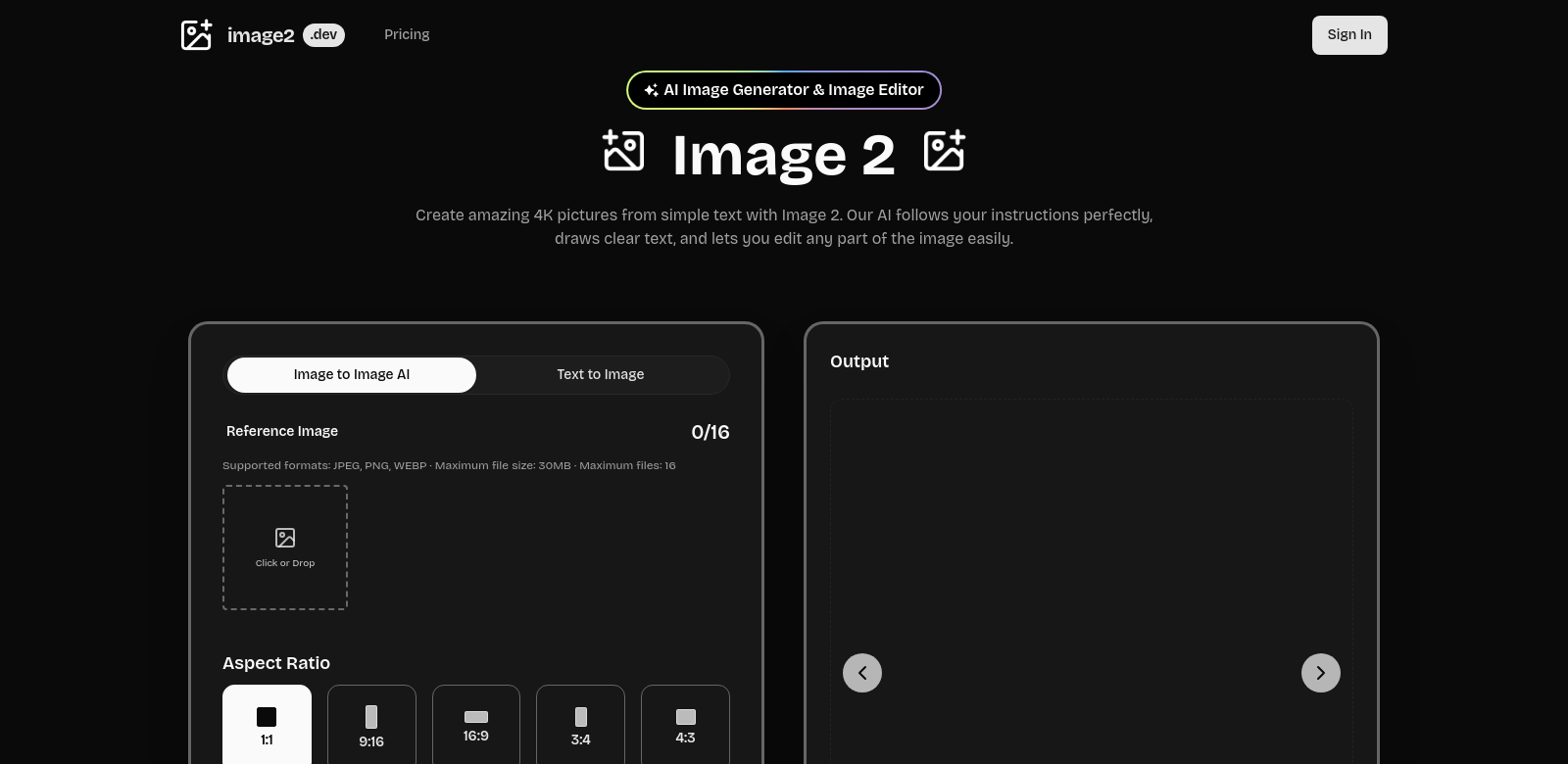
Image 2: AI Image Generator & Editor
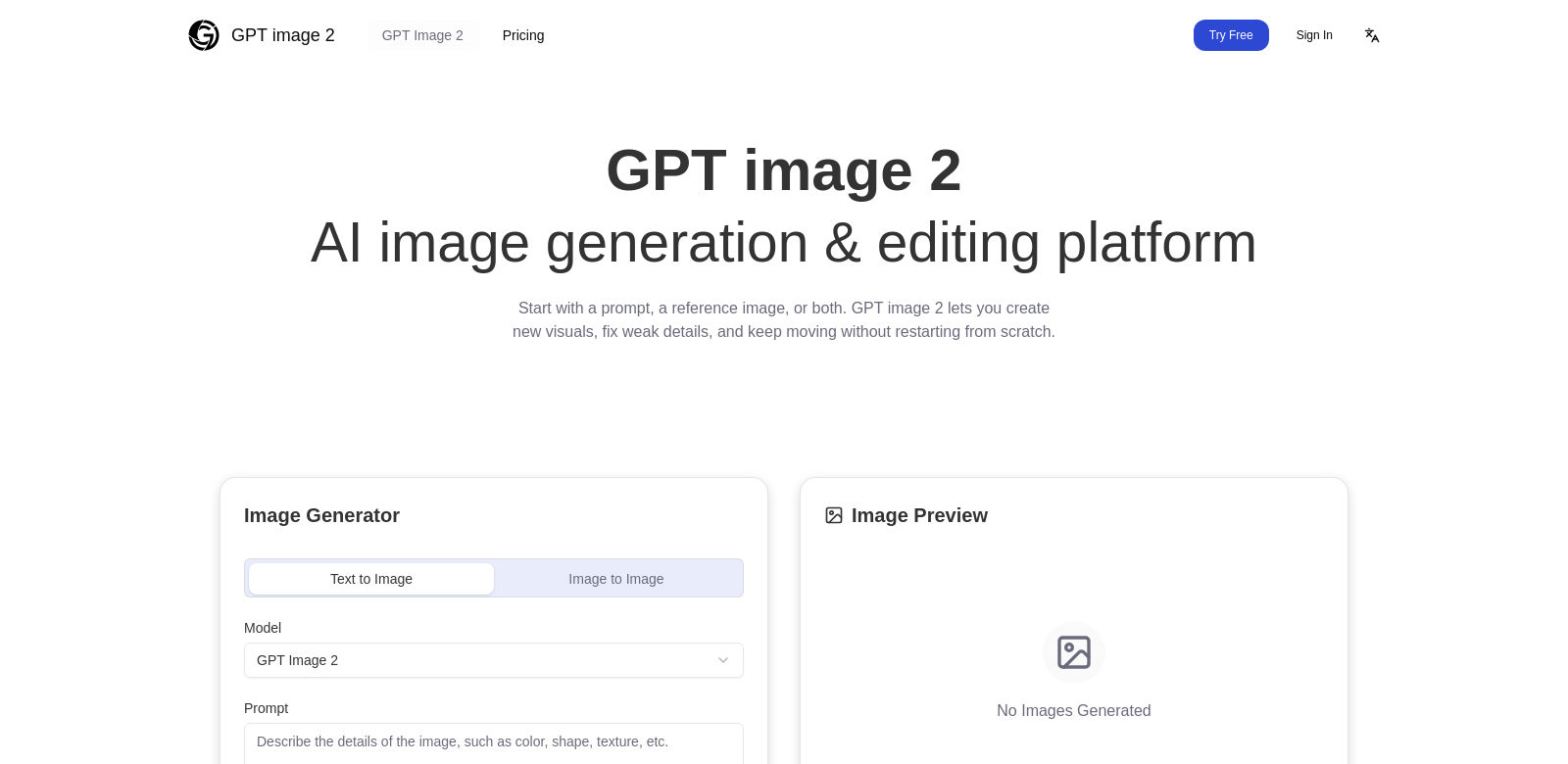
Image 2 creates high-resolution, commercial-quality images using advanced AI. It doesn't just generate stunning visuals; it also offers powerful, easy-to-use editing tools. The platform can produce 4K images, with a strong focus on photorealism and almost perfect text rendering. This makes it a powerful tool for both professional creators and casual users. See how Image 2 can help with your creative projects.
Customers of Image 2
Image 2 helps a lot of different customers across many industries. Here's a look at what they need and how Image 2 helps.
-
Content Creators: Bloggers, vloggers, and social media influencers need visuals that stand out. Image 2 makes it easy to create eye-catching graphics that improve their content and get more people interested.
-
Marketing Professionals: Marketers use strong images for advertising and promotions. Image 2 lets them make custom visuals that really connect with their audience, making campaigns more effective.
-
Web Designers: Web designers need high-resolution images for client projects. Image 2 makes it easy to generate and edit images that fit any design, thanks to its simple interface.
-
E-commerce Businesses: E-commerce stores need clear, attractive product images to sell more. Image 2 helps them create beautiful images that make products look great and improve the shopping experience.
-
Educators and Students: Educators and students can really use good graphics. Image 2 helps them make visual aids for presentations, reports, and interactive content.
Problems and Solution by Image 2
Creating and editing images can be tough. Image 2 solves many of these common problems.
Problems Image 2 Found
-
High Costs of Professional Design: Many professionals can't afford to hire graphic designers.
-
Time Constraints: Designing images from scratch takes forever.
-
Limited Technical Skills: Not everyone knows how to use complex graphic editing software.
-
Inconsistent Quality: Images from different sources often look inconsistent.
-
Complexity of Advanced Editing Tools: Advanced editing tools are hard to learn, so casual users miss out on their power.
Solution by Image 2
Image 2 tackles these common problems head-on. It offers a simple interface that makes creating high-quality images easy, with almost no effort. The software uses AI to automatically improve image quality, especially with photorealism. This cuts out all the trial and error usually involved in image editing.
Plus, with its pre-set styles and editing options, Image 2 works for everyone, even if you've never designed anything before. You can still make professional-grade images. It creates custom images in seconds, drastically cutting down creation time. This frees you up to focus on other important parts of your projects.
Use Case
Image 2 can be used in many ways across different industries. Here are some examples:
- Creating Marketing Campaign Materials: Marketers can quickly make visuals for ads and social media, keeping their brand consistent.
- Enhancing E-commerce Listings: Online stores can create great product images to draw in more shoppers.
- Designing Social Media Content: Influencers and brands can make custom images to keep people engaged and boost their online presence.
- Educational Presentations: Educators can make custom graphics to explain tough subjects visually, making lessons more interesting.
- Portfolio Development: Artists and designers can build impressive portfolios with images made in Image 2, showing off their range and creativity.
Top Features of Image 2
Image 2 has some great features that meet all sorts of user needs.
-
AI-Powered Image Generation: Image 2 uses AI to create original images with amazing visual quality.
-
Advanced Editing Tools: Users can refine images with easy-to-use tools that simplify complex editing.
-
Photorealistic Outcomes: It focuses on photorealism, so users can create images that look authentic and professional.
-
High-Resolution Output: Images can go up to 4K resolution, keeping them clear and detailed.
-
Flexible Usage Options: Whether you want to edit or create, the platform works for many different uses and industries.
Frequently Asked Questions with Image 2
-
How does Image 2 improve image generation for marketers? Image 2 makes it easier to create marketing materials. It automatically generates high-quality images, cutting down design time a lot.
-
Can beginners use Image 2 effectively? Yes, Image 2 is super easy to use. Even if you've never done graphic design, you can use it. Pros will find advanced options too.
-
What kinds of images can I create with Image 2? You can create all sorts of images, like social media graphics or e-commerce product photos. It's really versatile.
-
Is the image quality customizable? Yes. Image 2 creates images at different resolutions, and you can adjust many settings to get exactly what you want.
-
Are there any subscription fees involved? Image 2 has different pricing plans. You can pick one that fits your needs and how often you use it.