
Turn Your Photos into Amazing HD Videos
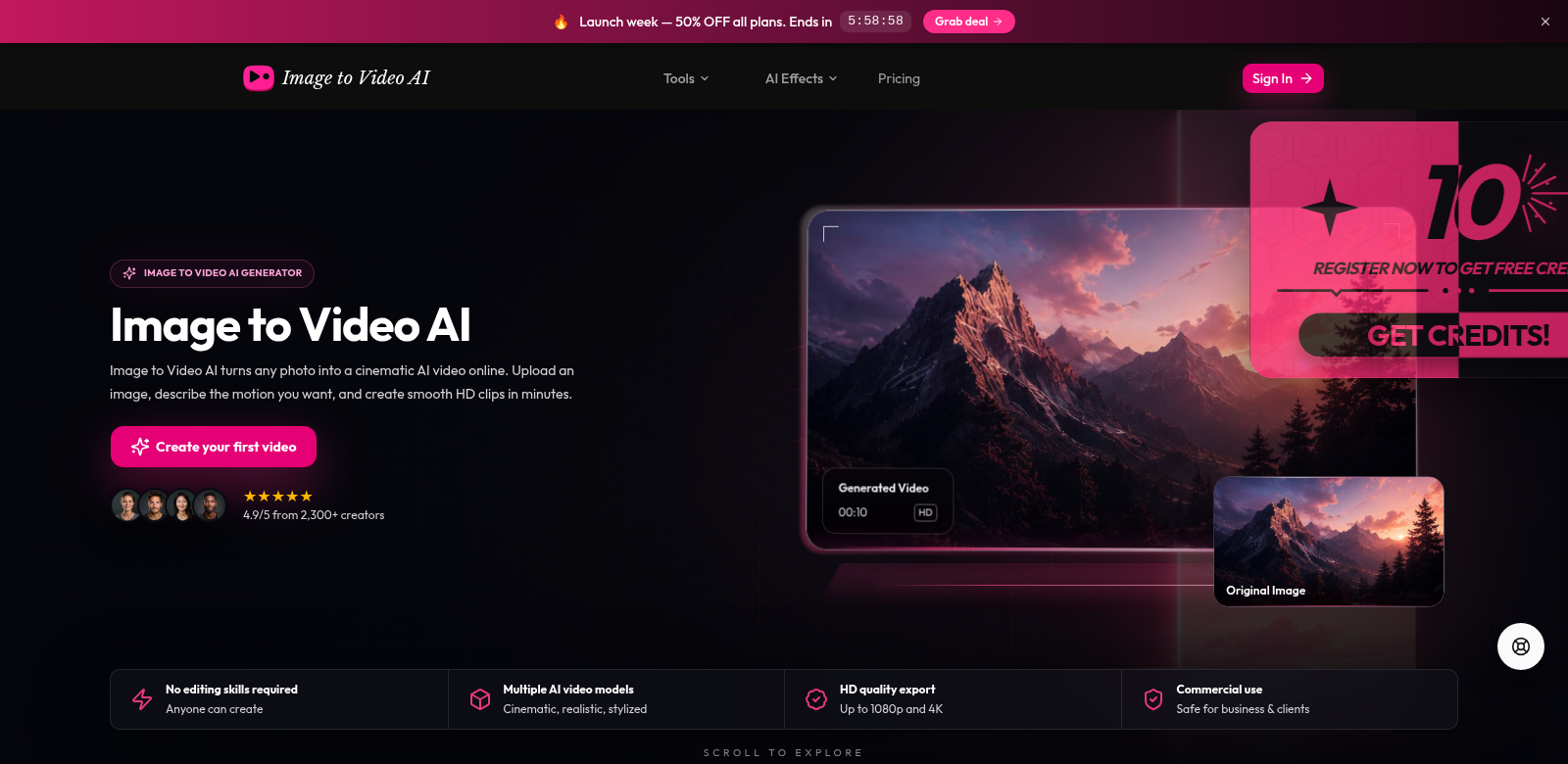
Image to Video AI takes your everyday photos and makes them into crisp, high-definition videos. It's simple: upload a picture, tell it how you want it to move, and get a video clip. Suddenly, your images are ready for social media, ads, or showing off products. The tool is so easy to use, anyone can make great video content, whether you're just starting out or you're a pro. Learn more about Image to Video AI here.
Who Uses Image to Video AI?
Image to Video AI helps all sorts of people. Here's who gets the most out of it:
-
Social Media Influencers: Influencers need eye-catching content to keep their audience hooked. This tool lets them turn simple pictures into amazing videos, which helps them stand out and grow their following.
-
Marketers: Marketers always look for fresh ways to grab attention. With Image to Video AI, they can make lively ads and promos that cut through the noise.
-
Small Business Owners: High-quality video can be expensive for small businesses. This tool gives them an affordable way to make professional marketing videos, no fancy skills or big budgets required.
-
Content Creators: Bloggers, podcasters, YouTubers—anyone making content can use this to turn their images into engaging video clips, making their work more dynamic and drawing people in.
-
Educators: Teachers can make lessons more interesting by turning their teaching materials into animated videos. It's a great way to help students learn better.
Problems Image to Video AI Solves
Making video content can be a real headache. Image to Video AI helps solve some common problems:
Problems We Noticed
-
Time-Consuming Process: Making videos usually takes forever, from shooting to editing. That often stops people from even trying.
-
Cost Barriers: Good video production costs a lot. Most individuals and small businesses can't afford videographers or expensive gear.
-
Technical Skill Requirements: Video editing software is often complicated and hard to learn. It scares a lot of people off.
-
Need for High-Quality Output: Everyone wants professional-looking videos, but most people just can't consistently make them.
How Image to Video AI Helps
Image to Video AI makes all this easier. It's a simple tool that lets you skip the complicated editing software. Instead, you just upload a photo, tell it how you want it to move, and the system quickly creates a video. You get to focus on your ideas, not the tech. This means you can make lots of videos fast, without losing quality. With social media pushing video so hard, this tool helps you keep up.
Real-World Examples
Imagine a small business selling handmade crafts. The owner can snap pictures of their products, then tell Image to Video AI to make them spin or zoom. Suddenly, those static photos become engaging videos perfect for Instagram, helping them get more eyes on their products and, hopefully, more sales.
Or think about teachers. They can turn textbook pictures into animated videos that explain ideas in a much more dynamic way, helping students grasp and remember things better. It's clear this tool opens up new creative possibilities and helps people connect, no matter what they're doing.
Top Features of Image to Video AI
Image to Video AI has some great features that make video creation simple. Here are the highlights:
-
Easy to Use: The tool is designed so anyone can pick it up and start making videos, no matter their skill level. It's simple to get around and create what you need.
-
HD Quality Videos: Your videos come out in high-definition, so they always look professional.
-
Fast Video Creation: You can make videos quickly, cutting down on the time it takes to create content.
-
Flexible Motion Control: Tell it exactly how you want your images to move. This lets you tell your story in a unique, visual way.
-
Share Anywhere: Easily share your finished videos across all your social media channels.
Common Questions About Image to Video AI
-
What types of images can I upload? You can upload common image formats like JPEG, PNG, and GIF. We built it to work with whatever you have.
-
Is there a limit on video length? Not really. You can make videos of different lengths, from short clips to longer ones, depending on how much detail and motion you describe. It works for any platform.
-
What kind of motion descriptions can I use? Get creative! Whether you want a simple zoom or a complex spin, the tool tries its best to understand what you're asking for and make it happen.
-
Is there customer support available? Yes, we have full customer support to help you get the most out of the tool, answer questions, and fix any problems.
-
Can I share videos directly from the platform? Yes! You can share your new videos straight to popular social media sites, making it super easy to get them out there.