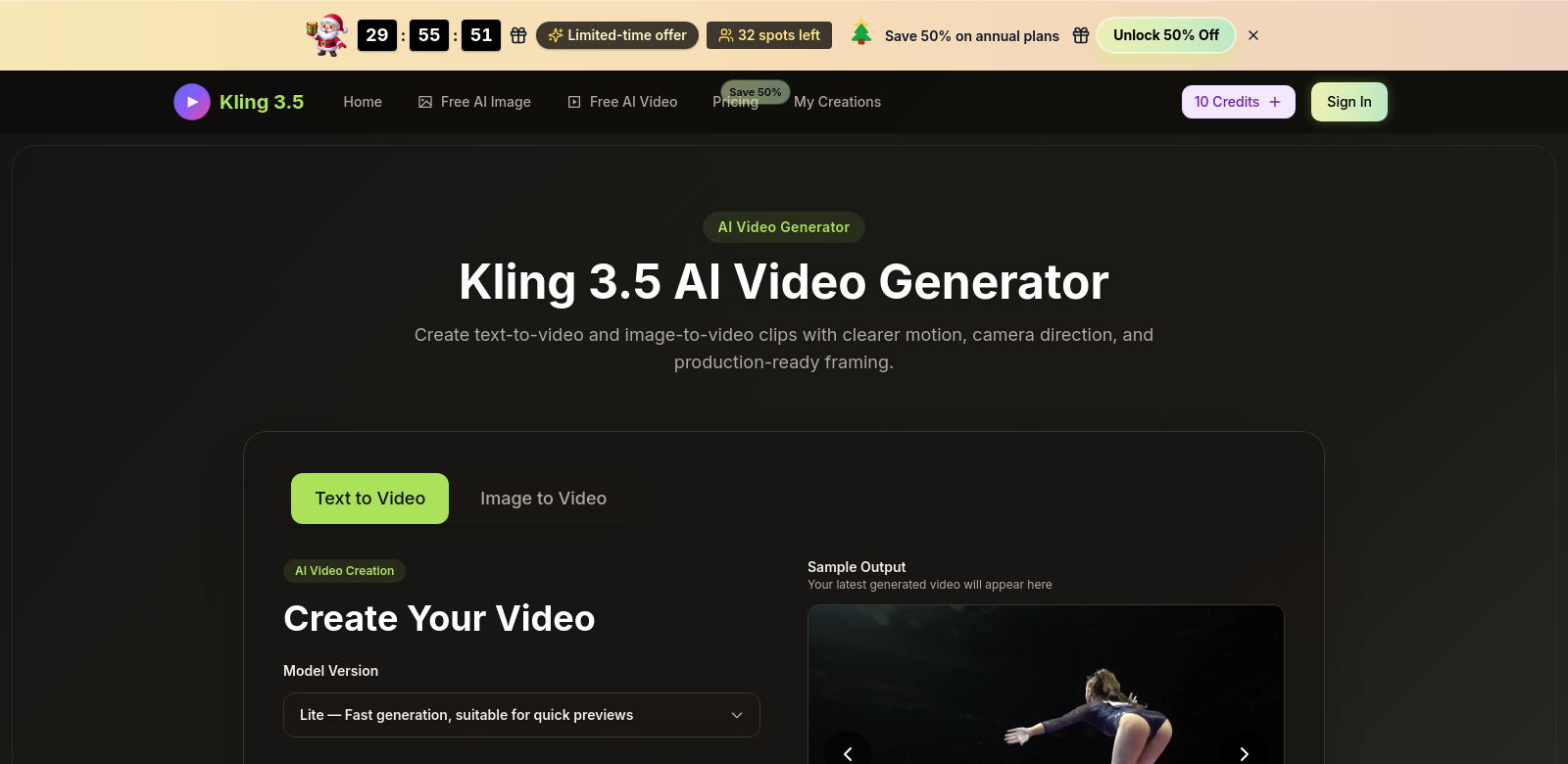
Kling 3.5 AI Video Generator Overview
Kling 3.5 is an AI video generator that lets you easily turn text prompts and images into video clips. It's a standout because it's easy to use but also powerful enough for pros. You can try it out with free credits to see how it works before you commit to a paid plan for bigger projects. Whether you're an individual or a business, Kling helps you turn your ideas into compelling videos.
Who Uses Kling 3.5?
Knowing who uses Kling 3.5 helps show what it's good for. Here are some of the different people and groups who get a lot out of it:
-
Content Creators: Bloggers and social media influencers can use Kling to make their posts pop with appealing videos, without a lot of fuss. It helps them cut through the noise online, grabbing their audience's attention with dynamic visuals that go perfectly with their text.
-
Marketing Professionals: Marketing teams use Kling to make promo videos that really nail their brand message. Being able to whip up video content fast means they can jump on market trends and campaigns quickly, keeping their strategies fresh and relevant.
-
Educators and Trainers: Educators find Kling handy for making educational content more interactive. Turning lesson plans and study materials into engaging videos can help students remember more and make learning feel more alive.
-
Businesses Seeking Product Demonstrations: Companies that need to show off their products or services with visual demos get a huge boost from Kling. It makes it way easier to churn out high-quality demo videos that actually show how things work, which means more customer interest and better sales.
-
Freelancers in Creative Fields: Freelancers in video editing or marketing can use Kling as an extra tool in their kit. They can quickly make samples for clients or beef up their portfolios with professional-looking videos.
Problems Kling 3.5 Solves
Making great video content in today's digital world can be a real headache. Kling 3.5 tackles these problems with some clever solutions.
The Problems Kling 3.5 Fixes
-
Time-Consuming Video Production: Making videos the old way takes forever – scripting, filming, editing. That often means marketing campaigns get delayed or educational content is late.
-
High Production Costs: Professional video tools and teams cost a fortune, putting them out of reach for small businesses or independent creators.
-
Lack of Technical Skills: Lots of people want to make videos but don't have the technical skills to handle complicated editing software.
-
Visuals Don't Match Text: It's tough for creators to picture their written ideas, which often leads to visuals that don't quite match the text.
Solution by Kling 3.5
Kling 3.5 has solid answers to these common problems. Since it lets you turn text and images into videos so easily, it slashes both the time and money usually spent on video production. The platform's super intuitive design means anyone, no matter their tech background, can make high-quality videos without a ton of training. This kind of accessibility changes the game for video marketing, letting all creators truly bring their ideas to life visually.
Use Cases
Kling 3.5 really shines in a bunch of different situations, proving how versatile it is across all sorts of industries. Say a small business wants to launch a new product – they can use Kling to whip up engaging promo videos in just minutes. Or a teacher putting together an online course could turn lesson outlines into animated presentations that actually keep students hooked. Social media influencers can turn blog posts into binge-worthy video snippets, sending more traffic their way.
Top Features of Kling 3.5
Kling 3.5 packs some pretty cool features that make it super useful and effective:
-
AI-Powered Video Generation: Kling uses advanced AI to make videos, cutting down on manual work and making workflows smoother.
-
User-Friendly Interface: The platform is built for ease of use, so anyone can navigate it and make videos fast.
-
Compatibility with Text and Images: You can feed it both text prompts and reference images, which opens up a ton of video creation possibilities.
-
Free Credits for Trial: You get free credits to start, so you can really test out what the platform can do before you commit to a paid plan. It's great for just messing around.
-
Customizable Video Outputs: Kling lets you customize video elements, so you can make sure the final product perfectly matches your brand and content goals.
Common Questions About Kling 3.5
-
How can I start using Kling 3.5? Just sign up on the Kling website and use your free credits to start making videos – no upfront cost.
-
What types of videos can I create with Kling 3.5? You can make all sorts of videos: promo clips, educational stuff, product demos, and more, all from text and images.
-
Is there a learning curve to using the tool? Nope, Kling's interface is super intuitive, so it works for everyone, no matter their skill level. You won't spend ages learning it.
-
How does the pricing work after the free trial? Once you've used up your free credits, you can pick from different paid plans. These are designed to fit various video creation needs, depending on how much you use it and how complex your projects are.
-
Can I use Kling for professional projects? Absolutely. Kling is totally up to snuff for professional projects, delivering the quality and punch you need for important content.