Markdown Converter: Seamless File Transformation Tools
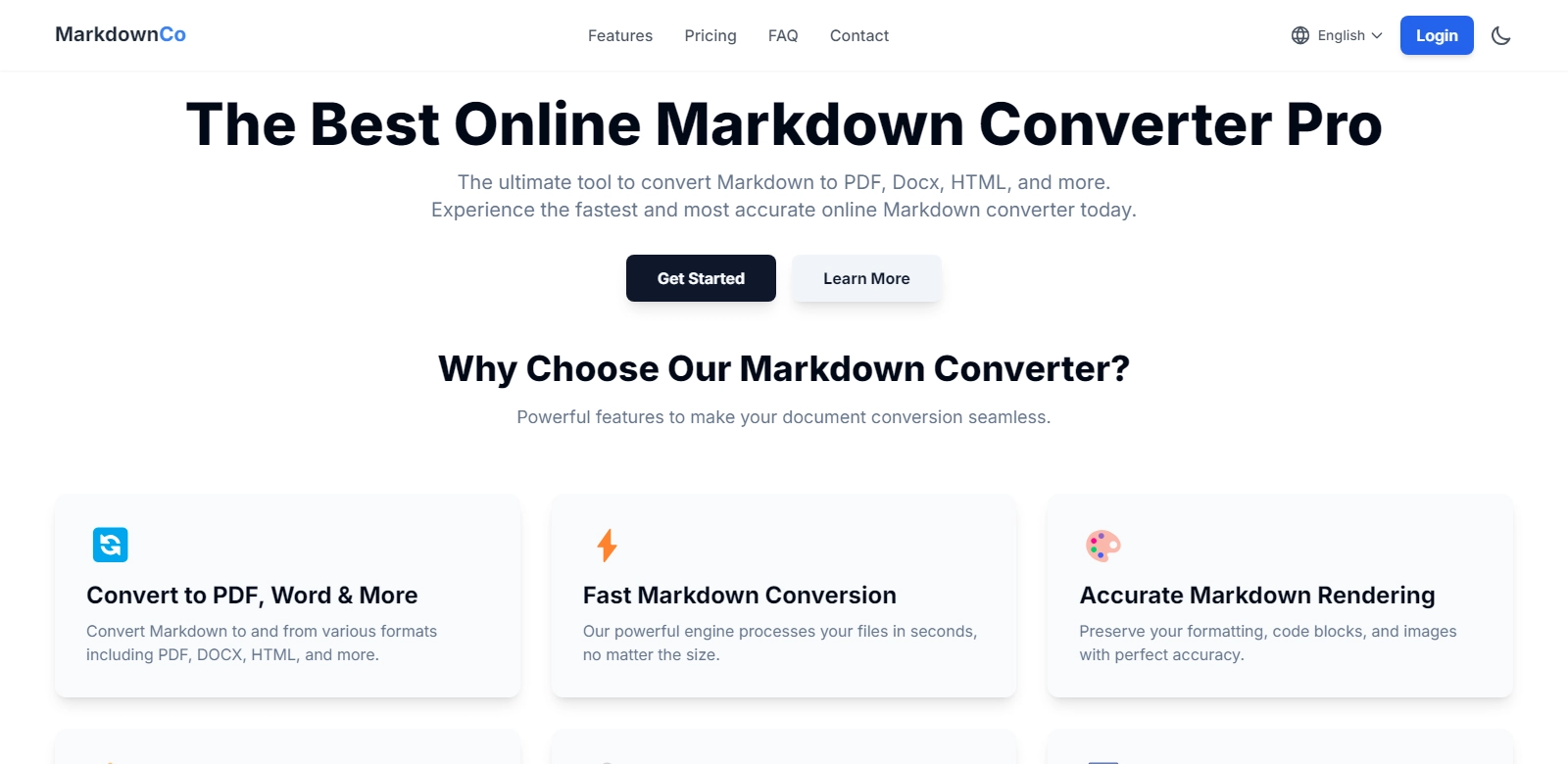
Markdown converters have become increasingly essential in today's digital landscape, offering users the ability to quickly and efficiently convert documents between various formats. One such exemplary tool is the Markdown Converter, which allows for the conversion of Markdown to PDF, DOCX, and HTML, as well as the reverse process. This ability to streamline workflows makes it a go-to solution for professionals and casual users alike. Users can leverage this converter for seamless transformations, ensuring their documents maintain integrity regardless of the final format. With an emphasis on security, speed, and ease of use, this tool stands out in the crowded marketplace.
Customers of Markdown Converter
Understanding the diverse customer base is crucial for any tool aiming for widespread adoption. The Markdown Converter caters to various personas, each with unique needs and motivations.
-
Developers: Developers often work with documentation in Markdown format due to its simplicity and compatibility with version control systems. The Markdown Converter allows them to quickly switch between formats while ensuring that code snippets and formatting remain intact. This feature is especially useful for those documenting APIs, as they can provide users with both the Markdown and a neatly formatted HTML version seamlessly.
-
Content Writers: Content writers enjoy the flexibility that Markdown offers when drafting articles. The Markdown Converter facilitates easy transitions to other formats like Word documents for collaboration or PDF files for publishing. The efficiency of converting content without losing formatting precision enhances productivity, crucial in meeting deadlines.
-
Educators: Educators can utilize the Markdown Converter to turn lecture notes or course materials into PDFs, which can be shared with students effortlessly. The interactive capabilities of Markdown can be preserved for engaging materials, while PDF outputs ensure formatting consistency across devices.
-
Business Professionals: Business professionals often require documents in various formats. The Markdown Converter eliminates the hassle of selecting different tools for each format, allowing users to convert their business proposals or reports into clean PDFs directly from Markdown files. Moreover, its user-friendly interface ensures that users can navigate the conversion process smoothly.
-
Researchers: Researchers benefit from the Markdown Converter by using Markdown for note-taking and collaborative documentation. Converting their notes or drafts into sharable formats like DOCX facilitates peer review processes and discussions. It enables researchers to prepare submission-ready documents rapidly, preserving all necessary formatting.
Problems and Solution by Markdown Converter
In a digital workspace filled with diverse file formats, converting documents can be a tedious task. Many users face challenges that a reliable Markdown converter can address effectively.
Problems Markdown Converter Found
-
Time-Consuming Conversions: Often, users face lengthy conversion processes when using multiple tools to achieve their desired file formats. This inefficiency can lead to a loss in productivity and frustration, especially when handling large files or numerous documents.
-
Formatting Issues: When converting files, maintaining the original formatting can be challenging. Users often find that their documents lose structure, leading to dissatisfaction and the need to reformat files manually.
-
Limited Compatibility: Many conversion tools only support a fraction of available formats. For users working across different platforms, the lack of compatibility can hinder their workflow significantly.
-
Security Concerns: Users frequently worry about the security and privacy of their documents during conversion. Uploading sensitive information to online converters raises flags regarding data breaches or unauthorized access.
Solution by Markdown Converter
The Markdown Converter addresses each of these concerns by providing a robust platform where users can transform files efficiently and securely. Speed is a priority, with rapid conversion capabilities that allow for time saved on every document processed. The converter guarantees that users can upload documents while maintaining their integrity, ensuring formatting remains intact during the transformation. The security of data is a top priority, with all files processed securely and not stored after conversion, giving users peace of mind.
Use Case
Markdown Converter finds its use in multiple scenarios across different fields, including:
- Document Submission: Researchers converting their Markdown notes into PDFs for article submissions or presentations.
- Collaborative Writing: Writers using the tool to exchange documents in various formats for feedback.
- Web Development: Developers formatting documentation for their projects that require HTML outputs.
Top Features of Markdown Converter
The Markdown Converter prides itself on a set of exceptional features that enhance user experience:
-
Multiple Format Support: The tool supports conversion between various formats, ensuring users can convert Markdown to PDF, DOCX, and HTML effortlessly.
-
High-Speed Processing: Fast conversion times mean users can complete their projects sooner, facilitating better time management.
-
User-Friendly Interface: The easy-to-navigate design ensures that even non-technical users can convert their files without any unnecessary complications.
-
Security Assurance: Data privacy is prioritized with secure file handling, promising users that their documents are not stored or accessed post-conversion.
-
Maintained Formatting: The converter ensures that all critical formatting is preserved, resulting in documents that look consistent and professional.
Frequently Asked Questions with Markdown Converter
-
Can I convert large files using the Markdown Converter? Yes, the Markdown Converter can handle large files efficiently without a significant decrease in processing speed, making it a viable option for users handling extensive documentation.
-
Is there any cost associated with using the Markdown Converter? The Markdown Converter is entirely free to use, offering users comprehensive tools without hidden fees.
-
What if I experience issues during the conversion process? Users can reach out to the support services of the Markdown Converter for assistance, ensuring that any problems are addressed promptly.
-
Is my data safe when using the online converter? Yes, your data privacy is a priority. The converter processes files without storing them, ensuring sensitive information remains confidential.
-
Can I convert files back into Markdown after editing? Absolutely! The Markdown Converter allows users to convert various document formats back to Markdown, providing complete versatility for users working with multiple formats.