NoteRich: Elevate your knowledge management experience
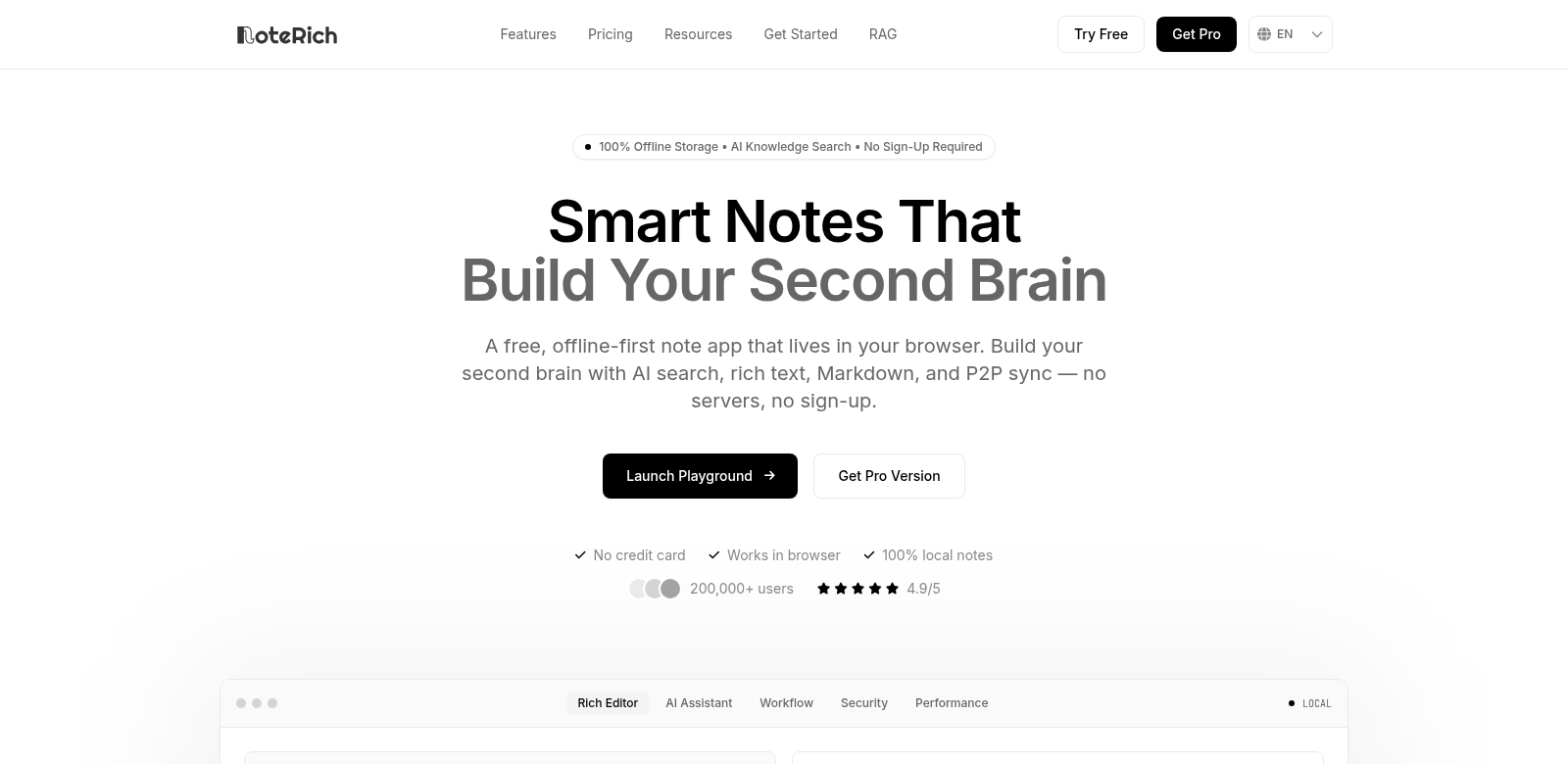
NoteRich is an online note-taking app that changes how people manage and keep track of information. It runs completely in your web browser, so you don't need to install anything. We designed it to be a personal knowledge base, handling everything from quick notes to complex research. You get an AI-powered search system that helps you find exactly what you need fast. The app combines a rich text editor with Markdown, giving you creative freedom in how you write. Plus, your notes stay offline, stored right on your device using IndexedDB, so you can relax knowing your data is safe with you. Check it out at NoteRich.
Customers of NoteRich
NoteRich helps all sorts of people, and seeing who uses it shows just how useful it is. The app works for different types of users, each with their own reasons for needing it:
-
Students: Students use NoteRich to keep their lecture notes and research organized. Its rich text features let them easily embed images and code, making studying smoother and giving them quick access to important info for exams and projects.
-
Professionals: Professionals in any field use NoteRich for their personal notes and project documents. The app stores everything offline, which keeps data secure and makes it easy to share notes with teams for smoother collaboration.
-
Researchers: Researchers get a lot out of NoteRich's advanced RAG (Retrieve, Analyze, Generate) search. They can categorize research notes well, quickly find insights and data, and boost their productivity for studies and publications.
-
Writers and Bloggers: Writers and bloggers find NoteRich super helpful for drafting content. The Markdown editor supports structured formatting and linking, which helps them organize ideas and simplifies their content creation.
-
Entrepreneurs: Entrepreneurs use NoteRich for brainstorming and planning. They can write detailed notes and store data securely, which helps them refine business ideas, manage tasks, and track their growth.
Problems and Solution by NoteRich
In our fast-paced world, dealing with information overload is tough. NoteRich helps solve common problems with managing what you know:
Problems NoteRich Found
-
Disorganized Information: People often end up with messy note systems that have no structure. This makes it hard to find information and slows down learning or project work.
-
Data Security Concerns: Many note-taking apps use cloud services, which makes people worry about their data privacy and losing sensitive information if their internet goes out.
-
Inefficient Search Mechanisms: Typical search tools can waste a lot of time, making it slow to find important notes or references when you need them.
Solution by NoteRich
NoteRich tackles these problems by giving you a controlled space to manage your knowledge. The app's design helps you stay organized with folders and tags, making it simple to sort and find notes. Because NoteRich uses IndexedDB for local storage, your data stays on your device. This means you don't rely on outside servers, which cuts down on risks like data loss or security breaches.
On top of that, the AI-powered RAG search algorithm helps you find specific notes much faster and more accurately. This changes how you take notes, turning piles of messy information into easy-to-browse resources that boost your learning and productivity.
Use Case
Imagine a university student getting ready for exams. With NoteRich, they can build a full set of notes, sorted by subject and topic. Using the Markdown editor, they can highlight important ideas, link related concepts, and quickly turn their notes into something perfect for exam revision. Professionals could do the same for project documents, keeping a clear record of their work that's easy to get to and share with colleagues.
Top Features of NoteRich
We built NoteRich to be easy to use and powerful. Here are some of its best features:
-
Rich Text and Markdown Support: You can make good-looking notes with images, bullet lists, and links, all while using Markdown formatting.
-
Offline Storage: All your notes save locally in IndexedDB, so you can get to your information even without an internet connection.
-
AI-Powered RAG Search: Find the right notes fast with a smart search that understands what you're looking for and pulls up the relevant data.
-
Organizational Tools: Tags, categories, and folders help you keep your knowledge base tidy.
-
Works on Any Device: Since it's browser-based, you can get to your notes from any device, giving you flexibility in how and where you work.
Frequently Asked Questions with NoteRich
-
Is NoteRich free to use? Yes, NoteRich has a free version that lets you use most of its main features, so lots of people can try it.
-
How does NoteRich protect my data? NoteRich stores your data offline, right on your device. This keeps it safe and lowers the chance of outside data breaches.
-
Can I share my notes with others? Yes, NoteRich makes it easy to share notes with simple export options or direct access.
-
What makes NoteRich different from other note-taking applications? NoteRich stands out because it focuses on AI-powered search and local storage. This makes it a flexible choice for everyone, from students to professionals.
-
Is there a mobile version available? Since it's a browser-based app, you can use NoteRich on any device with internet access. It works great across different devices.