NovaVoice App: Voice Productivity
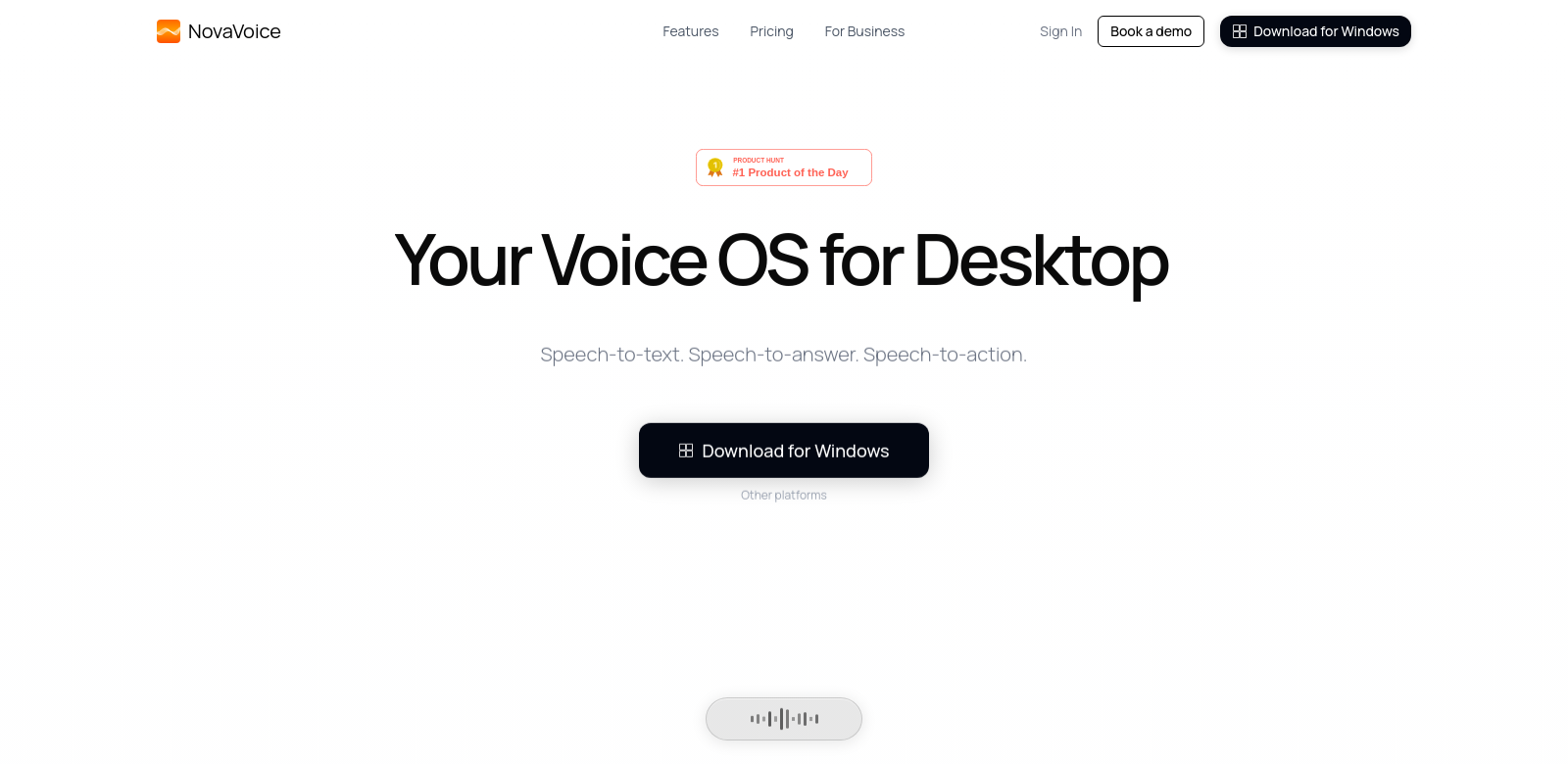
NovaVoice App is a voice tool that changes how people use technology. Using advanced AI, NovaVoice helps anyone who wants to get tasks done faster. It lets you dictate text up to 10 times faster than typing, which changes how you work across macOS, Windows, and Linux. This tool doesn't just format text based on context; it also lets you do things with voice commands in real-time, making everything smoother. You can learn more about it at NovaVoice.
Who Uses NovaVoice
NovaVoice helps different kinds of people, each in their own way:
-
Busy Professionals: For professionals always busy with tasks and deadlines, NovaVoice helps them handle documents, emails, and schedules easily. They save a lot of time, letting them focus on important decisions instead of just typing. This makes them more productive.
-
Students: Students who have a lot of notes and papers to write will really like NovaVoice. Voice dictation makes note-taking easier and helps them create content in a more natural way, letting them get their ideas out without struggling with typing.
-
Content Creators: Writers, bloggers, and content marketers can use NovaVoice to brainstorm and write more smoothly. Just speaking their thoughts helps creators stay in their creative zone, making their writing process and output better.
-
Remote Workers: With more people working remotely, they often need to use many tools to communicate well. NovaVoice lets remote workers dictate messages and documents anywhere, making it easier to talk and work with teammates.
-
Older Adults: For older adults who might find typing hard because of physical issues, NovaVoice gives them a way to stay independent with technology. Its easy-to-use interface and voice commands make it simple to access, so older users can dictate messages, reminders, and other things.
Problems NovaVoice Solves
Digital communication and documents have changed things, but they also come with their own problems. NovaVoice tackles some big problems people face today.
Problems NovaVoice Found
-
Slow Text Input: Traditional typing methods can slow down work a lot, especially for those with heavy workloads. The time spent typing can take away from the quality of their work and how well they make decisions.
-
Hard to Multitask: Many users find it hard to switch between apps and tasks. Switching between typing and voice can break their focus and slow them down.
-
Accessibility Issues: Some people, like older adults or those with disabilities, find typing difficult. This can stop them from using technology fully and getting things done.
-
No Context Awareness: Most apps don't understand the context of what you're typing, which often leads to mistakes and formatting problems.
How NovaVoice Helps
NovaVoice solves these problems by offering smooth voice dictation that helps people work faster across all their apps. It uses advanced AI to make text input easy and smart. It understands context, so your dictated content is accurate and makes sense. You can run commands and format text just by speaking, which is a huge change in how tasks get done.
For example, professionals can dictate reports or emails and send them right away, without needing to proofread or correct them manually. Students also benefit, getting more involved with their schoolwork. Plus, NovaVoice helps with accessibility, making technology simpler for everyone.
How People Use NovaVoice
You can use NovaVoice in many situations to get more done and stay engaged. Here are some ways people use it:
- Meetings and Notes: Users can dictate notes during meetings, so they don't miss important details and can focus on the discussion instead of typing.
- Content Writing: Writers can speak their ideas, getting thoughts down much faster than typing. This makes writing articles, reports, or books feel more natural.
- Task Management: Users can make task lists and reminders easily with voice commands, helping them stay organized and on top of things.
- Customer Support: Support agents can use NovaVoice to write down customer questions and answers without breaking the conversation.
- Accessibility for Older Adults and Disabled Users: This app helps people with physical limitations use technology just by speaking, giving them more independence.
Top Features of NovaVoice
NovaVoice comes with features designed to make it easier to use and help you get more done:
- Accurate Voice Recognition: The app has very accurate voice recognition, meaning fewer mistakes when it writes down what you say.
- Smart Formatting: NovaVoice smartly understands the context of your spoken text, automatically formatting it correctly. This makes your output much easier to read.
- Works Everywhere: You can use NovaVoice on macOS, Windows, and Linux, giving you flexibility.
- Real-Time Actions: Being able to run commands across different apps in real-time makes multitasking and your workflow better.
- Easy to Use: Its simple design means anyone can use it, making it easy to get started.
Common Questions About NovaVoice
-
How does NovaVoice make me more productive?
NovaVoice uses voice recognition to let you dictate text quickly, cutting down on typing time. Its smart formatting also means you don't need to manually edit, making the whole process smoother. -
What platforms does NovaVoice work on?
NovaVoice works on major desktop platforms like macOS, Windows, and Linux, so many people can use it. -
Is NovaVoice good for all ages?
Yes, NovaVoice was made to be easy to use for everyone, including older adults and people with disabilities. -
Can more than one person use NovaVoice?
Yes, many people can use NovaVoice, which is great for teamwork in places like offices and classrooms. -
How accurate is NovaVoice's dictation?
The app uses advanced AI to make voice recognition better, ensuring what it writes down is very close to what you said.