Free Editable Fake Receipt Maker & Templates
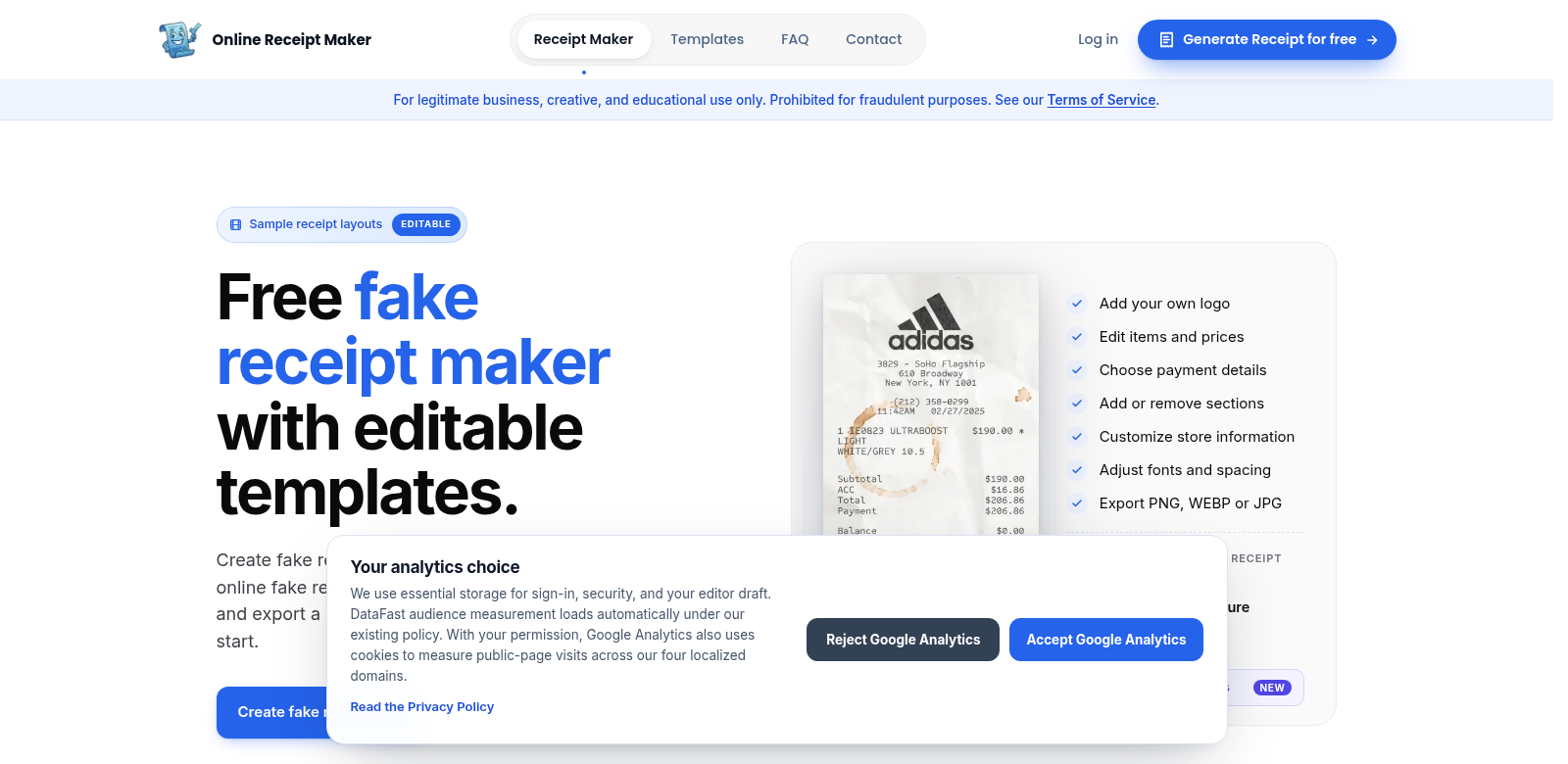
A fake receipt maker comes in handy for all sorts of things these days, whether you're making movie props or need something for a demonstration or event. This tool lets anyone, even beginners, easily create custom receipts exactly how they want them. You get a bunch of editable templates, so you can add logos, change text, and pick different designs. Plus, you can export your receipts as PNG, WEBP, or JPG files, and they won't have watermarks, which makes them much more useful.
Customers of Fake Receipt Maker
Lots of different people use Fake Receipt Maker. They all love how easy it is to use and how many template options there are. Seeing who uses it shows why this tool is so helpful in so many areas.
-
Event Planners: Event organizers often need custom receipts for ticket sales or merchandise. These can make things look more professional and give attendees a better experience.
-
Marketing Professionals: Marketers might need fake receipts for visual mockups in campaigns or client presentations. Custom receipts help them show ideas more clearly to clients.
-
Filmmakers and Content Creators: These folks often need realistic props for the screen. A fake receipt maker lets them quickly make authentic-looking receipts without needing to be a design expert.
-
Small Business Owners: If you're just starting a business or trying out new ideas, a mock receipt can help you test pricing and show off early concepts.
-
Students: For projects and presentations, students can use fake receipts to show real-world examples, making their work more interesting.
Problems Fake Receipt Maker Solves
Fake Receipt Maker tackles several common issues users run into.
Problems Fake Receipt Maker Found
-
Time Constraints: Making good-looking receipts from scratch takes a lot of time. Most people don't have the time or design skills to make them look great.
-
Limited Options: Generic templates often don't work, which means you can't really make the design your own.
-
Copyright Worries: People often worry about accidentally using copyrighted images, which stifles their creativity.
-
Editing Hassles: Standard receipt templates usually don't let you make quick changes, causing headaches when you're trying to finish something.
-
Poor Quality Output: For professional work, you need high-quality files without watermarks. Most free tools don't deliver this.
Solution by Fake Receipt Maker
Fake Receipt Maker solves these problems with an easy-to-use interface and lots of features. We give you a bunch of editable templates, so you can pick and change designs to perfectly match what you need. The simple editor means even if you're not a designer, you can use the tool without any trouble. Every template is set up for high-quality exports, so you get professional-looking receipts in the right formats, all without annoying watermarks. This really frees you up to be creative and make each project feel more genuine.
How You Can Use It
You can use Fake Receipt Maker in tons of ways, like:
- Making props for educational videos, so teachers can show students real-world situations.
- Designing promotional stuff that needs receipts to show how billing works and make the customer's buying experience better.
- Practicing for customer service jobs, where handling receipts correctly is key. It lets you practice real-life scenarios.
- Creating mockups for e-commerce previews, so potential buyers can see what a real transaction would look like.
Key Features
Here are some of the best things about Fake Receipt Maker that make it so useful.
-
Easy-to-Use Interface: We designed it to be simple. Even beginners can get around the tool easily, making quick edits and customizations a breeze.
-
Lots of Templates: Whether you need something simple or complex, you can pick from a big library of templates for any situation.
-
Customizable Designs: Add your own touches, like logos and branding, so your receipts match your business or personal style.
-
High-Quality Exports: Everything you create comes out in high resolution. You can easily save files for printing or digital use, guaranteeing professional results every time.
-
No Watermarks: Unlike a lot of free tools, Fake Receipt Maker lets you download your creations without any watermarks. This means you can show off your finished documents without ugly branding.
Frequently Asked Questions
-
What kinds of receipts can I make with Fake Receipt Maker? You can customize receipts for all sorts of situations, like sales, refunds, or service invoices. The platform is flexible enough for pretty much any style you need.
-
Can I upload my own logos or images to the templates? Yes, Fake Receipt Maker lets you upload logos, which helps you brand your receipts and make them truly yours.
-
Is there a limit to how many receipts I can create? There's no limit to how many receipts you can create. Feel free to make as many unique ones as you need.
-
Do I need graphic design experience to use Fake Receipt Maker? No prior experience is necessary. The tool's straightforward design means anyone can quickly create professional receipts.
-
What file formats can I download? You can export your designs as PNG, WEBP, or JPG, covering most needs for online and offline use.