Your Go-To Guide for Free Online PDF Tools
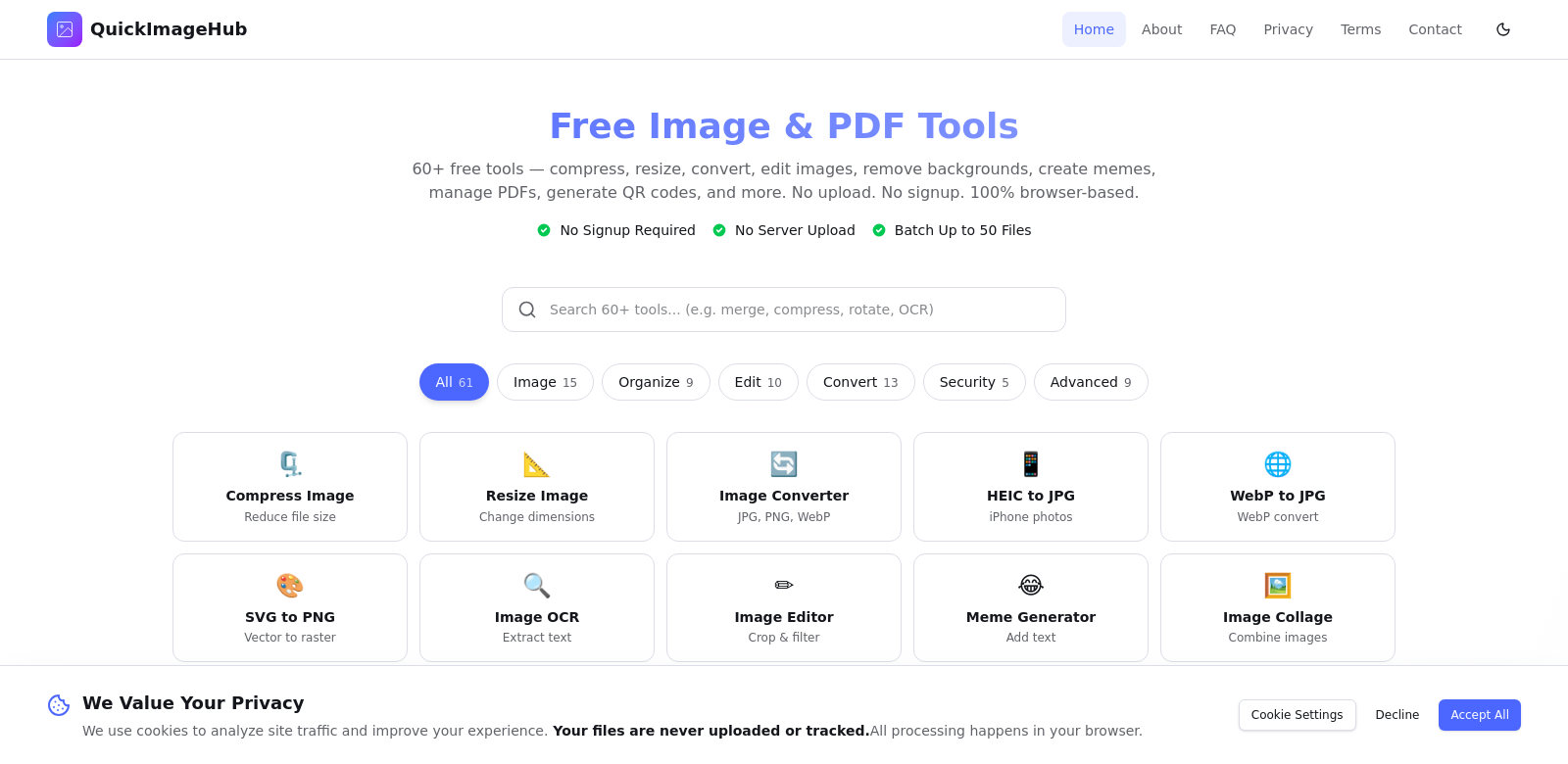
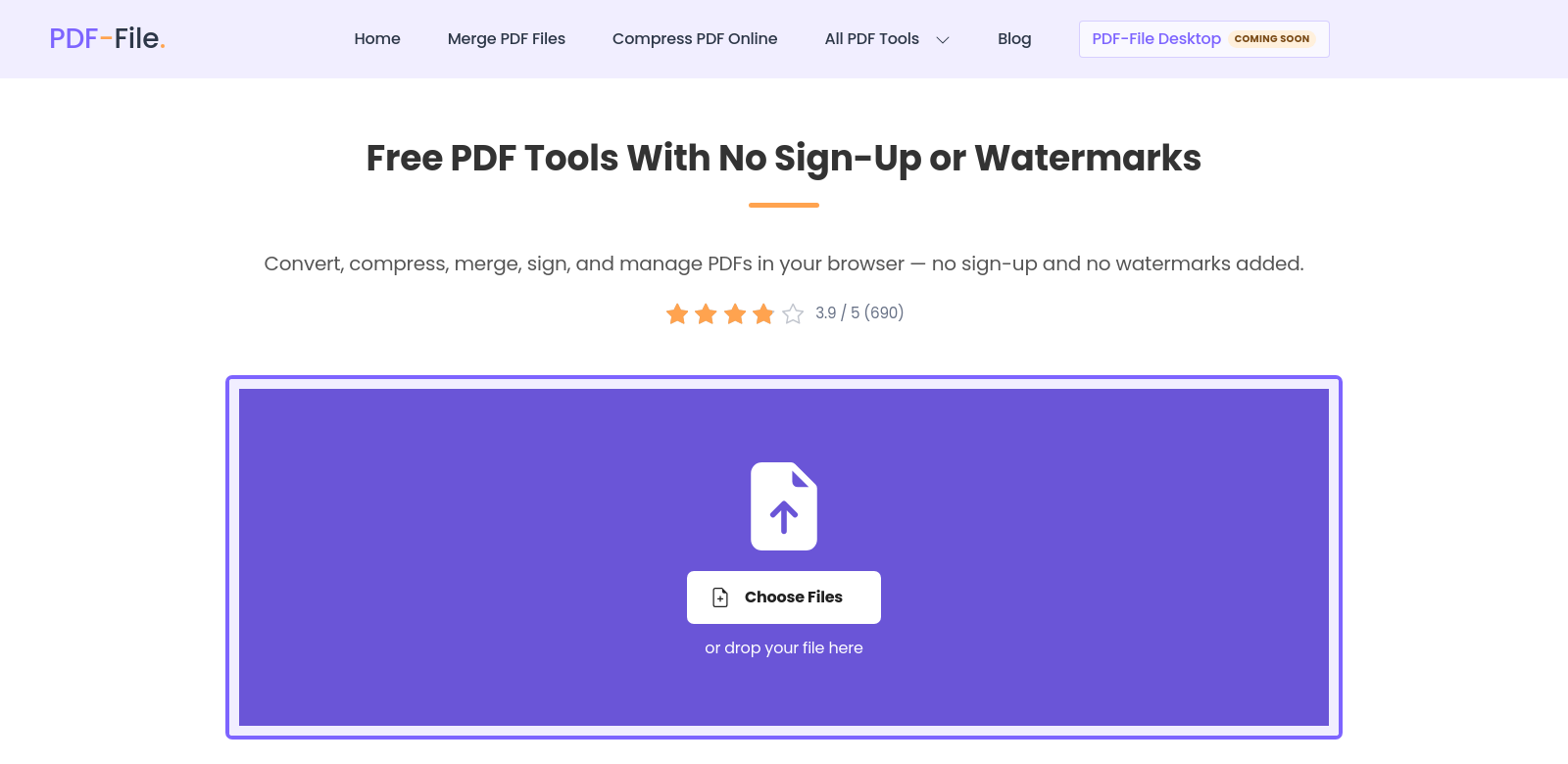
PDF-File.com offers a ton of free PDF tools you can use right in your browser. No sign-ups, no annoying watermarks – just straightforward service. It handles everything PDF-related: converting, compressing, merging, signing, and managing your documents. So whether you just need to convert a quick file or you're a pro managing tons of documents, PDF-File.com is a solid option for anyone who wants to handle PDFs efficiently. Check it out at PDF-File.com.
Who Uses PDF-File.com?
It's pretty clear how useful PDF-File.com is once you see who's actually using it.
-
Students: Students always have a lot on their plate. They need easy tools to turn lecture notes into PDFs, or PDFs back into editable formats. PDF-File.com lets them manage their documents without paying or getting bogged down in complicated software.
-
Small Businesses: Entrepreneurs and small business owners often need to create, sign, and share documents fast. PDF-File.com's features help them make their document work smoother, which helps with managing files and talking to clients.
-
Freelancers/Contractors: Freelancers need quick, cheap ways to handle documents. Being able to sign contracts and merge files right on PDF-File.com, without installing anything, is perfect for their varied projects.
-
Educators and Academics: Teachers and academic professionals need tools for sharing resources and assignments. The site's conversion tools make it easy to turn educational materials into formats they can share.
-
General Users: Anyone just trying to simplify document management will find PDF-File.com's tools really useful. They're convenient and don't come with extra headaches like subscription fees.
The Problems PDF-File.com Solves
PDF-File.com was built to solve some common headaches people have with digital documents.
What Was Broken
-
High Costs of Software: Lots of people are put off by expensive software subscriptions, meaning they can't get the tools they need.
-
Complicated PDF Software: Users often get lost trying to figure out complicated PDF software.
-
Ugly Watermarks: Free PDF editors often leave ugly watermarks, which just looks unprofessional.
-
Hard to Access: Traditional software needs you to download it, which is a pain if your device is low on space or you're on the go.
How PDF-File.com Fixes It
PDF-File.com solves these problems head-on. It gives you a bunch of free tools – no sign-up, no watermarks – so you can convert, compress, and manage PDFs easily. Since it's all online, you can use it from any device with internet. This makes it super convenient, letting you get your document work done without the usual hassle.
Real-World Uses
Here are some real-world examples of how people use PDF-File.com. A student preparing a presentation can quickly turn PowerPoint slides into PDFs, which is way easier for sharing. A freelancer might need to shrink a portfolio so it actually fits in an email. Small businesses could use the merging tool to combine contracts and proposals without a hitch. These are just a few ways PDF-File.com makes handling documents easier for all sorts of situations.
What PDF-File.com Does Best
What makes PDF-File.com great is how powerful and easy to use it is. Here are the main features:
-
PDF Conversion: Turn documents into different formats, no fuss.
-
PDF Compression: Shrink file sizes without losing quality, making them easier to share.
-
Merging PDFs: Combine multiple documents into one PDF, making your workflow smoother.
-
E-Signature: Sign PDFs online securely, so you don't have to print anything out.
-
Document Management: All your PDF tasks, managed in one spot.
Common Questions About PDF-File.com
-
How do I access the PDF tools on PDF-File.com? Just go to the website and pick the tool you need. No login or registration required.
-
Is there a limit to the number of PDFs I can convert? Nope, you can convert as many as you want. Super handy if you've got a lot of documents.
-
Are there any required downloads? Everything works right in your web browser, so no downloads or installations needed.
-
Can I edit PDFs on PDF-File.com? It doesn't have a full editor, but you can merge and convert documents, which often helps you make the changes you need.
-
Is the service reliable? Yes, PDF-File.com uses strong security to keep your data and documents private and safe.