Turn Images into 3D Models with Photo3D
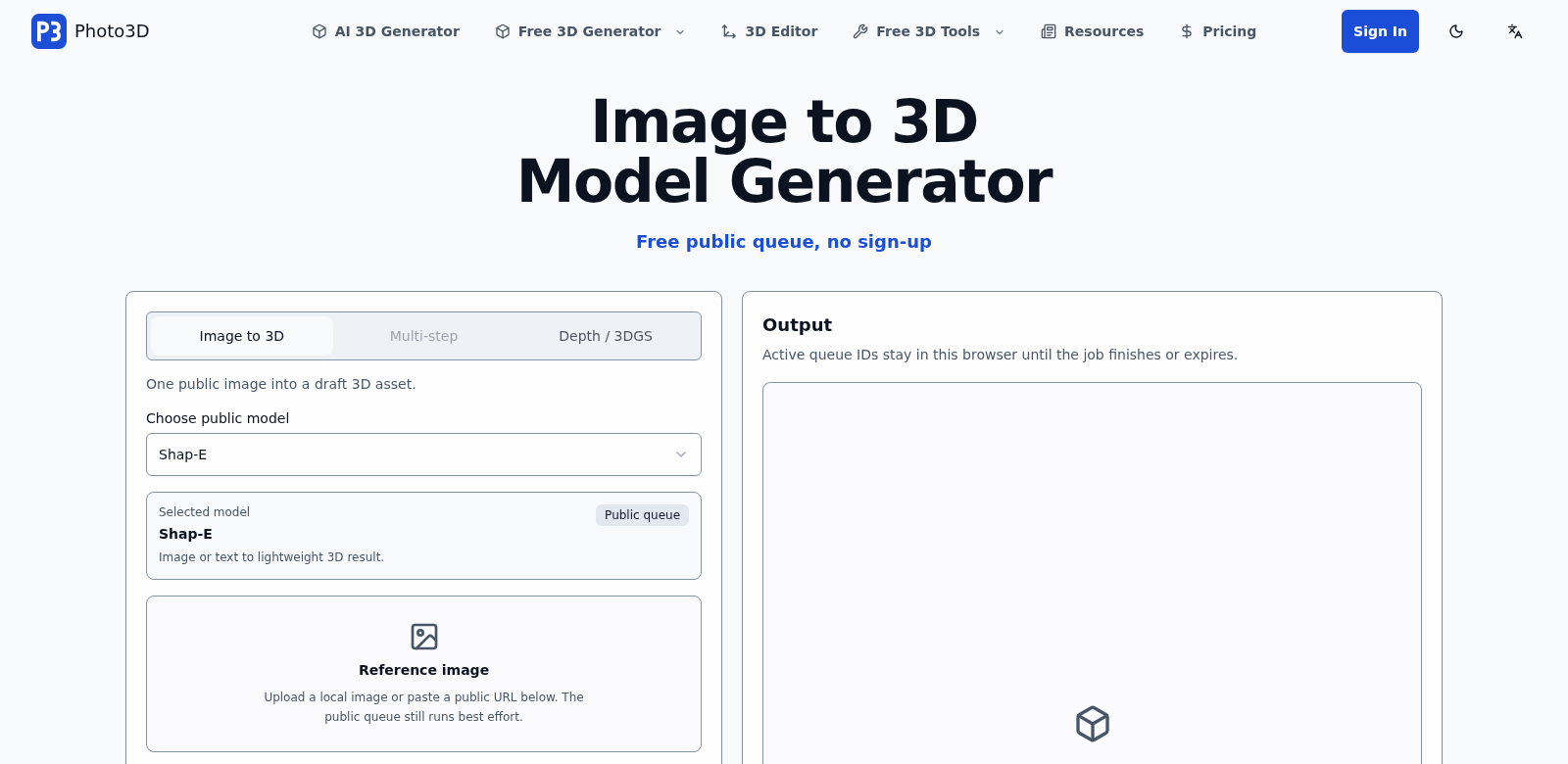
Photo3D is an online tool that converts regular pictures into 3D models. You can take a simple photo and turn it into a GLB 3D model right in your web browser. No sign-up needed, and it comes with over 50 tools for viewing, cleaning up, and exporting your models. It's for everyone, from creative pros to casual users just curious about 3D.
Who Uses Photo3D?
Photo3D helps all sorts of people, each using it for something different. It's surprisingly flexible.
-
Graphic Designers: Designers always look for new ways to make their projects pop. Photo3D makes it easy to drop complex 3D models into their work without needing deep 3D skills. The simple interface means they can focus on being creative, not fighting software.
-
Game Developers: Getting good assets is key in game development. Photo3D lets developers quickly make unique 3D models from images, saving tons of time they'd otherwise spend hunting for or building assets. This speed helps them ship quality games faster.
-
Educators: Teachers can use Photo3D to bring lessons to life with 3D models. It helps students really see concepts, especially in subjects like geology or biology, making learning more engaging and easier to grasp.
-
Hobbyists and Artists: If you're an artist or hobbyist without advanced tech skills, Photo3D is a game-changer. It removes the technical hurdles, letting you express yourself in 3D—perfect for custom gifts or just exploring new art forms.
-
Architects and Engineers: Architects and engineers use Photo3D for quick visual mock-ups. Turning sketches or photos into 3D models helps them explain ideas to clients and get feedback faster during a project.
Photo3D's Solutions to Common Problems
Photo3D tackles several headaches people run into with 3D modeling.
The Problems Photo3D Solves
-
Technical Barriers: Most 3D software is notoriously hard to learn, scaring off anyone without formal training.
-
Time Constraints: Building 3D models from scratch eats up a lot of time, a real problem for pros on tight deadlines.
-
High Costs: Many 3D tools cost a fortune in subscriptions or licenses, putting them out of reach for hobbyists or small businesses.
-
Limited Tools: Users often feel stuck with what their current software can do, missing out on essential tools for good modeling and editing.
-
Export Headaches: Getting 3D models into a usable format can be a pain, especially with free or basic software.
How Photo3D Fixes Them
Photo3D solves these issues with a flexible platform that focuses on ease of use and speed. Since it's browser-based, you don't need to install anything or deal with setup hassles.
-
Easy-to-Use Interface: The platform is built for simplicity. You can easily turn images into detailed 3D models with straightforward tools.
-
Saves You Time: With over 50 tools for cleaning, viewing, and exporting, Photo3D dramatically cuts down the time it takes to get great 3D models. You'll make models in a fraction of the usual time.
-
No Subscription Fees: Photo3D is free. Anyone can use its features without worrying about monthly bills. This freedom encourages everyone to experiment and get creative.
-
Full Toolset: You get a wide range of modeling tools for specific needs, from applying textures to tweaking structures.
-
Smooth Export: Finished models export in standard formats like GLB, so they'll work with all sorts of software and platforms.
Real-World Uses
Photo3D is incredibly versatile. A graphic designer, for example, might convert a marketing image into a 3D model for an ad campaign, making the story more vivid. Teachers can use models in class presentations, making lessons interactive.
In gaming, developers can quickly make character models from concept art, turning initial designs into game-ready assets almost instantly. Artists can also play with 3D techniques without the complexity of traditional software. And architects? They can generate quick visuals from site photos, helping them talk to clients and plan projects better.
Top Photo3D Features
Photo3D isn't just a tool; it's a complete package designed to make your life easier.
-
Works in Your Browser: No downloads, no installs. Just open your browser and start creating.
-
Simple Model Creation: Turn images into 3D models easily with tools anyone can use.
-
Lots of Editing Tools: Over 50 tools for viewing, cleaning, and exporting models, ensuring top-notch results.
-
Completely Free: No cost means anyone can jump into 3D modeling.
-
Flexible Export Options: Export models in common formats, ready for any project.
Photo3D: Your Questions Answered
-
How does Photo3D work? Photo3D takes 2D images and uses smart algorithms to analyze depth and texture, building a usable 3D model in real-time.
-
Do I need to download anything to use Photo3D? Nope, Photo3D runs entirely online. You can use it from any device with internet access, no downloads required.
-
What kind of images work best for conversion? High-quality images with clear outlines work best for great 3D models. The more detail in your picture, the better the outcome.
-
Are there any limits to Photo3D? While Photo3D has tons of features, how good your results are depends on the image quality and how complex it is. Keep that in mind when picking your source photos.
-
Can I edit my 3D model after conversion? Yes, Photo3D has various editing tools that let you tweak your models after you convert them, giving you plenty of creative control.