Read Aloud Anything: Your AI Assistant for PDFs and Web Content
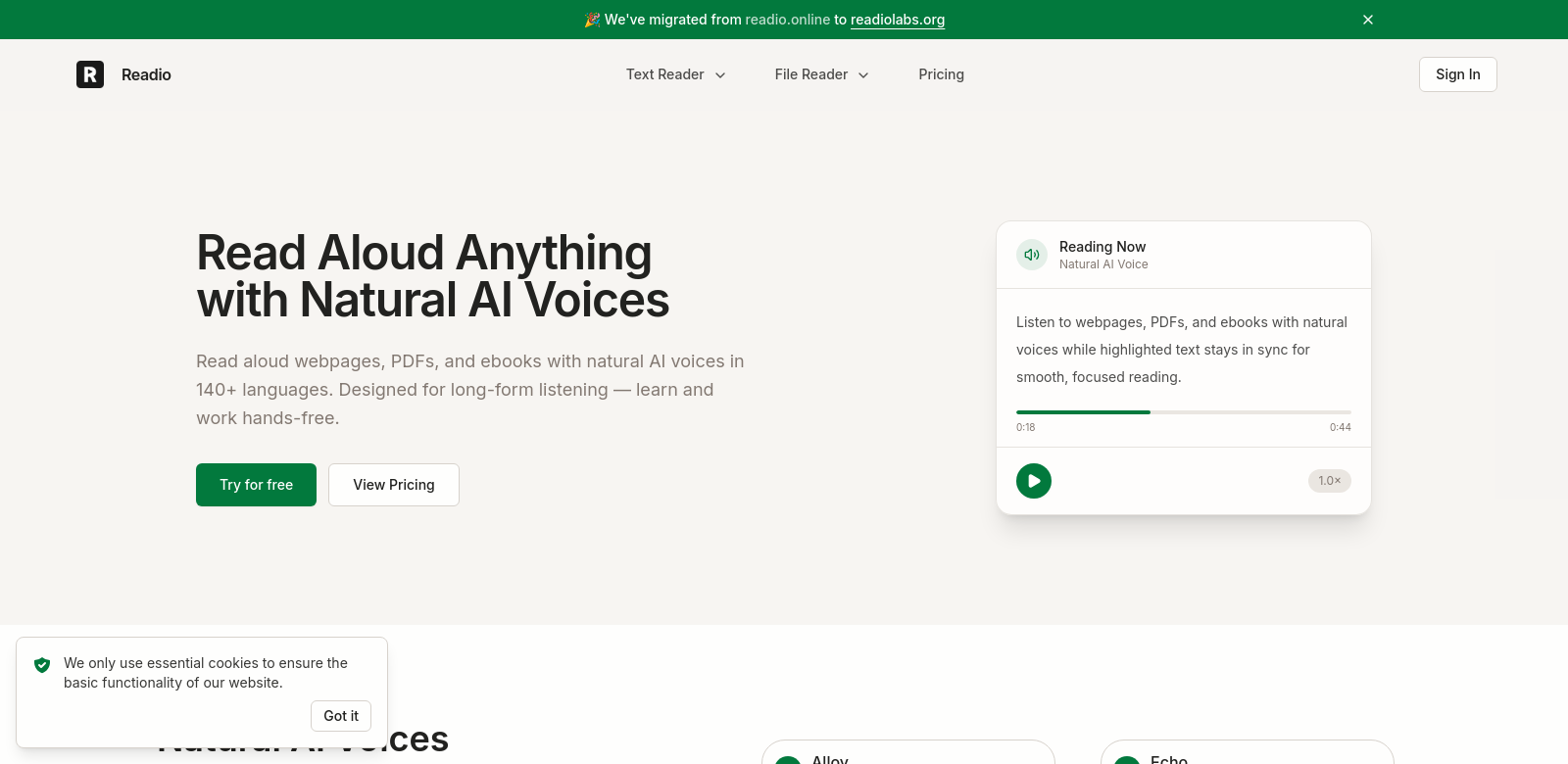
Read Aloud Anything is an AI reader that changes how people interact with digital content. This tool reads PDFs, EPUBs, and webpages aloud in over 140 languages. Its natural-sounding AI voices let you listen to long articles and books hands-free, which helps with learning and getting things done. It's especially useful if you want to learn while you're doing other things. By turning text into speech, Read Aloud Anything offers a different way to consume content, making it a valuable tool in our busy world. For more about tools like this, check out Readio Labs.
Who Uses Read Aloud Anything
Read Aloud Anything works for many different people, each with specific needs. Here's who gets the most out of it:
-
Educators: Teachers use Read Aloud Anything to give students better ways to learn. When students can listen to textbooks and other materials, it helps them understand and remember, especially if they learn best by hearing.
-
Professionals: Busy professionals use this AI reader to quickly get through reports, research papers, and industry news while they're on the go. They can listen hands-free, staying informed without losing time.
-
Students: Students find Read Aloud Anything a key study tool because they can listen to textbooks and lecture notes. It makes studying easier by taking the strain out of long reading assignments and helps them focus and understand better.
-
People with Visual Impairments: This group benefits greatly from Read Aloud Anything's text-to-speech features. The AI reader offers a reliable way to interact with digital content, removing barriers for those who can't see well.
-
Busy Parents: Parents juggling many tasks can listen to important reading material while doing daily chores. The AI voice helps them fit learning into their packed schedules easily.
Problems Read Aloud Anything Solves
In today's digital world, people face several challenges with online content. Read Aloud Anything tackles these head-on.
Problems We Found
-
Too Much Content: People often feel swamped by the sheer amount of digital content. This makes it hard to decide what's important and to read it all efficiently.
-
Not Enough Time: Professionals and students have limited time for long articles or documents in their busy days, which stops them from learning and being productive.
-
Different Learning Styles: Many learners struggle when they only get written text. This might not match how they learn best, whether that's by listening or seeing.
-
Accessibility Issues: Poor eyesight can make it impossible to read text, leaving people unable to access important information.
How Read Aloud Anything Helps
Read Aloud Anything solves these problems with a simple, effective solution that boosts efficiency and accessibility. By turning text from PDFs, EPUBs, and web pages into natural speech, you can listen to content while doing other things. This not only helps with content overload but also lets you get information whenever it's convenient. It uses the power of auditory learning, supporting different learning styles by offering an audio option. Plus, by focusing on accessibility, Read Aloud Anything makes sure people with visual impairments can easily access digital content without interruption.
Use Cases
Read Aloud Anything is flexible enough for many real-world uses. Teachers can use it to read instructions or concepts to their class, which helps keep students engaged and improves understanding. Busy professionals can use it during their commute, turning travel time into productive learning. Students might find it helpful to listen to course materials while doing other activities, and parents can take in information while managing household tasks—all making learning a more integrated part of life.
Top Features of Read Aloud Anything
Read Aloud Anything stands out among AI reading tools because of its strong features:
-
Multilingual Support: It can read in over 140 languages, connecting users from different language backgrounds and making digital content accessible to more people.
-
Natural AI Voices: The text-to-speech sounds very real, making the listening experience better and more engaging.
-
Hands-free Functionality: This feature lets you multitask effectively. You can listen to content while handling other responsibilities, which is perfect for busy lives.
-
Wide Format Compatibility: Read Aloud Anything works with many document types, including PDFs and EPUBs, so you can access content no matter where it comes from.
-
User-friendly Interface: The design is easy to use, welcoming people of all tech skill levels—whether they're professionals, students, or new to technology.
Frequently Asked Questions About Read Aloud Anything
-
What types of documents can Read Aloud Anything read? It can read various document types, including PDFs, EPUBs, and web pages, fitting easily into your workflow.
-
Is the AI voice customizable? Yes, you can pick from different AI voices to get a listening experience that suits you best.
-
Can I use Read Aloud Anything on my mobile device? Absolutely! The tool works on many platforms, so you can use it on both mobile and desktop devices.
-
What languages does Read Aloud Anything support? It supports over 140 languages, making it a truly global tool.
-
Is there a free trial available? You can try Read Aloud Anything with a limited free trial to explore its features before deciding to commit.