Effortless PDF Translation Maintaining Original Layout
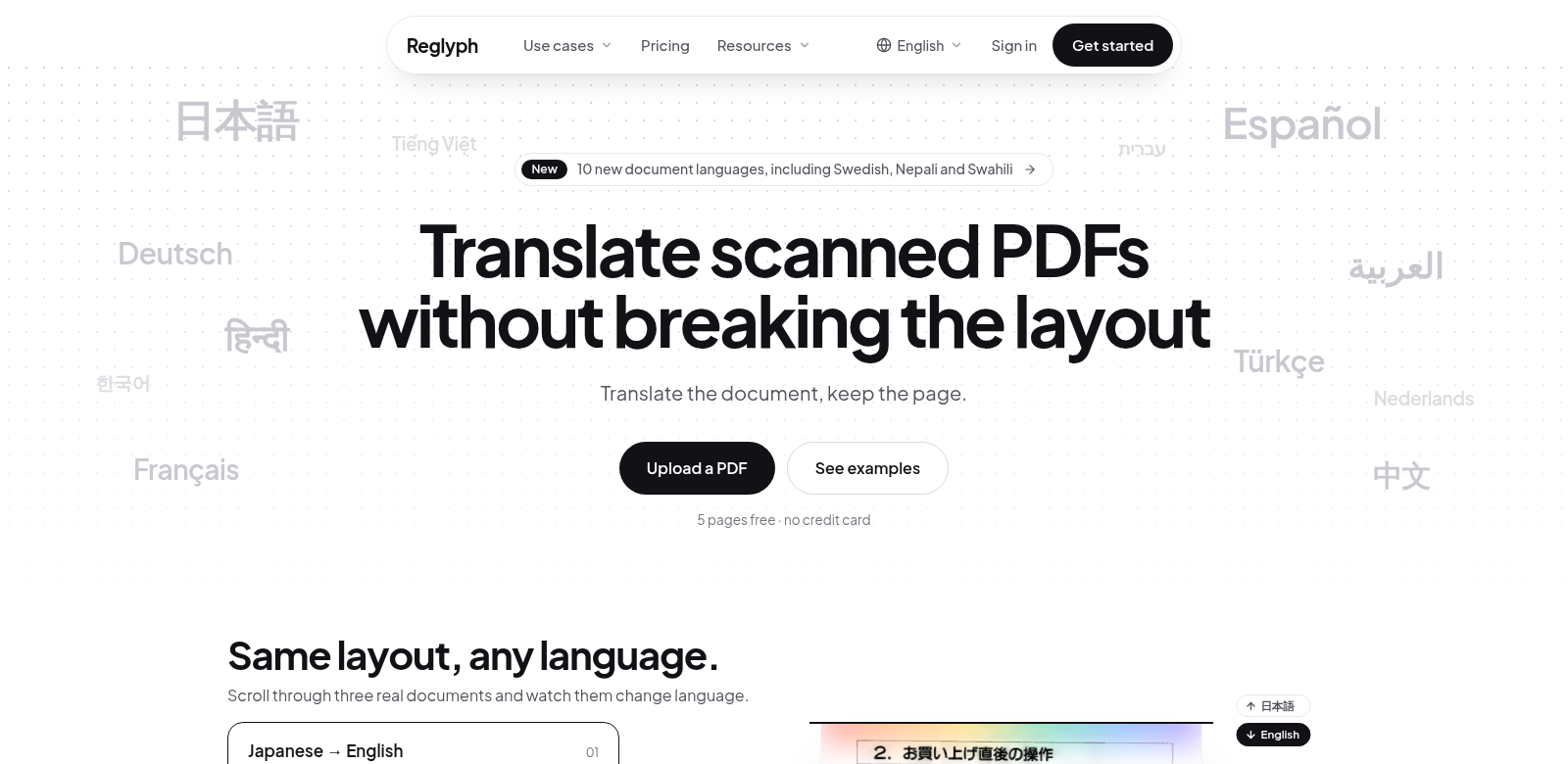
In today's connected world, getting documents translated quickly and accurately is a big deal. Whether you're dealing with business papers, research, or just personal stuff, being able to translate scanned PDFs while keeping their original look is crucial. Reglyph really shines here. It's a top-notch solution that lets you translate image-only PDFs without messing up their formatting.
Who Uses Reglyph?
Reglyph helps all sorts of people across different fields. Everyone finds something unique to love about its features. Understanding who these users are helps you see just how valuable this service is.
-
Business Professionals: Business folks often work with scanned documents they need translated for international deals. Reglyph lets them keep the original formatting while making sure key info is translated correctly. This just makes talking to global partners so much smoother.
-
Researchers: Academics frequently come across scanned papers in other languages. Reglyph helps them translate important studies without losing the original layout. That makes cross-referencing and collaborating a lot easier.
-
Legal Experts: Legal professionals often need to translate scanned documents for their cases. Reglyph keeps columns and tables exactly where they should be, which means no critical details get lost. That's absolutely essential in legal work.
-
Students: Students learning foreign languages or doing multicultural research get a huge boost from Reglyph. They can translate educational materials and keep the original layouts, which really helps them grasp complex ideas presented in different languages.
-
Corporations: Big companies with international clients often have tons of data to translate. Reglyph helps them translate vital documents, making sure even complex formatting, like charts and tables, stays perfect. This keeps communication clear across languages.
The Problems Reglyph Solves
Translating scanned PDFs comes with some real headaches. Reglyph was built to tackle them head-on.
The Headaches Reglyph Found
-
Layout Gets Messy During Translation: Most translation tools totally butcher the formatting. This can lead to big misunderstandings, especially with important data.
-
Translations Aren't Always Accurate: Without the right context, machine translations can get things wrong, particularly in specialized fields.
-
It Takes Forever: Manually translating or fixing layout problems after translation eats up so much time and effort. It just kills productivity.
-
Not Enough Free Options: Many translation services demand money upfront. That's a barrier if you only need to translate a few pages.
-
Clunky User Interfaces: Some advanced translation tools are a nightmare to figure out. That turns people off before they even get started.
How Reglyph Fixes It
Reglyph hits these problems with smart technology and a super easy-to-use design. It uses advanced algorithms to make sure your document's original layout—columns, tables, figures, you name it—stays exactly as it should during translation. This is a lifesaver for documents with tricky formatting.
What's more, Reglyph gives you 5 free pages without asking for your credit card. This is a huge plus. You can try the platform out, see if it works for you, and not worry about any financial commitment. It just makes it easier for anyone who needs good PDF translation to give it a shot.
Reglyph's interface is designed to be intuitive, so you spend less time fumbling around and more time getting your work done. It puts you in charge of your translation needs, letting you translate documents fast and effectively, all while keeping their original look.
Real-World Examples
Here are a few ways people actually use Reglyph:
- A global company translates its quarterly financial reports for international investors, keeping the original layout so everyone understands them clearly.
- A researcher converts scanned academic papers from different languages into English, making sure the data is represented accurately for their thesis.
- A legal team prepares a case using documents in another language, ensuring all the critical information in tables stays organized and easy to understand for court.
Reglyph's Best Features
Reglyph has some standout features that make it a top choice for PDF translation:
-
Keeps Original Layout: This feature means all your formatting—text, tables, images—stays exactly the same after translation.
-
Easy-to-Use Interface: It's built to be simple. Even if you're not tech-savvy, you can navigate the platform without a hitch.
-
Free Pages to Start: You get to translate 5 pages for free. It's a great way to try the service before you pay for anything.
-
Supports Many Languages: Reglyph handles translations across lots of languages, helping users from all over the world.
-
Super Fast: The platform is designed for speed. You get your translated documents back quickly, saving you precious time.
Common Questions About Reglyph
-
How does Reglyph keep the layout during translation? Reglyph uses smart algorithms that preserve layout elements like columns, tables, and images. This stops any formatting from getting lost during the translation process.
-
Is there a limit to how many pages I can translate for free? Yes, you can translate up to 5 pages at no cost. It's a chance to try the service without having to pay right away.
-
What file formats does Reglyph work with? Reglyph mainly focuses on scanned PDFs and image-only documents. This helps it translate materials that regular text-based translators often struggle with.
-
Can I edit my translated document? Once translated, you can download or view the document with its original layout. However, you'll need compatible software for any further editing, as Reglyph's main job is translation.
-
How is Reglyph different from other translation services? Unlike typical services, Reglyph specifically focuses on keeping the original layout during translations. That's what really sets it apart from other tools that often mess up your formatting.