Make AI Videos Easily with Rendastic
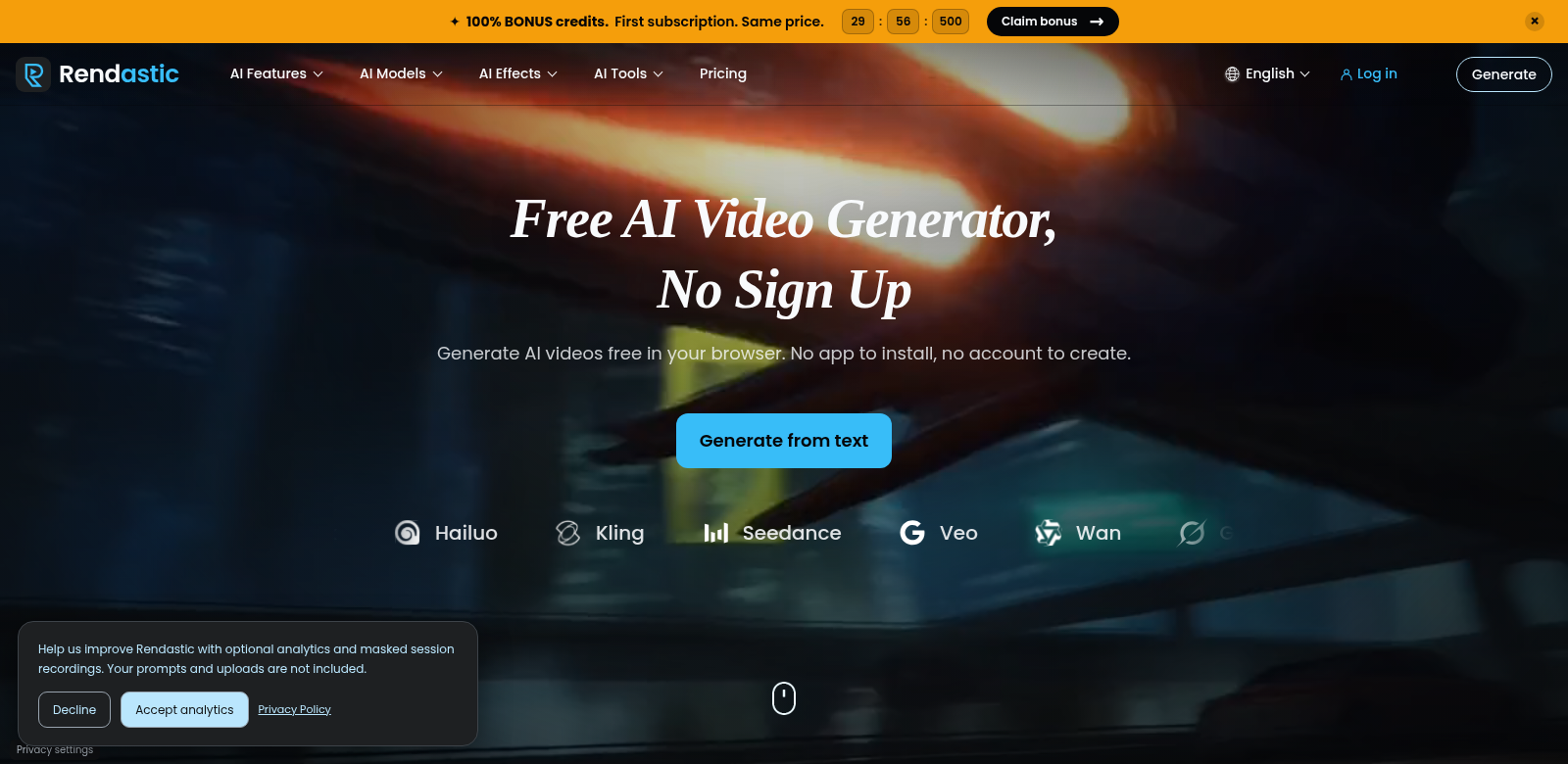
Rendastic lets you create AI videos right in your browser. No annoying sign-ups, no watermarks. It's a clever tool that turns your text or images into video clips, helping you get creative and produce content without a fuss. You can make up to three unique, professional-looking videos every day. This really knocks down the usual hurdles in video production, so anyone can use it, from pros to total beginners. Check out Rendastic – it makes video creation simple.
Who Uses Rendastic?
Rendastic works for all sorts of people who need to make videos, especially content creators and marketers.
-
Content Creators: If you're a vlogger, blogger, or social media influencer, making content quickly and effectively is super important. Rendastic helps you whip up videos for your channels with hardly any effort.
-
Small Business Owners: Business owners who want to advertise their products can use Rendastic to make promo videos without spending a ton on production. This helps them get more out of their marketing.
-
Educators: Teachers who want to create lessons can easily turn written material into videos that grab students' attention, making learning more interesting and easier to get.
-
Marketing Professionals: Marketers can use AI videos to improve their ads, landing pages, and social media posts for specific campaigns, even if they're not graphic design experts.
-
Hobbyists: People who love creative projects can try making videos without getting stuck on complicated software, which makes it fun to just play around and see what you can create.
The Problems Rendastic Solves
Making videos usually means dealing with expensive software, needing technical skills, and spending a lot of time. But Rendastic steps in as a simple answer to fix these common problems.
The Problems
-
High Costs of Traditional Video Production: Lots of people have tight budgets that stop them from making good videos.
-
Time-Consuming Processes: The old way of making videos usually means long hours of editing and design.
-
Technical Barriers: Software that's hard to learn puts a lot of people who want to create off.
-
Limited Access to Tools: Some users just don't have the tools or know-how to use current video editing software well.
-
Watermark Issues: Lots of free tools stick watermarks on videos, which makes the content look less professional.
The Rendastic Solution
Rendastic offers a simple way out of these common video creation headaches. Since it's all in your browser, you can make videos from anywhere without needing to install software or deal with complex interfaces. It just converts text and images into video clips, so you spend less time messing with editing and more time on what you want to say. The three-clip-per-day limit is a smart move; it encourages creativity while making sure resources are shared fairly.
How You Can Use It
You can use Rendastic in lots of different ways. For example, a content creator could write a script for a YouTube video, easily turn it into a video with Rendastic, and quickly post it everywhere. An educator might take a written lesson plan and make it into a helpful video, giving students a visual way to learn alongside their usual materials. Small businesses could also use Rendastic's features to make customer testimonials or ads, showing off their brand in a lively way on social media.
Rendastic's Best Features
Rendastic has some great features that make it easier to use and produce better videos. Here are some highlights:
-
Text to Video Conversion: Turn plain text into videos that grab attention, right away.
-
Image to Video Transformation: Create dynamic videos from images, so your stories are more interactive and visual.
-
No Sign-Up Required: Start making videos in seconds, without filling out long forms.
-
No Watermark on Videos: Make professional-looking content without any distracting watermarks.
-
User-Friendly Interface: It's designed to be simple, so anyone, no matter their tech skills, can use it easily.
Rendastic: Your Questions Answered
-
How does Rendastic work? Rendastic uses smart AI to turn your text and images directly into videos. You just put in your desired content, and the platform makes a good-looking video you can use anywhere.
-
Is it really free to use? Yes, Rendastic lets you make up to three videos daily for free, so anyone who wants to create content can.
-
What formats can I upload? You usually upload text or images, which it easily turns into video, so it works for all sorts of content.
-
Are there any hidden fees? Nope, there are no hidden fees when you use Rendastic. What you see is what you get – no surprise bills.
-
Can I use the videos for commercial purposes? Yes, the videos you make with Rendastic can be used for both personal and commercial projects, which makes it a smart option for businesses and individual creators alike.