
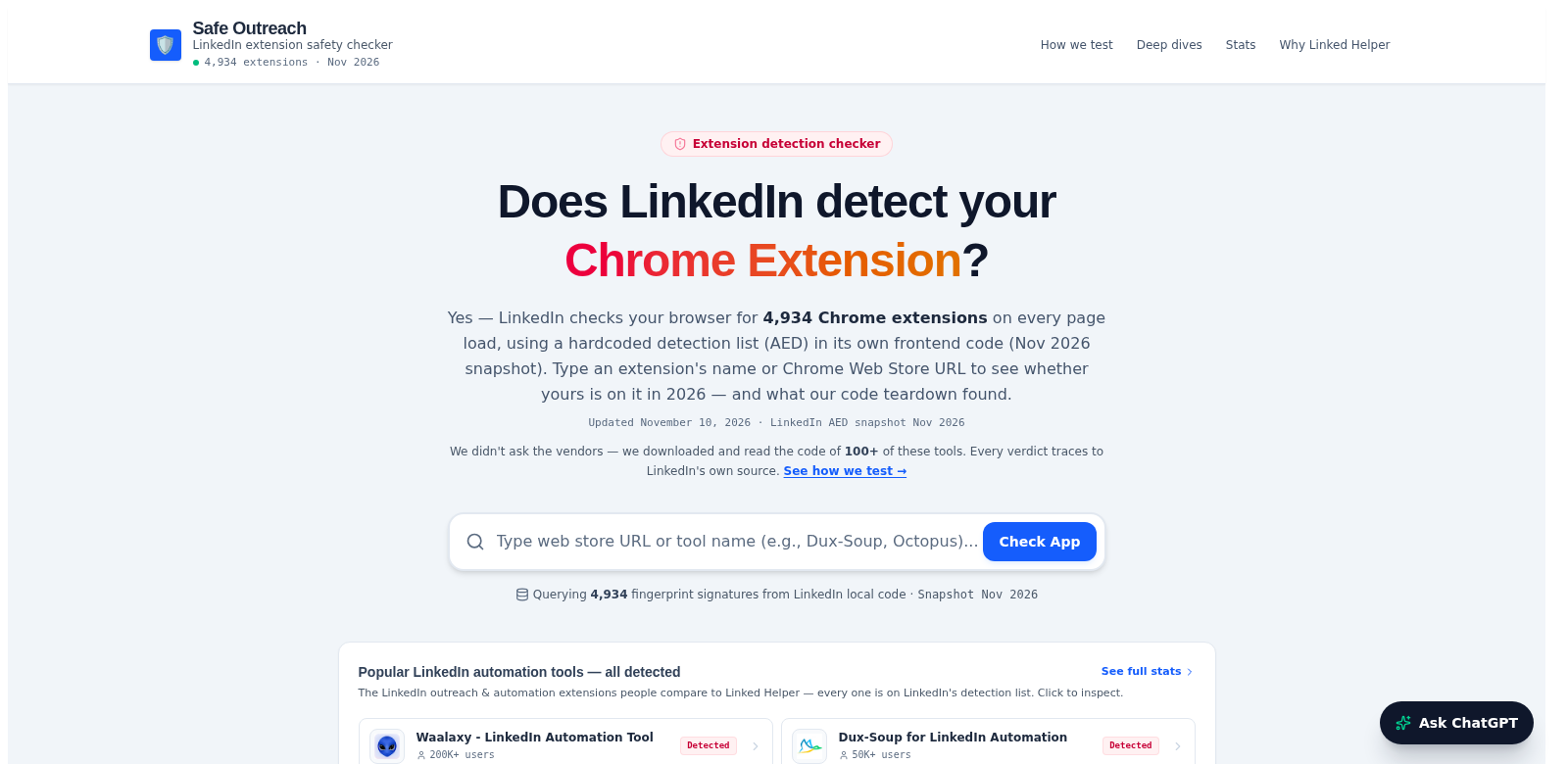
Understanding LinkedIn's Extension Detection Mechanism
LinkedIn, that big professional networking site, lets you do a ton of stuff. And browser extensions can make it even better. But here's the catch: how does LinkedIn actually know what tools its members are running? In this guide, we're going to dig into how LinkedIn spots extensions, especially that curious list of 4,934 "fingerprints" hidden deep in its code. Knowing this helps you make smart choices about your privacy and the tools you decide to use. Oh, and I've also thrown in a mention of Safe Outreach, a pretty clever tool for, well, outreach.
Customers of LinkedIn
LinkedIn isn't just for one type of person; it's got all sorts of users, and they all get something different out of it. Really understanding who's on the platform helps us build better marketing plans and improve the product.
-
Job Seekers: People looking for work use LinkedIn to find jobs, show off their skills, and browse listings. LinkedIn helps make job hunting easier with alerts and connection suggestions based on their resumes.
-
Corporate Recruiters: Businesses use LinkedIn to find good people for their open jobs. They can use advanced search filters and recommendations to pinpoint candidates who fit the job perfectly. This focused approach saves time and money, making hiring smoother.
-
Industry Professionals: Many professionals use LinkedIn to network, share ideas, articles, and trends. This helps them get noticed and become a go-to expert in their field.
-
Sales Professionals: Sales teams often use LinkedIn to find and connect with potential customers. They use outreach and connection tools to build relationships that often turn into paying clients.
-
Learning and Development Coordinators: Companies focused on training staff can use LinkedIn to promote learning through platforms like LinkedIn Learning. This lets companies encourage ongoing learning and skill-building for their employees.
Problems and Solutions by LinkedIn
Like any big platform, LinkedIn has its share of problems and limits for users. But, honestly, these challenges also open doors for growth and getting better.
Problems LinkedIn Found
-
Privacy Concerns: People often worry about privacy and how their data is handled, especially if it's shared with other companies.
-
Extension Misuse: Some extensions break LinkedIn's rules, which can get accounts suspended or users warned.
-
Phishing Risks: Bad extensions can expose users to phishing, putting their accounts at risk.
-
Data Integrity: Extensions that scrape data can mess with the accuracy of user information and how it looks on the platform.
-
User Mistrust: If users feel constantly watched, they might lose trust in LinkedIn, which hurts how much they use it and how happy they are.
Solutions by LinkedIn
LinkedIn has rolled out ways to tackle these problems, keeping users safe and happy. For example, they keep a big database of extension "fingerprints," so they can spot potentially harmful tools and tell users right away. They've also put strict rules in place against extensions that mess with user privacy. And their proactive approach with regular security checks helps keep data accurate and reduces weak spots.
Use Cases
Knowing about extension detection is important for different kinds of LinkedIn users. Think about these situations:
-
Job seekers using resume tools that pull data from LinkedIn should know that using unapproved extensions could get their accounts flagged.
-
Recruiters using talent-sourcing extensions benefit from understanding LinkedIn's policy limits, so they can adjust their approach.
-
Sales pros who use LinkedIn to find leads need to understand how important it is to stick to verified tools to keep their accounts secure.
Top Features of LinkedIn
LinkedIn has many features designed to make using it better. Some key ones are:
-
Profile Optimization Tools: LinkedIn has tools to help users make their profiles perfect, so recruiters can find them easier.
-
Networking Opportunities: The platform makes it easy to connect with other professionals, which can lead to collaborations and partnerships.
-
Tailored Job Recommendations: LinkedIn gives personalized job recommendations based on your profile and activity, boosting your chances of getting hired.
-
Learning Resources: You can find lots of learning materials and courses to pick up new skills and move your career forward.
-
Engagement Analytics: You can track how people engage with your posts and profile, helping you plan your content better.
Frequently Asked Questions about LinkedIn
-
How does LinkedIn detect and manage extensions? LinkedIn uses a detailed list of extension "fingerprints" and analyzes user activity to spot potentially harmful extensions, then warns users. This proactive checking helps keep things secure.
-
What should I do if my account is flagged due to an extension? If your account gets flagged, you absolutely need to check the extensions you're using and remove any unapproved or suspicious ones. Contact LinkedIn support if you need more help.
-
Can I appeal against an extension ban? Yes, you can appeal bans. But you'll need to show solid proof that you were using safe, approved extensions. Clear communication with LinkedIn support is essential.
-
What is the best way to ensure my privacy on LinkedIn? Regularly check your privacy settings, don't use too many third-party extensions, and keep up with LinkedIn's policies to protect your personal info.
-
Are there any reputable extensions I can use on LinkedIn? Plenty of tools are out there, but I'd recommend sticking to extensions with good reviews and a solid reputation in the LinkedIn community.