ScreenOtter: Screenshots and Screen Recordings for Mac
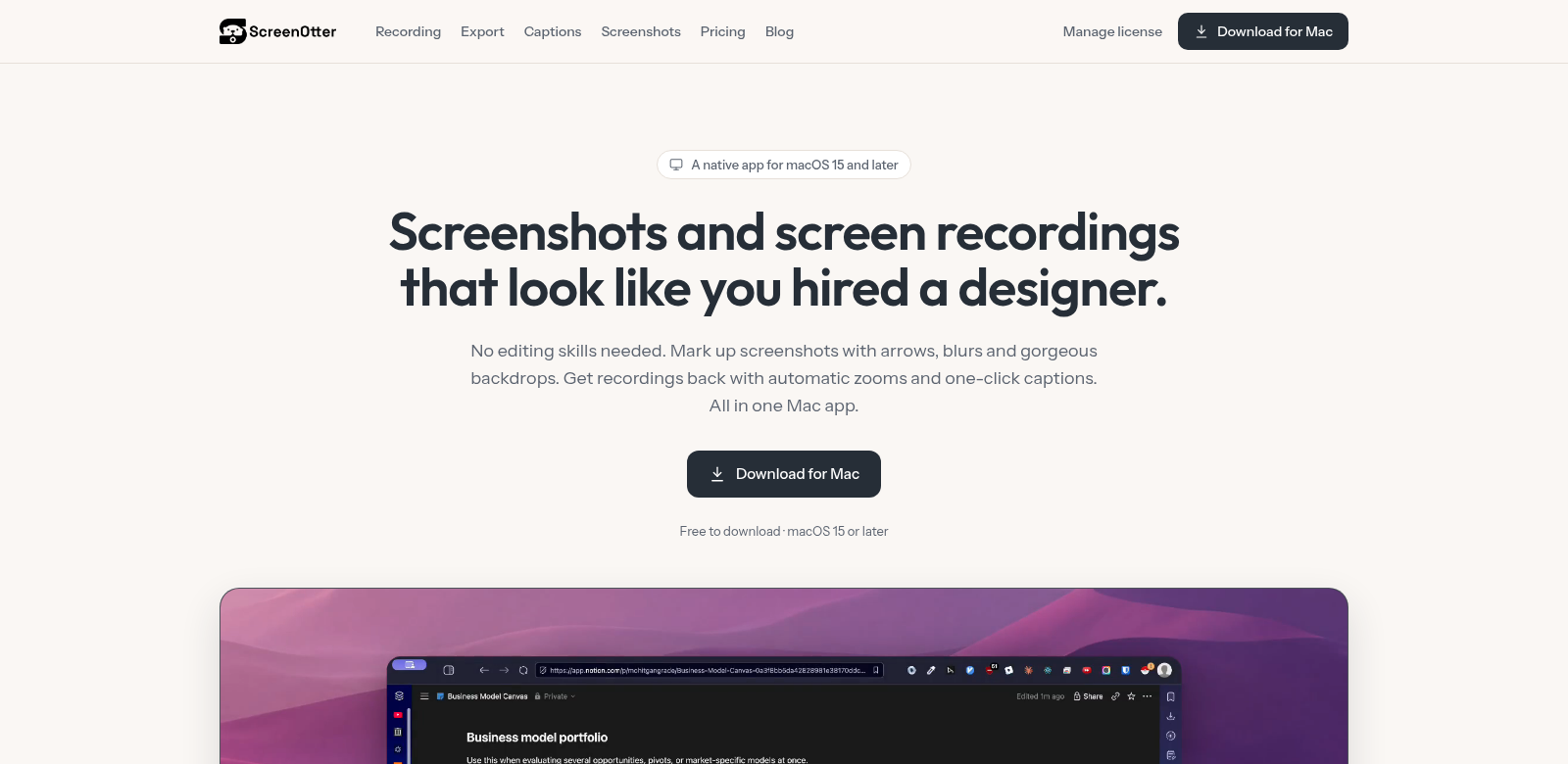
ScreenOtter is a Mac app that lets you capture, record, annotate, and edit content all in one place. It makes creating screenshots and screen recordings easy, whether you're building presentations, tutorials, or other multimedia projects. You can grab high-quality images, add notes, and export everything in up to 4K resolution, so every detail looks sharp.
Who Uses ScreenOtter?
Lots of different people use ScreenOtter – from teachers to business pros. They all find it useful, but for different reasons. Here’s a look at who uses it and why:
-
Educators:
Teachers need good tools for remote learning. ScreenOtter helps them make engaging videos and tutorials that students actually understand and remember. Plus, with on-device captions and teleprompter support, they can deliver lessons clearly and confidently. -
Content Creators:
YouTubers and streamers love ScreenOtter for making great content. They can quickly record their screens, then use the editing tools to make professional-looking videos fast. It saves them time and keeps their quality high. -
Business Professionals:
When business pros need to share info fast, ScreenOtter makes it easy to grab and annotate screenshots. This helps them document discussions and create reports about what's happening on screen, which means better communication across teams. -
Software Developers:
Developers use ScreenOtter to record software demos and troubleshooting. Being able to annotate those recordings helps them give better feedback and work together more easily. It's a key tool in their development process. -
Marketers:
Marketers use ScreenOtter to make compelling promo and how-to videos. By showing off their products with screen recordings, they can boost their marketing efforts and connect better with their audience.
What ScreenOtter Fixes
ScreenOtter solves some common headaches Mac users run into when trying to capture and record things.
The Problems We Saw
-
Recording is too complicated:
People often juggle several apps just to record their screen, making the whole process feel messy. -
Bad annotation tools:
Most recording apps don't have good enough annotation features, which stifles creativity and makes it hard to really explain what's on screen. -
Low-res exports:
Many screen capture apps can't export in high resolution, so your final presentations end up looking blurry or pixelated. -
Wasted time:
Capturing, editing, and exporting usually takes forever because you have to jump between so many different apps. -
Frustrating to use:
A lot of apps are just plain hard to use. You can't find what you need, and it's annoying.
How ScreenOtter Solves It
ScreenOtter tackles these issues head-on. We packed a bunch of crucial features into one native app, making your workflow much smoother. For example, automatic zoom highlights the important parts of your screen recording without you having to do anything, so you can just focus on what matters.
Plus, ScreenOtter's high-quality on-device captions mean you can narrate your recordings professionally, no matter where you are. And the teleprompter feature helps you give smooth presentations without stumbling over your words, making your content look even better.
When it's time to export, ScreenOtter supports up to 4K resolution. This means every project looks sharp and polished – perfect for anyone who cares about quality.
How People Use It
ScreenOtter is great for all sorts of things: making instructional videos, product demos, helping remote teams work together, or creating software how-to guides. Teachers, for example, can record lessons right from their desktop. Marketers can make promo videos to show off their newest campaigns. It's flexible enough for almost any industry.
ScreenOtter's Best Features
ScreenOtter has some killer features that make it stand out from other screen recording tools:
-
Automatic Zooms:
It automatically zooms in on important parts of your screen, helping viewers focus and understand better. -
On-Device Captions:
You can easily add captions right onto your recordings, making them more accessible and engaging. -
Multiple Camera Layouts:
ScreenOtter gives you different camera layouts, so you can choose how you look in your recordings. -
Teleprompter:
It helps you give smooth, uninterrupted presentations.