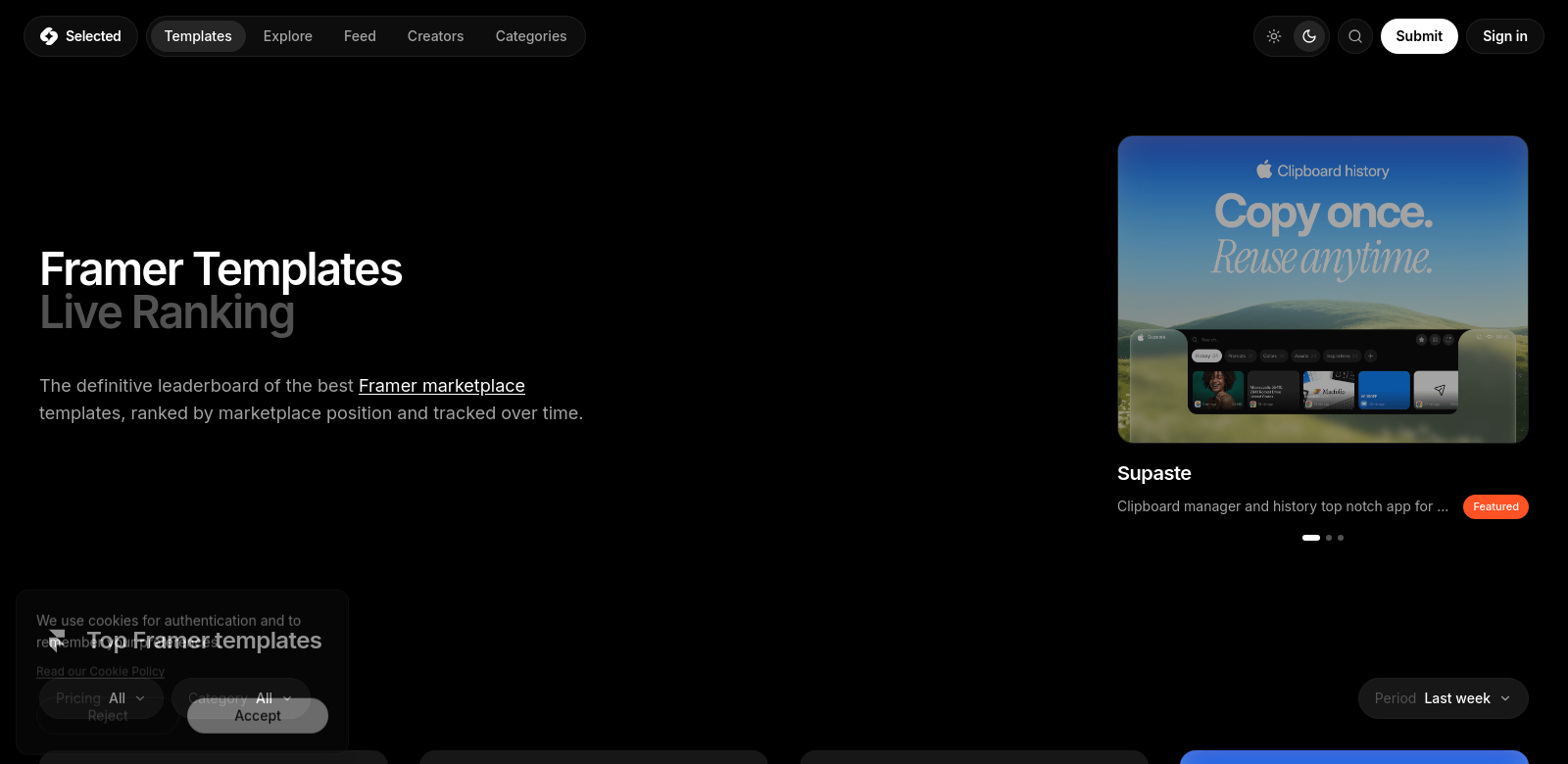
Framer Templates: Marketplace Insights & Rankings
Framer is a powerful web design tool that helps creators bring their ideas to life. It has a marketplace packed with templates for all sorts of industries and uses. This article looks at the best Framer templates out there, highlighting what makes them special and who built them. We keep this guide updated, so it's a solid resource for anyone – from beginners to pros – who wants to make their projects look great. Check out Framer Templates to see what you can create.
Customers of Framer
Who uses Framer? Knowing its different users helps us understand how the marketplace meets their needs. Here are some of the main groups who get a lot out of Framer's templates:
-
Freelance Designers: Freelance designers often need flexible templates to handle different client requests. Framer templates come with customizable layouts and components that speed up their work, helping them deliver great projects fast.
-
Small Business Owners: Small business owners often have tight budgets and limited staff. Framer templates offer an affordable way to build professional websites without needing to know how to code. This helps them get a solid online presence.
-
Marketing Teams: Marketing teams use Framer templates to quickly build landing pages and campaigns. The templates keep branding and design consistent across different projects, which makes it easier to connect with potential customers.
-
Educators and Students: More and more, schools are using modern tech. Framer templates help educators and students show off projects and presentations. They're so easy to use that people can focus on what they're saying, not on fighting with the tech.
-
Large Enterprises: Big companies looking to update their online presence can use Framer's advanced templates for many different needs. They can customize these templates and use their strong features to match their corporate brand perfectly.
Problems and Solution by Framer
Every design process hits snags that slow things down or hurt the final product. Framer knows these issues well and has built solutions to tackle them head-on.
Problems Framer Found
-
Time-Consuming Design Process: Building unique designs from scratch takes a lot of time. Templates cut this down significantly, letting designers focus on their main work.
-
Lack of Coding Knowledge: Lots of people get scared off by needing to code to build custom websites. Framer templates remove that hurdle, letting anyone create designs without technical skills.
-
Inconsistent Branding: Companies often find it hard to keep their branding consistent across different platforms. Framer templates offer pre-designed assets that make sure your brand looks the same everywhere.
-
Limited Creative Resources for Startups: Startups often don't have many designers. Framer's wide selection of templates lets these businesses use high-quality designs without spending a lot on staff.
-
Difficulty in Version Control: Design collaboration can get messy without good version tracking. Framer's templates help keep things organized and make it clear which version of a project you're looking at.
Solution by Framer
Framer solves these common problems with its templates and smart design features. By offering a marketplace full of different templates, Framer meets the needs of its many users. Every template is built to be flexible, so people can change things without having to learn how to code.
Framer also has collaboration tools that improve version control and feedback. This makes it easier for teams to work together. Users can track changes on a project, which means everyone's input gets heard, leading to a much better final product.
Use Case
Framer templates are super versatile and work for many situations. Marketing teams can quickly launch targeted campaigns using templates built specifically for landing pages, designed to get more conversions. Freelancers can put together professional portfolios that show off their work and attract new clients. Schools can create interactive class projects, making lessons more interesting with good-looking presentations.
Top Features of Framer
Framer templates stand out because their features make design easier and add more power. Here are some of the best:
-
Responsive Design: All templates are built mobile-first, so websites look good on any device.
-
Easy Customization: Users can easily change any template with simple drag-and-drop tools.
-
Code Integration: Framer lets you add code if you need to, giving advanced users more ways to improve their projects.
-
Pre-Built Components: Components like buttons, forms, and galleries are included, which speeds up design and helps you get things done faster.
-
Comprehensive Support: Framer provides detailed documentation and community support, so users can quickly find answers to their questions.
Frequently Asked Questions with Framer
-
What types of templates are available on Framer? Framer's marketplace has tons of templates, from portfolios to e-commerce sites, covering many different niches and industries. Whether you're a developer, designer, or educator, you'll find a template that fits your needs and makes your project better.
-
Can I customize Framer templates for my brand? Yes, Framer templates are made to be easy to customize. You can change colors, layouts, and components to match your brand, even if you don't have advanced design skills.
-
Are the templates mobile-friendly? Yes! All Framer templates use responsive design, so they look great on any device, from phones to tablets.
-
Do I need coding skills to use Framer templates? You don't need coding skills to use Framer templates. They're made to be easy for anyone to create great designs without technical know-how.
-
What support does Framer offer for template users? Framer offers detailed documentation, user guides, and community forums to help users troubleshoot problems and get the most out of their templates.