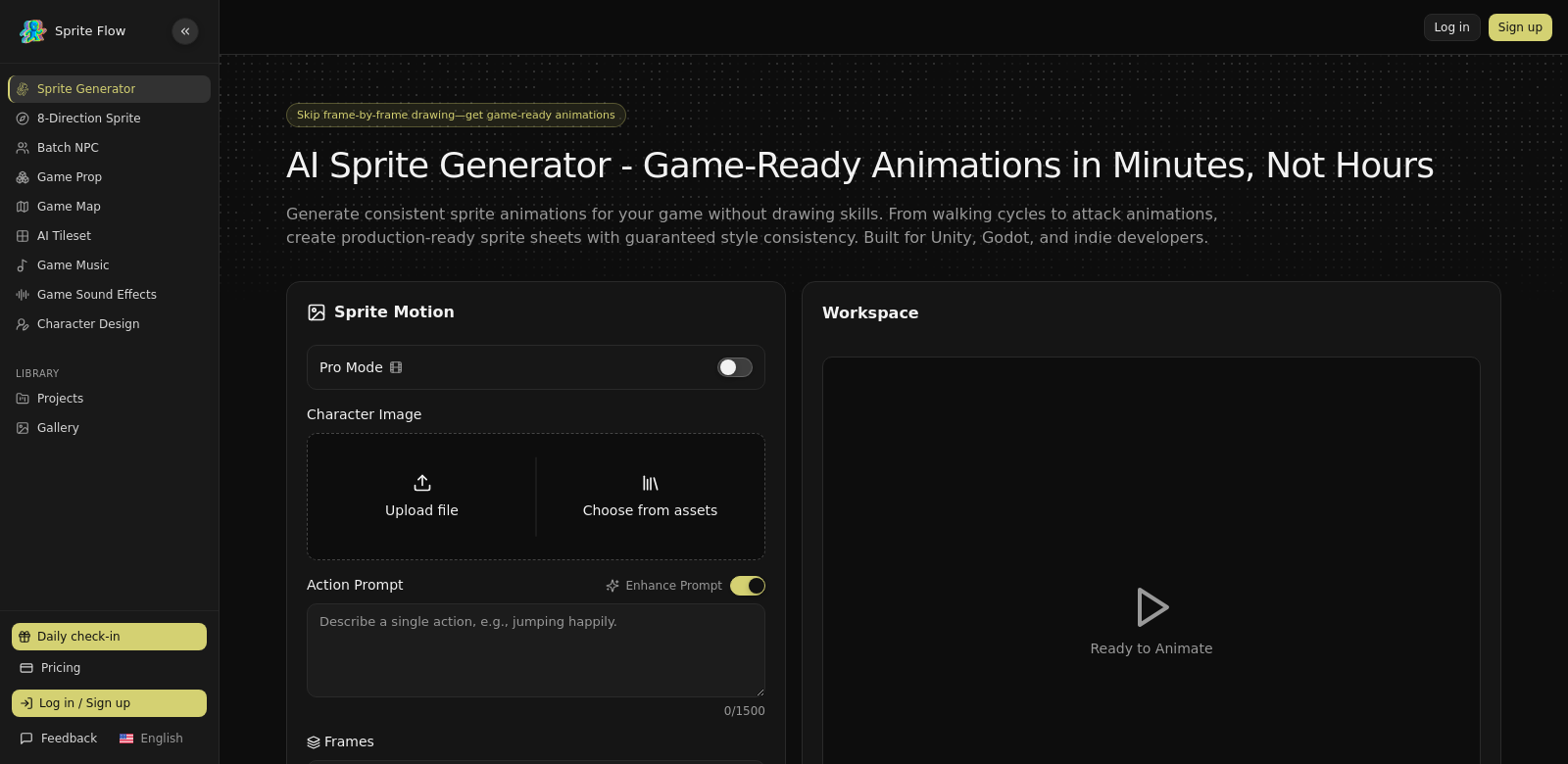
AI Sprite Generator for Game Development
Game development today demands new ideas, and the AI Sprite Generator offers a powerful one. This tool lets you create sprite sheets, walking cycles, and JSON atlases in minutes. It uses AI to keep your animations looking consistent, which speeds up the whole process, frees you up to be more creative, and cuts down on development time. Whether you're an experienced developer or just starting out, this generator helps you make great-looking animations for your games. Find out more here.
Who Uses the AI Sprite Generator?
The AI Sprite Generator helps all sorts of people in the gaming industry. Here's how different users get the most out of it:
-
Indie Game Developers:
Indie developers often struggle with limited budgets and resources for high-quality animations. This tool lets them make professional-looking assets without needing deep animation skills or expensive software. This means they can spend more time on their game's design and story. -
Professional Game Studios:
Big studios can use the AI Sprite Generator to make their work faster. Animators can create animations much quicker, which helps projects stay on schedule while still looking great. The consistent style also keeps everything matching the game's overall look. -
Game Artists and Animators:
Artists can mix their own creativity with the AI Sprite Generator to make unique animations. They can try out different styles and see results instantly, which encourages new ideas and experiments. -
Educators and Students:
Game design courses can add the AI Sprite Generator to their lessons. It gives students a modern tool to learn sprite animation, helping them build their portfolios and skills for future jobs. -
Hobbyists and Enthusiasts:
People working on personal projects can get their hands on powerful animation tools usually only found in bigger studios. Hobbyists can make their creative ideas real without needing advanced skills, turning game development into a fun pastime.
Problems and Solutions from the AI Sprite Generator
Game development often hits roadblocks that slow down creativity and work. The AI Sprite Generator helps solve these.
Common Problems in Game Art
-
Time Constraints:
Making sprites and animations the old way takes a lot of time, which can pull focus away from creative work and gameplay. -
Skill Barriers:
Many new developers and hobbyists find animation skills hard to learn, stopping them from making their ideas real. -
Inconsistent Quality:
Getting a consistent animation style across all game assets usually needs a lot of time and expert knowledge, leading to uneven quality. -
Limited Resources:
Small teams or solo developers often don't have the money for pro animation tools, forcing them to cut corners on quality or project size.
Solution by AI Sprite Generator
The AI Sprite Generator solves these problems for game developers. It uses AI to cut down the time it takes to make great animations. The tool is easy to use, so anyone, no matter their skill level, can make professional-looking animations quickly. The AI also makes sure all your animations have a consistent style, which is key for a game's overall look. For teams with tight budgets, this tool is an affordable but powerful way to create excellent game art, improving both how good their projects look and what they can achieve.
Use Cases
The AI Sprite Generator is useful in many ways for game development. For example, an indie developer could use it to make a walking cycle for a platformer character, trying out different styles until they get it just right. A big studio might use it to quickly create background animations for a complex game with lots of moving parts. And schools can add this tool to their classes, giving students practical experience to learn animation production easily.
Top Features of AI Sprite Generator
Here are the main features that make the AI Sprite Generator so useful:
-
Fast Animation. You can make animations in minutes, which drastically cuts down project time.
-
Consistent Look. The AI makes sure all your animations share the same visual style, which is vital for a game's overall feel.
-
Easy to Use. The interface is simple enough for pros and beginners alike, making it easy to get around and use.
-
Many Animation Options. The tool handles all sorts of animations, from simple walking cycles to more complex movements, fitting different project needs.
-
Affordable. Compared to traditional animation software, this generator is easy on the wallet, perfect for indie developers and students.
AI Sprite Generator: Your Questions Answered
-
How does it work?
The AI Sprite Generator takes your input and uses smart AI to create animations. It aims for a hand-drawn look, but much faster. -
Is it good for beginners?
Yes, definitely. It's built to be easy to use, so beginners can make animations without needing a lot of prior experience. -
What kinds of games can use this?
Any game needing sprite animations can get a lot out of it, like 2D platformers, RPGs, and educational games. -
Can I change the animations?
Yes, you can play with different styles and features to make the animations fit exactly what you need. -
Where can I learn how to use it?
The official website has tutorials and guides to help you get the most out of the tool.