StatJolt: A Google Analytics Alternative That Puts Privacy First
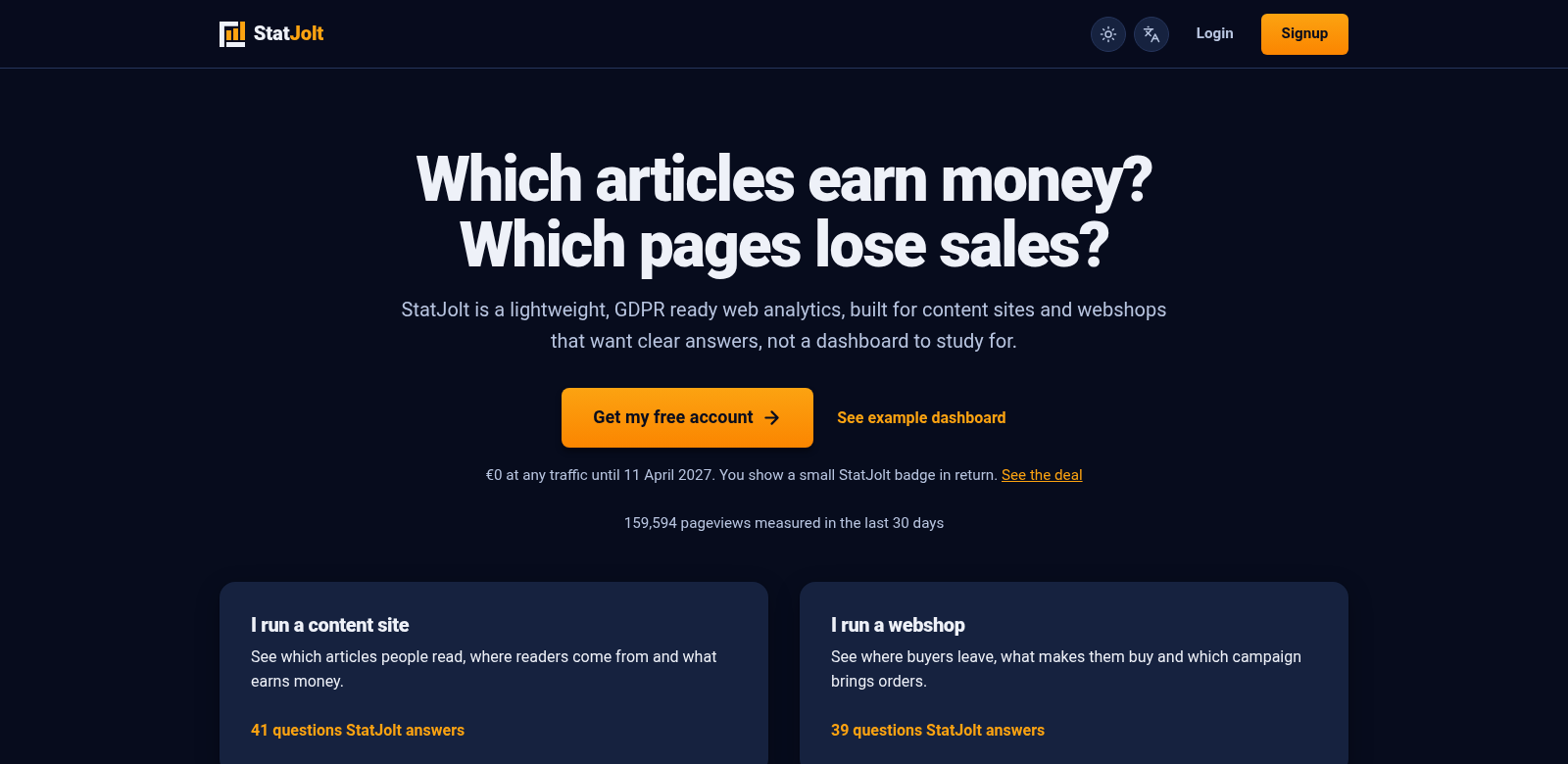
In a world where user privacy and simple data are more important than ever, StatJolt offers a refreshing change from traditional Google Analytics. We built it to cut through the usual complexity of analytics dashboards, giving you a clear view of the metrics that truly matter for your business. StatJolt focuses on the essentials—like visitor numbers, where your traffic comes from, how pages perform, and what devices people use—so you get useful insights without intrusive tracking or annoying cookie banners.
Who Uses StatJolt?
Understanding who benefits from StatJolt helps show why it's making an impact in the analytics world. Here are the kinds of people and businesses who find it most useful:
-
Small Business Owners: Traditional analytics tools often drown small businesses in too much data. StatJolt simplifies things, letting owners focus on what actually grows their business instead of getting lost in complicated reports.
-
Freelancers and Consultants: Freelancers and independent consultants need a clear picture of their website's performance, but without the headaches of cookie consent and data privacy rules. StatJolt makes it easy to track metrics and report them to clients.
-
Marketing Teams: Marketing pros who analyze web traffic will appreciate StatJolt's straightforward dashboards. They highlight the key metrics that drive campaign success, cutting out all the noise.
-
Startups: Startups usually have limited resources and need tools that deliver value fast. StatJolt's easy-to-understand metrics and no-frills approach are perfect for new companies looking to measure their online presence.
-
Educational Institutions: Schools and universities can use StatJolt to monitor e-learning platform performance without invading user privacy. This helps them keep the trust of their academic communities.
The Problems StatJolt Solves
The digital world is full of analytics tools that either overwhelm you with data or disrespect user privacy. StatJolt steps in to fix these common issues.
Problems We Saw
-
Confusing Analytics Interfaces: Many analytics platforms present data in overly complicated ways, making it hard to find anything useful.
-
Privacy Worries: Most traditional analytics tools track user behavior extensively. This creates big privacy problems and compliance challenges.
-
Too Much Data: Users often face a flood of metrics they don't need, leading to "analysis paralysis" – you just don't know where to start.
How StatJolt Solves Them
StatJolt tackles these problems head-on with a fresh approach to web analytics. We prioritize simplicity and user privacy, giving you only the essential metrics in an easy-to-read format. You can quickly see how your website is doing, with clear data on visitor numbers, where they came from, and what devices they used. By keeping the interface clean and minimizing automated tracking, StatJolt meets regulatory standards, ensuring user privacy is respected while still delivering valuable performance insights.
Real-World Uses
StatJolt is flexible enough for many different situations across various industries. For example: a small retail business can use StatJolt to see where their traffic comes from and then adjust their marketing. An educational institution might track engagement to improve course materials and online classes. Freelancers can use StatJolt to report client progress more efficiently, without sifting through mountains of data. These examples show how adaptable the tool is for diverse business needs.
Top Features
StatJolt comes with key features that make it a smart choice for anyone doing analytics or marketing:
-
Visitor Tracking: See how many users visit your site in real-time, broken down by time and source.
-
Source Analysis: Knowing where your traffic originates helps you focus marketing efforts where they'll have the most impact.
-
Device Metrics: StatJolt shows you which devices people use to access your content, so you can tailor your website design accordingly.
-
Simple Interface: Our clean design prioritizes clarity over complexity, making it easy to use from the start.
-
Privacy Focused: StatJolt respects user privacy. We offer analytics that don't compromise personal data, which is a big deal for a growing number of online users.
Frequently Asked Questions
-
How does StatJolt protect user privacy? StatJolt doesn't track individual user behavior. Instead, it focuses on aggregated data, which protects user identities and complies with data protection rules.
-
Is StatJolt good for larger companies? While we designed it mainly for small to medium-sized businesses, larger companies can also benefit from its simplicity. It's especially useful for specific teams who need to focus on key metrics without all the extra data noise.
-
How does StatJolt show data? StatJolt presents data through a straightforward dashboard that highlights essential metrics without unnecessary complications.
-
What metrics can I track with StatJolt? You can track visitor count, traffic sources, pages visited, and device types. This gives you a complete picture of your web performance.
-
Can I integrate StatJolt with other tools? Yes, StatJolt works well with other platforms. Businesses can easily add it to their existing workflows without any trouble.