Sway: Organize Your Ideas, Conversations, and Meetings
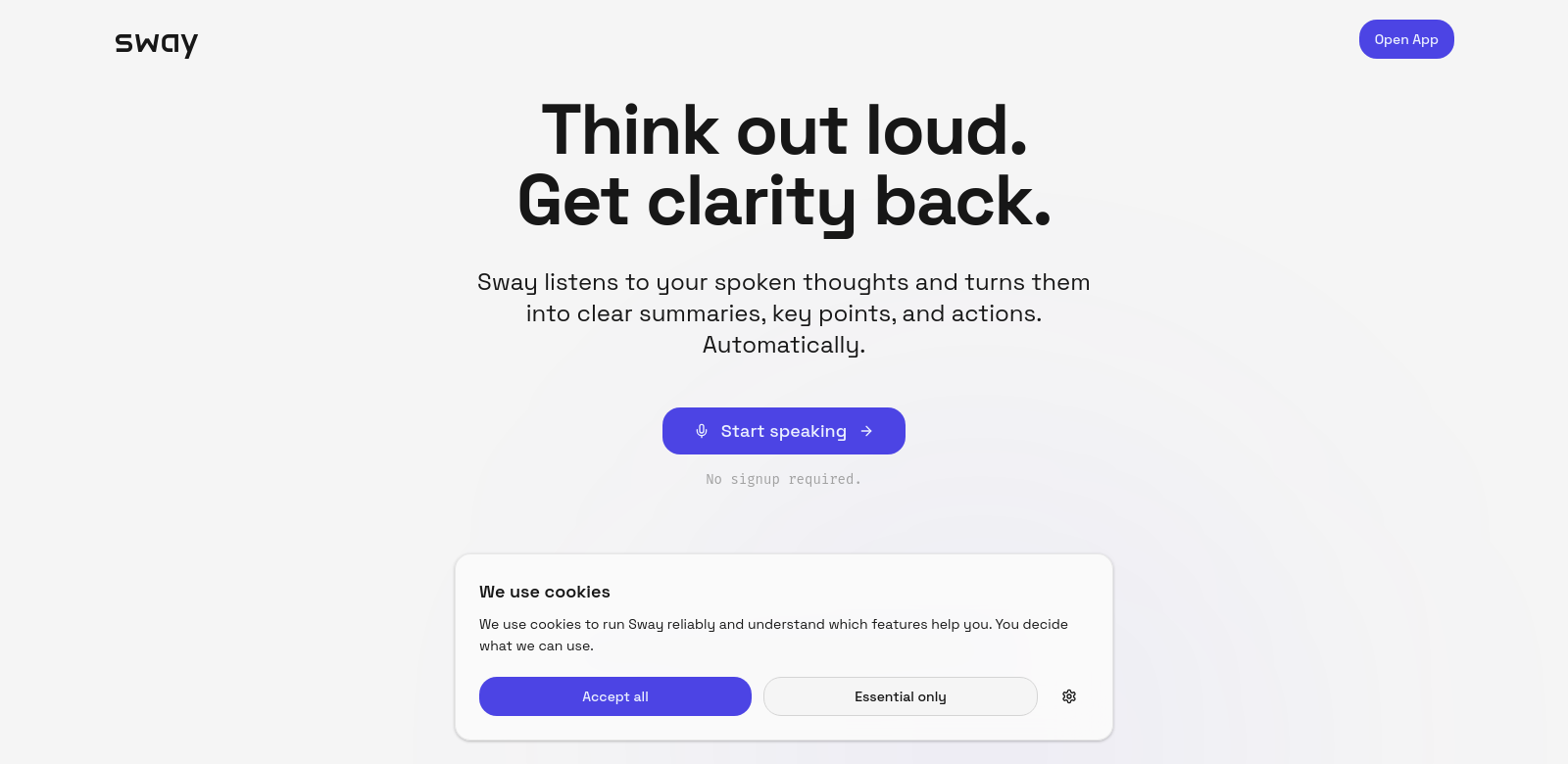
Sway helps you keep your thoughts, conversations, and meetings organized and clear. It automatically structures everything, making it easy to move from one idea to the next and communicate better. Sway really shines because it can summarize discussions, pull out the main points, and handle your to-do lists all in one spot. Whether you're working alone or with a team, Sway has tons of features to make your work simpler and more productive.
Who Uses Sway?
Lots of different people use Sway because it does things other tools don't. Looking at a few examples shows why it's so useful for so many.
-
Business Professionals: These folks are always in meetings and discussions. Sway helps them catch important points and action items, so they don't miss anything crucial.
-
Educators: Teachers and professors deal with lots of classes and student interactions. Sway's ability to summarize talks and organize lesson plans is a huge help. It makes setting clear goals for students much easier.
-
Project Managers: If you're running complicated projects, Sway is a lifesaver. It helps you organize ideas, plan tasks, and track team progress, which means better teamwork and more successful projects.
-
Freelancers: Independent workers often juggle many clients. Sway helps them keep meeting notes tidy, create follow-up tasks, and make sure nothing gets forgotten.
-
Executive Teams: Top executives need tools that can turn complicated talks into clear plans. Sway's structured way of working is ideal for them, letting them have deep discussions without losing sight of the big picture.
How Sway Fixes Common Problems
Sway tackles a bunch of communication and organization headaches that people deal with every day.
The Problems Sway Solves
-
Messy Meetings: Too many meetings jump around without a clear plan, which means people get confused and tasks get forgotten.
-
Bad Notes: Taking notes the old way can be a pain, and it's easy to miss important stuff.
-
Confusing Communication: It's hard to get your main points across, leading to misunderstandings and wasted time.
-
Missed Follow-Ups: Without a good way to track action items, tasks just disappear.
-
Spotty Records: Keeping a solid record of meetings and talks can be tough, and information gets lost.
Sway's Solution
Sway solves these problems in a few ways. It automatically structures your ideas, so meetings stay organized from start to finish. It smartly summarizes conversations, not just capturing what was said, but also pointing out what needs to happen next. Plus, its easy-to-use interface helps you manage your notes, keeping your communication clear.
Sway also makes it simple to track tasks and to-do lists. This streamlines project management and makes sure everyone on the team is accountable. Basically, Sway gives professionals a strong tool that not only fixes communication issues but also makes everything work better and gets more done.
How You Can Use Sway
Sway is super flexible and works for all sorts of situations in different fields:
- Corporate Meetings: Great for making executive meetings run smoothly, so everyone's points are clear.
- Educational Workshops: Helps educators communicate and organize better in class, making it easier to handle different discussions.
- Project Kick-offs: Brings clarity to those first project talks, setting up clear next steps.
- Client Consultations: Helps freelancers keep client notes and follow-ups organized, which builds better relationships.
- Team Brainstorming Sessions: Makes sharing ideas easier, ensuring every contribution gets noticed and considered.
Sway's Best Features
Sway comes with a ton of features that make it a top pick for anyone who wants to work smarter:
- Automated Summaries: Get short, clear summaries of meetings and discussions without lifting a finger.
- Key Points Identified: It automatically flags the most important parts of your conversations, keeping things clear and focused.
- Task Management: Keep tabs on your to-dos and action items, making follow-ups and progress tracking simple.
- Easy-to-Use Interface: Its clean, simple design means you can easily find your way around and use everything Sway offers.
- Works Everywhere: Sway connects smoothly across different platforms, so you can get to your notes no matter where you are.
Common Questions About Sway
-
How does Sway make meetings better? Sway automatically organizes discussions and spots the main points. This means less time taking notes and more time focusing on what's being said.
-
Does Sway work with my other tools? Yes, Sway connects with lots of different platforms. This makes it even more useful, syncing your notes and tasks across apps to simplify your workflow.
-
Is Sway good for teams? Definitely! Sway was built for teamwork. It lets team members share notes, track tasks, and stay on the same page with project goals, creating a stronger team environment.
-
How is Sway different from regular note apps? Unlike standard note-taking apps, Sway can automatically summarize content and track tasks. This really speeds up how you organize things.
-
How safe is my information in Sway? Sway takes your privacy and security seriously. We've put strong measures in place to make sure all your data is protected and only people you authorize can access it.