TabLynk - AI-Powered PDF to CSV Conversion
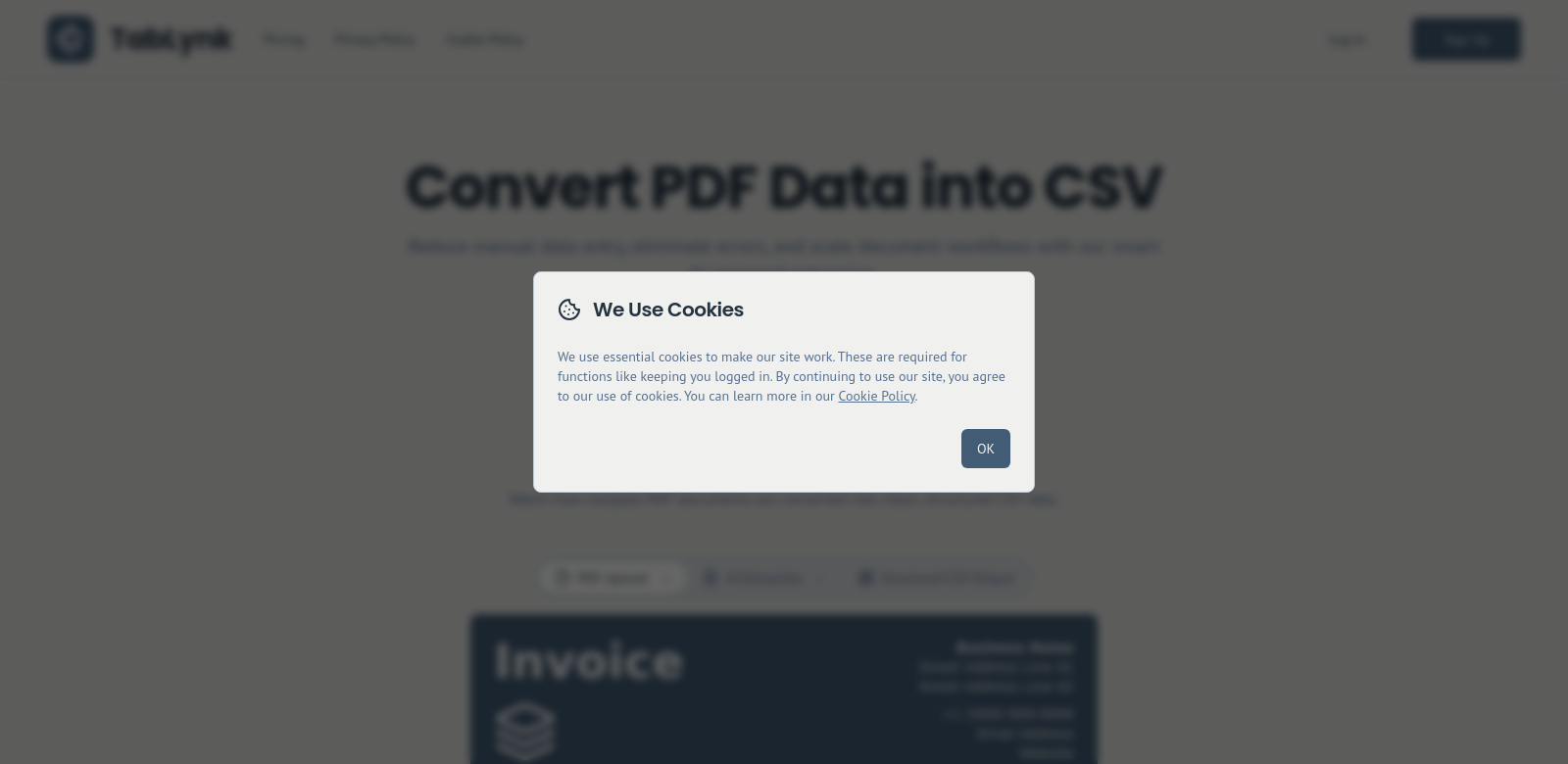
TabLynk converts PDFs into structured CSV files automatically. It uses machine learning to quickly and accurately read PDF content, making sure the original context and header relationships stay intact. This helps businesses handle unstructured data better, saving them from manual data entry and cutting down on time and costs.
Customers of TabLynk
TabLynk helps many different kinds of clients. Here are some of the main groups who get a lot out of using it:
-
Data Analysts: Data analysts often deal with huge amounts of unstructured data. TabLynk makes this easier by turning raw PDF data into usable CSV files, so analysts can get to work faster.
-
Financial Institutions: In finance, getting data out quickly and accurately is critical. TabLynk helps financial firms turn reports and documents into structured data for quick analysis and decisions.
-
Researchers and Academics: Researchers often need data from studies published as PDFs. TabLynk lets them convert these documents into usable datasets, helping them be more productive and gain deeper insights.
-
Legal Firms: Legal professionals often work with large PDF case files that need to be structured. TabLynk helps organize these documents, making it faster to find and analyze information.
-
Retailers: Retail businesses can use TabLynk to convert inventory and sales reports from PDFs to CSVs. This leads to better inventory management and sales analysis.
Problems and Solutions by TabLynk
Companies struggle with unstructured PDF data. TabLynk solves these problems.
Common problems
-
Inefficient Data Extraction: Manually pulling data from PDFs takes a lot of time and is full of human errors, which makes data analysis inaccurate.
-
Lack of Contextual Understanding: Older tools often don't understand the context and relationships between data points, making the extracted data hard to use.
-
Scalability Issues: As companies grow, so does the amount of data they need to process. Manual methods can't keep up, causing bottlenecks and delays.
-
Integration Challenges: Unformatted data causes problems when you try to integrate it with existing data management systems, leading to more inefficiencies.
Solutions by TabLynk
TabLynk changes how you process unstructured PDF data. It uses advanced AI to automate extraction, making sure conversions to CSV are highly accurate. With features that recognize context, TabLynk keeps data relationships intact, so users can analyze and use the information easily. Plus, TabLynk's design scales, working for both small teams and big companies. This means TabLynk can grow with your company without slowing down.
Use Case
Here are some examples of how TabLynk helps:
- A financial institution cut report processing time by over 70%, letting analysts focus on insights instead of data entry.
- A research team put over 1,000 research papers into one dataset, speeding up publication and research results.
- A legal firm sped up case preparation by 60%, improving client service with faster document analysis.
- Retailers got more accurate inventory tracking, which meant fewer stockouts and happier customers.
Top Features of TabLynk
TabLynk has many features that make it easy to use:
-
High Accuracy: Its advanced algorithms make sure data is extracted very precisely, cutting down on human errors.
-
Contextual Awareness: TabLynk understands the relationships between different data points, giving you useful CSV files.
-
Scalability: The platform handles small datasets and can grow to manage larger ones, so it works for any size company.
-
User-Friendly Interface: Anyone can use TabLynk easily, even without technical skills, making data conversion available to more people.
-
Fast Processing Speed: TabLynk extracts data quickly, letting businesses finish projects fast and boosting overall efficiency.
Common Questions About TabLynk
-
How does TabLynk ensure data accuracy during conversion? TabLynk uses machine learning that learns from past conversions to get better over time. Its understanding of data context helps it produce high-quality results.
-
Can TabLynk handle large volumes of data? Yes, TabLynk is built to grow with your company's needs, so it works for both small and large amounts of data.
-
What types of PDFs can TabLynk handle? TabLynk can handle many kinds of PDFs, including text-heavy documents, forms, and reports, turning them into structured data efficiently.
-
Is there a limit on the number of conversions? TabLynk offers flexible plans that fit different usage needs, including options for unlimited conversions.
-
What kind of support does TabLynk provide? TabLynk offers full customer support, including documentation, tutorials, and direct help, to help users get the most out of it.