Easy Online Image Conversion: JPG, PNG, WebP & AVIF
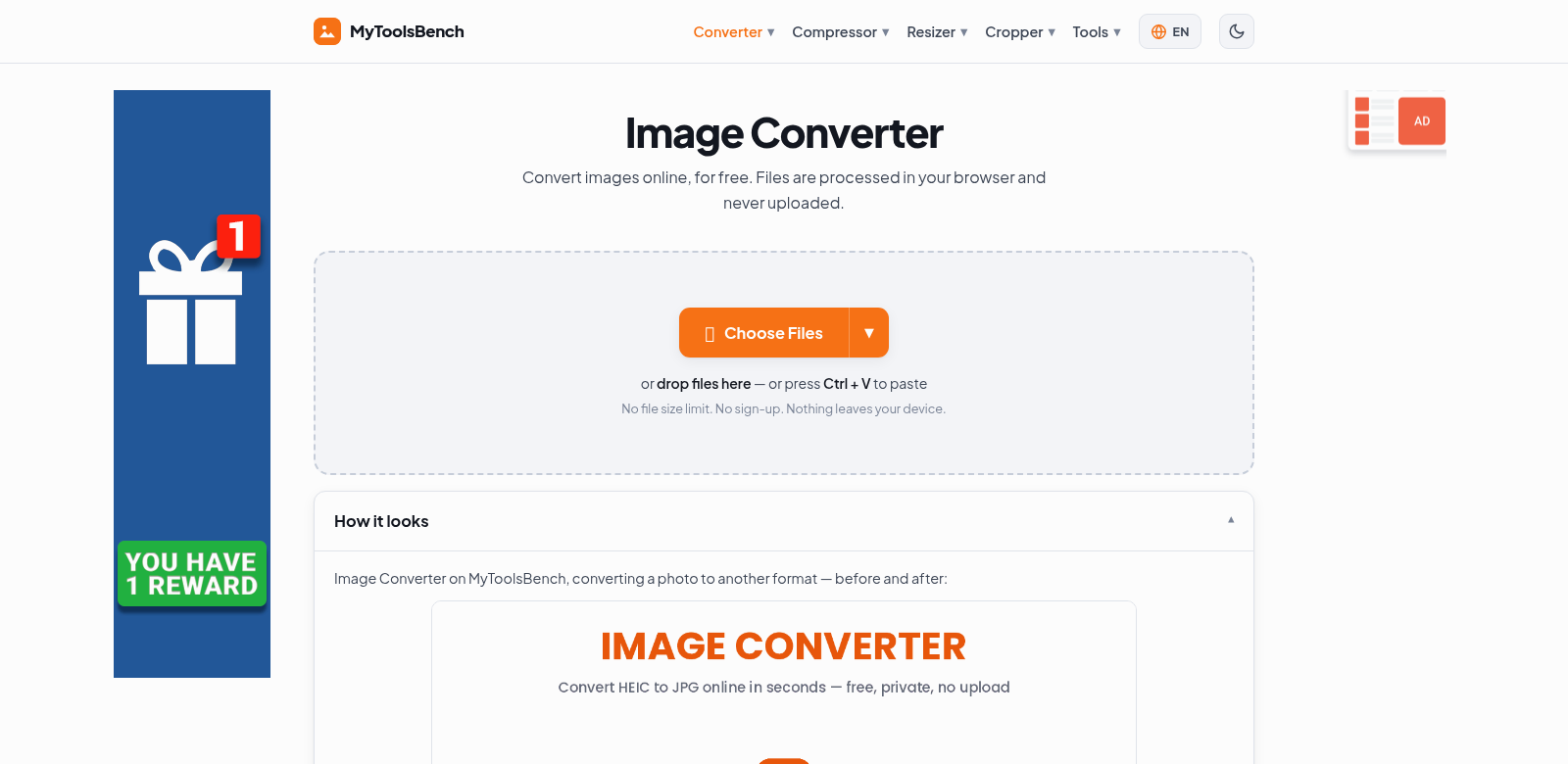
Converting images efficiently is a big deal these days. That's why we built an online image converter that handles JPG, PNG, WebP, and AVIF. You can convert images right in your browser – no uploads, no accounts, no fuss. It just works, even for huge files, so you can get things done without hitting roadblocks.
Who Uses This Online Image Converter?
We designed this converter for all sorts of people, from casual photographers to professional web designers.
- Photographers: Many photographers prefer converting images online instead of dealing with installed software. This tool lets them quickly switch formats to fit their editing or sharing needs.
- Web Designers: Web designers often need specific image formats for faster websites. This converter is perfect for turning images into WebP or AVIF, which compress files better and make sites load quicker, improving the user experience.
- Graphic Artists: Graphic artists use this tool to adapt their artwork for different platforms, keeping things consistent across various media. It speeds up their workflow by delivering fast conversions in the right format.
- Content Creators: Bloggers and marketers rely on this tool to prep images for their online content. They appreciate being able to manage image quality and format without needing fancy software.
- Tech Enthusiasts: If you're curious about image formats, this tool offers an easy way to experiment and see the differences between file types.
Problems We Solve with the Online Image Converter
Every good online service tackles real user problems. Our image converter helps with several common headaches people face when working with digital images.
Common Image Conversion Problems
- File Size Limits: Many older conversion tools cap file sizes, which is frustrating when you're working with high-resolution images.
- Slow Uploads: Uploading images to online services can take forever, especially with a sluggish internet connection.
- Limited Format Choices: Some converters only support a few image formats, forcing you to compromise on your needs.
- Software Installs: Having to download and install software just to convert an image is a pain.
- Account Sign-ups: Many online tools make you create an account, adding an unnecessary step when you just want to get something done.
How Our Converter Solves Them
Our online image converter offers straightforward solutions to these issues, making it a valuable tool for everyone.
It runs entirely in your browser, so there are no lengthy uploads. Conversions happen instantly. Just drag and drop your files, click once, and your images are converted. Plus, you can convert images of any size to as many formats as you need – we don't have file size limits.
The converter is also incredibly simple to use. No software downloads, no account sign-ups. This makes for a smooth experience that fits how people work today. We also keep it updated with new image formats, so you always have access to the latest tech for your conversion tasks. Check it out: image converter.
How People Use It
This online image converter is flexible enough for many situations:
- Website Optimization: Web designers can convert images to formats that cut down loading times while keeping quality high. This really boosts site performance and user experience.
- Social Media Content: Content creators can get their images to the perfect size and format for social platforms, making sure visuals look sharp and professional everywhere.
- Email Campaigns: Marketers find this converter crucial for preparing images for newsletters. Quickly converting to optimized formats can improve how many people engage with their emails.
- E-commerce Platforms: Online sellers benefit from converting product images into the right formats for their platform. This ensures fast loading speeds, which makes shopping better for customers.
- Personal Projects: Individuals use this tool for personal photo editing or converting images to share with friends and family, especially when high-resolution photos need a tweak.
Key Features of Our Online Image Converter
We packed this online image converter with features to make conversions easy:
- No Uploads: Convert images directly from your device, keeping your data private and secure.
- Wide Format Support: It handles JPG, PNG, WebP, and AVIF, covering most user needs.
- Simple Interface: The design is clear and easy to use, so anyone can navigate it, no matter their tech skills.
- No File Size Limits: Convert images of any size, from small photos to large graphics.
- Fast Processing: Get quick results. Less waiting, more creating.
Frequently Asked Questions
-
What image formats can I convert? You can convert JPG, PNG, WebP, and AVIF, among others. It's a versatile tool for all your image conversion needs.
-
Is my image data safe? Yes, your images stay on your device because the converter runs in your browser. Your data remains secure and private.
-
Do I need an account? No, you don't need to create an account. That's one of its best features – a hassle-free experience.
-
Can I convert multiple images at once? Right now, you can convert one image at a time. This helps us ensure top conversion quality.
-
Does it cost anything to use? No, the online image converter is completely free. No hidden fees, just a useful tool.