Trellis 2: AI Makes 3D Asset Creation Easier
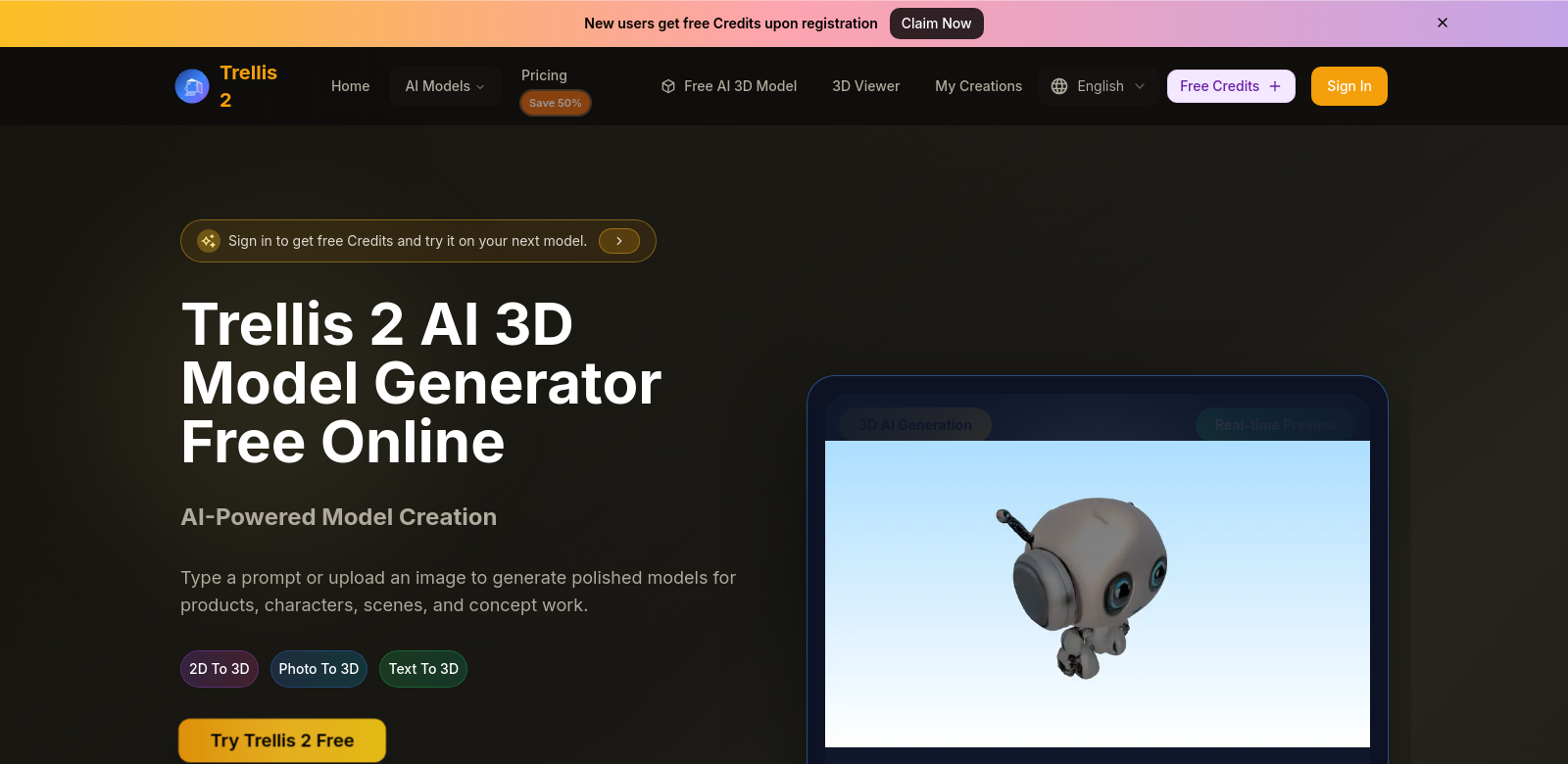
Trellis 2 is an AI platform that creates high-quality 3D models from text and images. It turns your descriptions and photos into 3D assets, helping you bring creative ideas to life fast. Designers, artists, and developers can use this 3D modeling tool to get the custom, high-definition 3D content their projects need.
Who Uses Trellis 2?
Trellis 2 helps all sorts of people, and each group finds something different to love about its features. Seeing who uses it shows how Trellis 2 solves their specific problems.
-
Graphic Designers:
Graphic designers use Trellis 2 to add 3D visuals to their portfolios. It lets them try out different styles and easily create ideas that older tools just couldn't handle. -
Game Developers:
Game developers find Trellis 2 essential for making detailed 3D models that improve game worlds and characters. It speeds up asset creation without cutting corners on quality. -
Educators and Students:
Teachers and students use Trellis 2 in design and art classes to make learning easier. It helps them be creative and get hands-on experience with 3D modeling. -
Architects:
Architects use Trellis 2 to create realistic visuals for their projects. This helps with client presentations and makes sure everyone understands the design before building starts. -
Marketing Professionals:
Marketers are using Trellis 2 to make eye-catching ads with 3D product models. This helps them connect better with their audience and get their brand noticed.
How Trellis 2 Solves Common 3D Modeling Problems
Trellis 2 tackles many of the headaches in 3D modeling right now.
The Problems Trellis 2 Saw
-
Time-Consuming Processes:
Old-school 3D modeling takes forever—hours or even days for detailed models. Many pros find it hard to turn their ideas into 3D efficiently. -
Steep Learning Curves:
Fancy software often needs tons of training and experience, which scares off new users. -
High Cost of Software:
Top-tier 3D modeling software can be too expensive, shutting out both pros and hobbyists.
Trellis 2's Solution
Trellis 2 solves these problems by using AI. You just give it text or images, and it processes them to create detailed 3D models instantly. The interface is smooth and easy to learn, built for both experienced pros and total beginners.
Plus, Trellis 2's pricing makes it affordable, reaching a wider audience. Now, anyone can make incredibly detailed 3D assets without the high cost of traditional software.
How You Can Use It
Trellis 2 can do almost anything. Imagine a graphic designer typing out a description of a fantasy creature and getting a detailed 3D model for their project. Or a game developer snapping a photo, uploading it to Trellis 2, and quickly getting game-ready assets. Schools could use it for live demos of 3D design, and architects could whip up quick visuals for client meetings. It's flexible enough to work for many different industries.
Key Features
Trellis 2 comes with features that make it easier to use and speed up your work:
-
Text-to-3D Conversion:
Turn written descriptions into 3D models automatically. This makes it simple to see your ideas come to life from just words. -
Image-to-3D Generation:
Upload images and get 3D models back. Artists find this especially helpful for recreating real-world objects digitally. -
Easy-to-Use Interface:
Trellis 2 was built for simplicity. Anyone can navigate their projects easily, no matter their technical skill. -
Quick Preview and Export:
You can preview models before finishing them. This means instant changes and a super-efficient workflow. -
Affordable Subscription:
Trellis 2 has pricing plans for both individuals and businesses, making it available to more people.
Common Questions About Trellis 2
-
How does Trellis 2 turn text into 3D models?
Trellis 2 uses smart AI to read your text, understand the context, and then create the 3D model. It makes creation simple. -
Can I use my own images to make 3D models?
Yes, you can upload images to Trellis 2. It automatically processes them to create detailed 3D models for all sorts of uses. -
Is Trellis 2 good for beginners?
Yes! Trellis 2 was designed to be easy to use, so even people with no experience can get around the platform without trouble. -
What industries can use Trellis 2?
Many industries, like gaming, education, architecture, and marketing, find Trellis 2 useful. It's a super versatile tool for lots of different fields. -
What makes Trellis 2 different from other modeling software?
Trellis 2 stands out because of its AI, its affordable price, and its user-friendly design. This makes asset creation much faster and more effective than with traditional tools.