Convert WebP to JPG Online with WPS
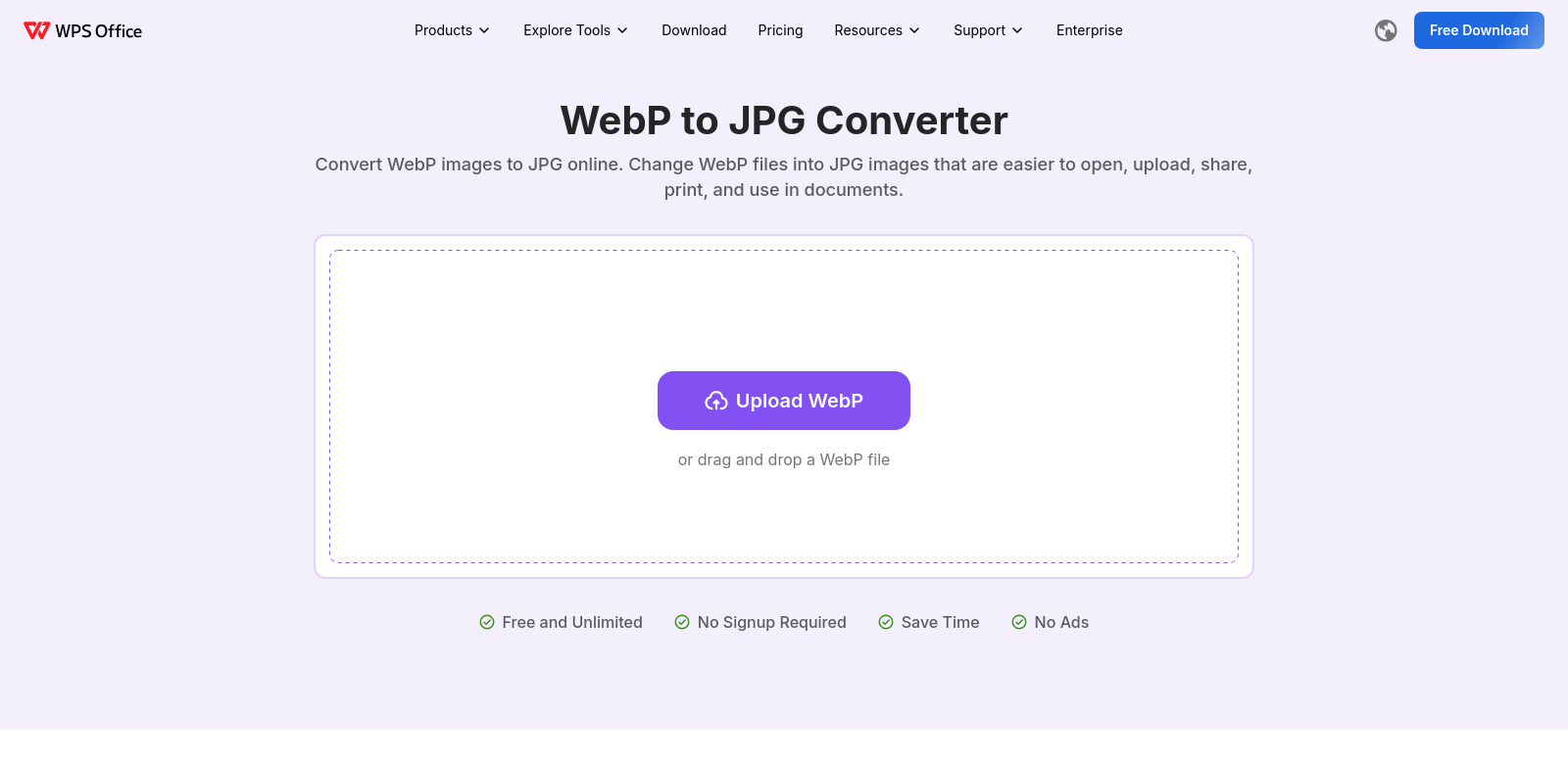
Image formats are everywhere, each with a role in design, photography, and web use. WebP is known for its excellent compression. But JPG (JPEG) is still the standard for compatibility across devices and platforms. WPS offers a free online converter that turns WebP images into JPGs. It's fast, simple, and keeps your image quality.
Who Uses WPS
WPS's WebP to JPG converter serves a wide range of users, from professional designers to casual users who need reliable image format conversion. Here's who benefits from this service:
-
Graphic Designers: Designers often work with many image formats, including WebP, which they value for its compression. They need quick tools to convert images without losing quality, especially when adapting content for different platforms.
-
Web Developers: Developers often find WebP images when optimizing websites for speed. Converting them to JPG ensures they work in all browsers, improving the user experience.
-
Digital Marketers: Marketers share visual content across many channels. They convert WebP images to JPG to ensure their content looks good on email campaigns, social media, and websites, where JPGs are usually preferred for compatibility.
-
Photographers: Photographers might use WebP for its high-quality compression. WPS's converter lets them transform images for client use or personal projects without compromising the photo quality.
-
General Users: Casual users, like bloggers and social media enthusiasts, often need a simple way to convert images for online sharing. WPS's free tool offers an accessible solution for quick conversions without requiring technical knowledge.
Problems and Solution by WPS
Creating and sharing images in the correct format is essential for compatibility and quality. WPS found these problems with WebP and JPG formats:
Problems WPS Found
-
Limited Compatibility: WebP isn't supported by all browsers and applications, which limits its usability. Users might struggle to share or display these images correctly.
-
Quality Loss Concerns: Converting images between formats can lead to worries about quality loss, especially in professional settings.
-
Complex Conversion Tools: Many image conversion tools require technical skills or software installations, making them inaccessible for some users.
-
Time-Consuming Processes: Some online converters can be slow or require lengthy steps to complete conversions, hindering productivity.
-
Potential Security Risks: Users often hesitate to use online converters due to privacy concerns about personal images and data integrity.
Solution by WPS
WPS solves these problems with its online WebP to JPG converter. It's easy to use and built for speed and quality. The service is totally free, so you can convert as many files as you need without paying or signing up. WPS keeps the original image quality, addressing concerns about image integrity. It also converts files super fast, almost instantly, making you more efficient. And it's secure online, respecting your privacy and cutting down on any risks from uploading images to other sites. This complete solution is a solid choice for anyone who needs to change image formats.
Use Case
The converter has varied applications, with several scenarios showing its effectiveness:
-
A graphic designer who needs to convert WebP images from a client for a marketing campaign can do so quickly. This means fast delivery of assets without altering quality.
-
A web developer can optimize a website by converting WebP images to JPG. This ensures the site runs smoothly across all devices, improves loading times, and enhances the user experience.
-
A photographer might need to share images with clients in a common format. Using the WPS converter, they can ensure high-resolution images are accessible in JPG format without quality loss.
-
A digital marketer can