Easily Convert WebP Images to PNG
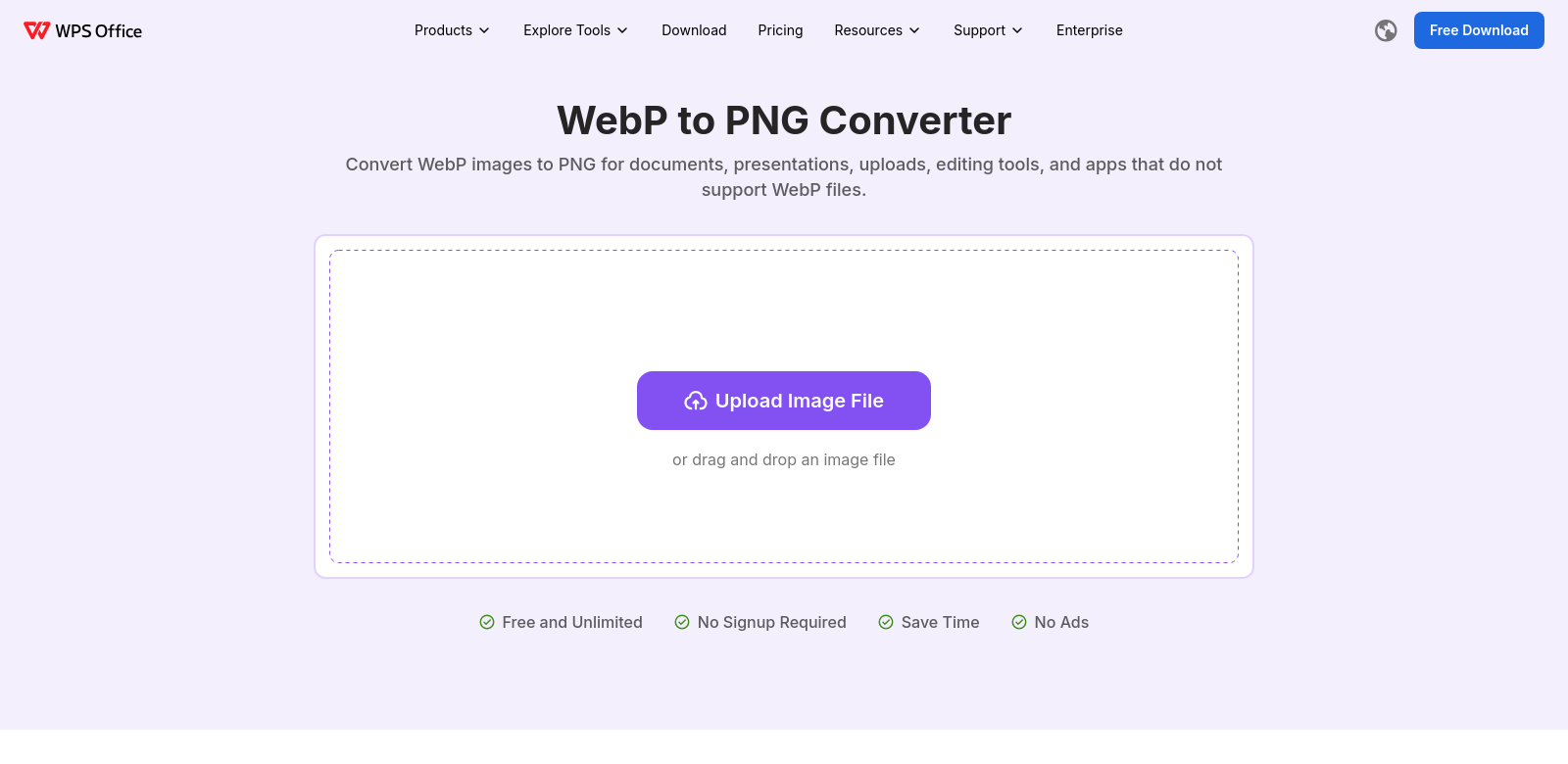
Handling images online can be a pain, especially when you run into WebP files that don't play nice everywhere. The WPS WebP to PNG Converter offers a simple way to turn those WebP files into standard, high-quality PNGs. It's a fast online tool built for anyone who needs their images to look good and be ready for anything, whether that's editing or sharing.
Who Uses WPS?
Lots of different people and businesses rely on the WPS WebP to PNG Converter. Knowing what they need helps show just how useful this tool is.
-
Graphic Designers: Designers always need top-notch images for their work. WPS helps them handle different file types smoothly, so they can drop images into their designs without worrying about losing quality.
-
Web Developers: Developers have to make sure website images are optimized for speed. WPS's fast conversion tools let them get the right balance between image quality and quick loading times.
-
Photographers: Photographers care deeply about their image quality. WPS makes sure conversions keep the photos looking exactly as they should, so they can edit and share their work confidently.
-
Marketers: Marketers need images for all sorts of campaigns, across every platform. Converting WebP to PNG means they'll have a format that works everywhere, making sure their content gets seen.
-
Everyday Users: If you just need to tweak an image for personal use, WPS's simple interface lets you convert files fast and without needing any technical know-how.
The Problems WPS Solves
The digital world changes fast, and image format problems pop up all the time. WPS offers real solutions to these common headaches.
Problems WPS Found
-
Image Format Compatibility: People often struggle with formats like WebP. They just don't work everywhere, causing headaches across different software and platforms.
-
Quality Loss During Conversion: A lot of converters out there butcher image quality during the process, leaving you with a blurry mess.
-
Confusing Interfaces: Some conversion tools are just too complicated. They make simple tasks feel like a chore.
-
Slow Processing: Other tools can take forever to convert files, wasting your time.
How WPS Fixes It
WPS built its WebP to PNG converter with you in mind. First, the platform makes converting files incredibly simple, so anyone can use it, from pros to casual users. It also keeps your image's original quality intact, so you don't have to worry about blurry results like you might with other tools.
Plus, WPS uses a smart processing algorithm that converts files super fast. This means you can get your work done without sitting around waiting. And with its clean, easy-to-use interface, navigating the conversion process is a breeze—no more complicated steps or frustrating menus.
Real-World Uses
The WPS WebP to PNG Converter fits into all sorts of different workflows:
- A graphic designer might need to convert a whole batch of WebP images to PNG to match a client's project requirements.
- A web developer could use the tool to optimize images for a website, making sure every format works for everyone.
- A marketer might need to convert images for an ad campaign, guaranteeing the formats will display correctly on all platforms.
- A photographer could quickly convert images from one format to another for editing, keeping the high quality their portfolio demands.
What Makes WPS Great
The WPS WebP to PNG Converter has a few standout features that really make it shine:
-
High-Quality Conversion: It keeps your images looking perfect through the whole conversion, so your results always look professional.
-
Easy-to-Use Interface: Built for everyone, no matter your tech skills. Converting images is simple and hassle-free.
-
Super Fast Processing: It can handle lots of files quickly, cutting down on waiting and boosting your workflow.
-
Works Everywhere: Your converted images will work smoothly across all sorts of apps and software, so you won't hit any format roadblocks.
-
Safe & Private: Convert your files with peace of mind. WPS handles your images securely, meaning no unauthorized access or data problems.
Frequently Asked Questions with WPS
-
What formats can I convert using WPS?
WPS lets you convert WebP images to PNG, and it keeps the image quality high. It's perfect when you need a format that just works.
-
Is there a limit to the number of files I can convert at once?
Nope! WPS supports batch processing, so you can convert a bunch of files all at once, which really speeds things up.
-
Do I need to download software to use the converter?
Not at all. The WPS WebP to PNG converter works completely online. Just open it in your browser from any device with internet access—no downloads needed.
-
Is the service free?
Yes, it's totally free. WPS gives everyone access to its WebP to PNG converter, with no hidden fees or catches.
-
Can I trust WPS with my images?
Absolutely. WPS takes your privacy and security seriously. Any images you convert through their platform are kept secure and are never stored or misused.