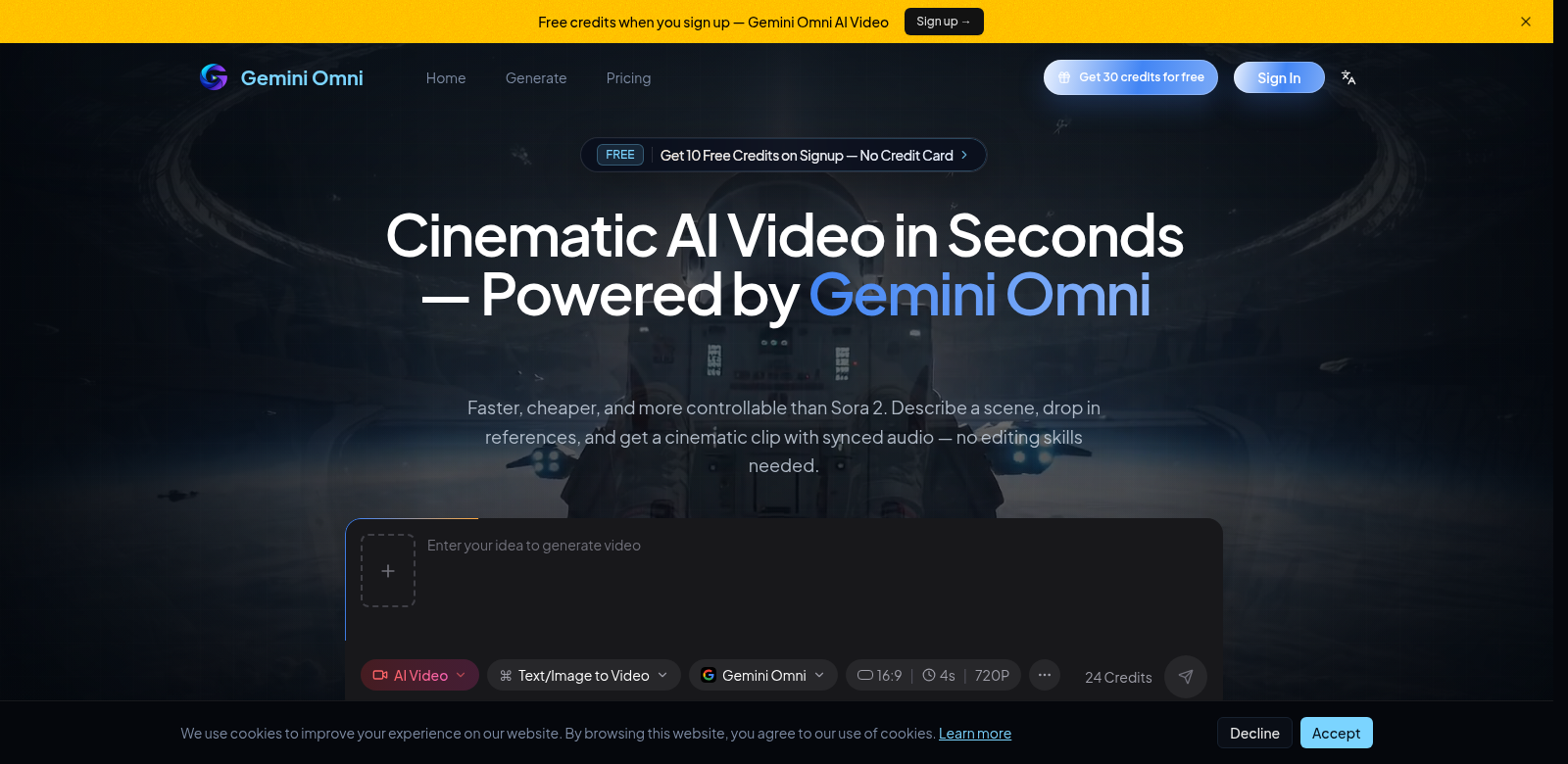
Gemini Omni: AI video generation
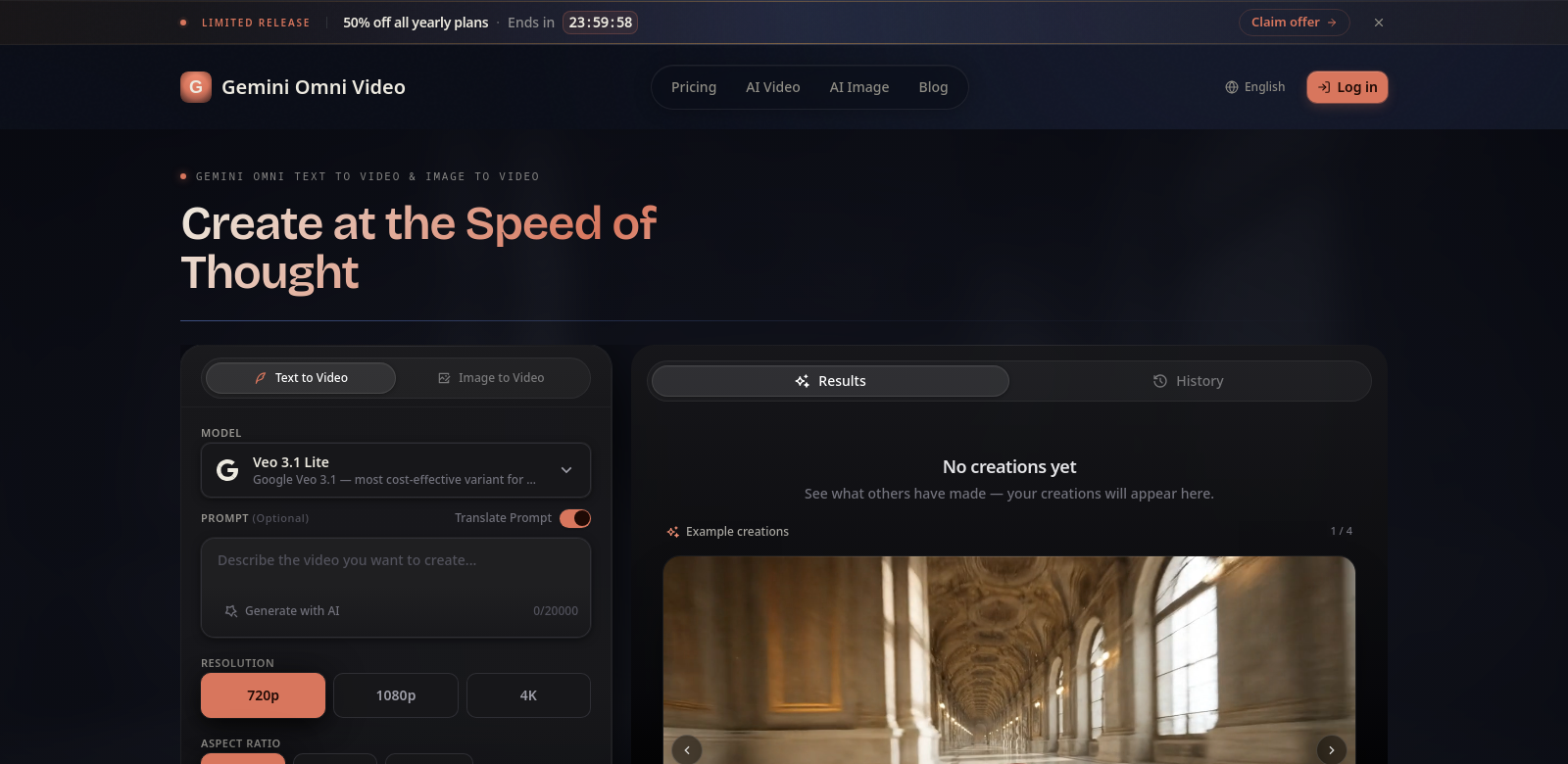
Gemini Omni is Google's new AI tool for making videos. It's built to change how we create video content. This model handles text, images, video, and audio all at once. You give it one prompt—text, images, video, and audio mixed together—and it makes multimedia content. What makes it special is that it handles audio directly and lets you edit right in the chat. This really changes what AI can do for creative work. The platform is easy to use, whether you're just starting out or you've been doing this for years. Gemini Omni
Who uses Gemini Omni?
Gemini Omni works for many different people. It's useful across a lot of fields.
- Content creators: YouTubers and social media influencers can make videos much faster. It creates good videos by mixing different media, so they can put out more content.
- Educators: As online learning grows, teachers can use Gemini Omni to quickly make engaging educational videos. This means more varied learning materials that fit different student needs.
- Marketers: Marketers can use Gemini Omni to make promo videos that mix visuals and sound well. It helps them create content fast, which is key in today's quick-moving digital world.
- Businesses: Businesses that need affordable, effective ways to share messages, both inside and out, can use Gemini Omni to make informative videos. This improves how they communicate.
- Developers and programmers: Developers and programmers can build Gemini Omni's features into their apps and platforms. This makes user experiences better with AI-generated video.
How Gemini Omni helps
Gemini Omni solves some common problems people face when making multimedia content. It makes the whole process much smoother and better for everyone.
The problems it solves
- Time-consuming production: Making videos usually takes a lot of time and work. You often have to collect different media pieces one by one.
- Skill gap: Not everyone knows how to edit videos or mix different media well. This stops them from making good content.
- Cost of resources: Using separate tools for different parts of video production can get expensive and complicated to manage.
Gemini Omni's solution
Gemini Omni directly addresses these issues. Because it handles all media types, this AI tool lets users type in one prompt that covers their whole creative idea. This makes video generation much faster.
With its built-in audio features, you can easily add voiceovers or background music. This makes videos sound better without needing advanced audio editing skills.
The in-chat editing also makes changes simple. You can see how edits look right away, cutting down the time it takes to finish video projects. So, Gemini Omni doesn't just make content creation better; it also gets people to try new things with multimedia, leading to more creative and effective results.
How people use it
Here are some ways people are using Gemini Omni. For example, an online teacher could make a full course intro video. They could use text explanations with animations to give students an engaging overview. A marketing team might create a product launch video that includes testimonials, demos, and other media to draw in new customers. And developers can put Gemini Omni's features into their apps to make user experiences better with dynamic content.
Key features
Gemini Omni has some standout features:
- Multimodal integration: You can easily combine text, audio, images, and video into one final piece. This makes content creation more complete and easier to follow.
- In-chat editing: This feature lets you make changes to your projects right away, without jumping between different programs or screens.
- Native audio capabilities: You can create voiceovers and sound effects directly inside the platform. This makes your videos richer without needing outside audio help.
- Efficiency: It makes the production process much faster, cutting down the time from idea to finished product. This helps users create content quickly.
- User-friendly interface: The design is easy to understand, so even if you've never edited video before, you can use its features well.
FAQs about Gemini Omni
-
What types of media can I integrate using Gemini Omni? You can bring in text, images, video clips, and audio. It's a flexible tool for making all kinds of multimedia.
-
Is there a learning curve associated with using Gemini Omni? Even though it has advanced features, Gemini Omni's interface is made for everyone, no matter their skill level. So, it's pretty easy to pick up.
-
Can I use Gemini Omni for commercial purposes? Yes, you can use Gemini Omni for both personal and business videos. Companies can make promotional content with it.
-
How does in-chat editing work? You can edit your video projects right in the chat. You'll see changes instantly, which makes the whole process more interactive.
-
Are there any limitations to using Gemini Omni? Gemini Omni is powerful, but you should check for any content guidelines or restrictions based on how you plan to use it, especially for commercial projects.