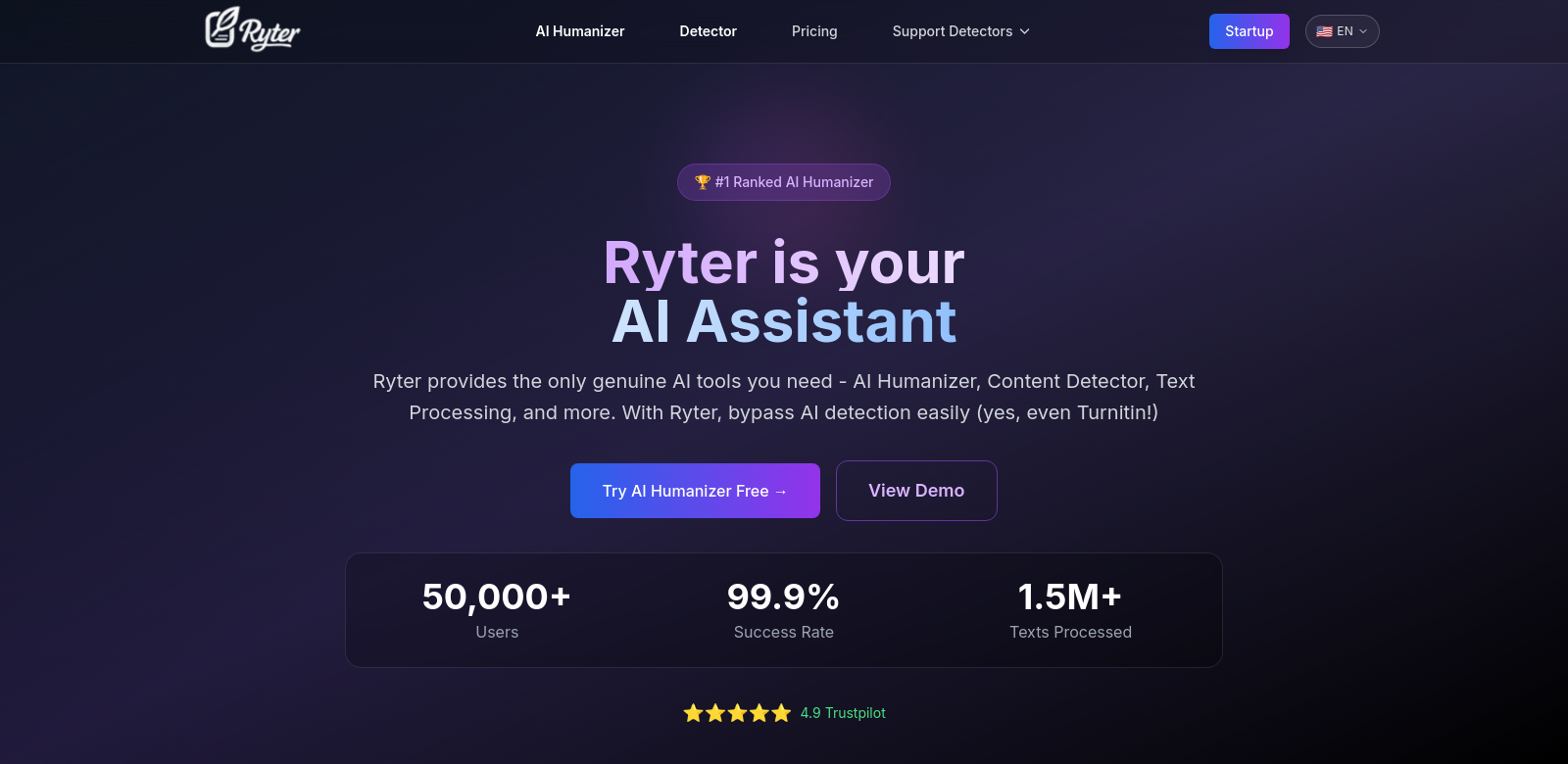
AI Humanizer: Make Your AI Text Sound Like You
In today's fast-moving digital world, everyone wants great content. If you're using tools like ChatGPT and GPT-4, it's not enough for your text to just be good – it needs to sound like it was written by a real person. The AI Humanizer tool is designed to do just that: it takes AI-generated text and makes it more natural and relatable, so people won't even know it was written by a machine. It's like a translator, turning robotic writing into something that feels human, which is what businesses and readers want.
Who Uses AI Humanizer?
Lots of different people can benefit from AI Humanizer. Here are a few examples:
-
Content Creators: Bloggers, social media managers, and anyone who creates content needs to keep their audience interested. AI can help them write faster, but AI Humanizer makes sure the writing still sounds personal and engaging. It can turn boring, technical stuff into stories that people actually want to read.
-
Educators: Teachers can use AI Humanizer to create better learning materials. It can make quizzes, summaries, and lessons sound more friendly and approachable, which helps students learn and stay focused.
-
Businesses: Companies that use chatbots to talk to customers can use AI Humanizer to make those conversations feel more real. When the text sounds personalized, customers are happier.
-
Technical Writers: These writers often have to explain complicated topics to regular people. AI Humanizer can help them take AI-generated drafts and turn them into clear, simple, and interesting explanations.
-
Authors: Whether you're writing fiction or non-fiction, AI Humanizer can help you come up with ideas or create drafts that have more emotion and creativity. It can help you write stories that really connect with your readers.
Problems and How AI Humanizer Fixes Them
AI-generated text has some common problems. AI Humanizer is designed to solve these issues:
Problems AI Humanizer Found
-
Sounds Fake: AI writing often sounds robotic, which can turn people off. This can make readers lose interest quickly.
-
AI Detection: As more people use AI to write, more tools are being created to detect AI-generated text. This is a problem for anyone who wants their writing to sound natural.
-
Not Personal: AI often gives generic answers that don't feel personal or emotional.
-
Too Complicated: AI writing can be complex and hard to understand, which makes it difficult for the average reader to get the message.
-
Hard to Connect: Many people don't connect with AI-generated content. It's important for writing to feel relatable.
How AI Humanizer Fixes It
AI Humanizer tackles these problems directly, with features that improve writing in every way. It uses machine learning to make AI-generated text sound human. Here's how:
-
Makes Text Better: It changes the way sentences are structured and how the writing flows to make it more engaging.
-
Understands Context: The AI learns to understand the emotions and intentions behind the writing, so the text reflects those feelings.
-
Uses Feedback: Users can point out areas that need improvement, which helps the tool get better over time.
-
Avoids Detection: By making AI text sound human, it's less likely to be flagged as AI-generated.
-
Adds Personal Touches: It lets you add personalized elements to automated responses, which makes customer interactions feel more real.
Example
Imagine a marketing company that needs to create a lot of blog posts for different clients. With AI Humanizer, they can generate a lot of content quickly, while making sure each article sounds unique and keeps the audience interested. This saves time and ensures that clients get great content that sounds like it was written by a skilled writer.
Top Features of AI Humanizer
AI Humanizer has lots of great features that improve AI-generated content:
-
Natural Sounding Language: It uses advanced technology to make sure the text flows naturally.
-
Customizable Tone: You can change the tone of the writing to match your brand or style.
-
Always Learning: The tool learns from your preferences and feedback, so it gets better at creating personalized content.
-
Avoids AI Detection: It has features that reduce the chances of the text being flagged as AI-generated.
-
Easy to Use: The tool is designed to be simple, so anyone can use it.
Common Questions About AI Humanizer
-
How does AI Humanizer make AI text better? It uses advanced technology to improve the language, making it sound more natural and readable. It changes the tone, structure, and flow to make the content feel real.
-
Can it help with SEO? Yes, it creates content that follows SEO best practices while still sounding human. This helps you get more traffic from search engines.
-
Is it good for professional writing? Yes! Writers can use AI Humanizer to create high-quality drafts quickly, which saves time.
-
How often does the tool learn? It uses machine learning, so it's always learning and improving based on how you use it.
-
What can I create with it? You can create all kinds of content, including blog posts, marketing materials, educational content, and even stories, all while keeping a human-like tone.