Trellis 3: AI for 3D Model Generation
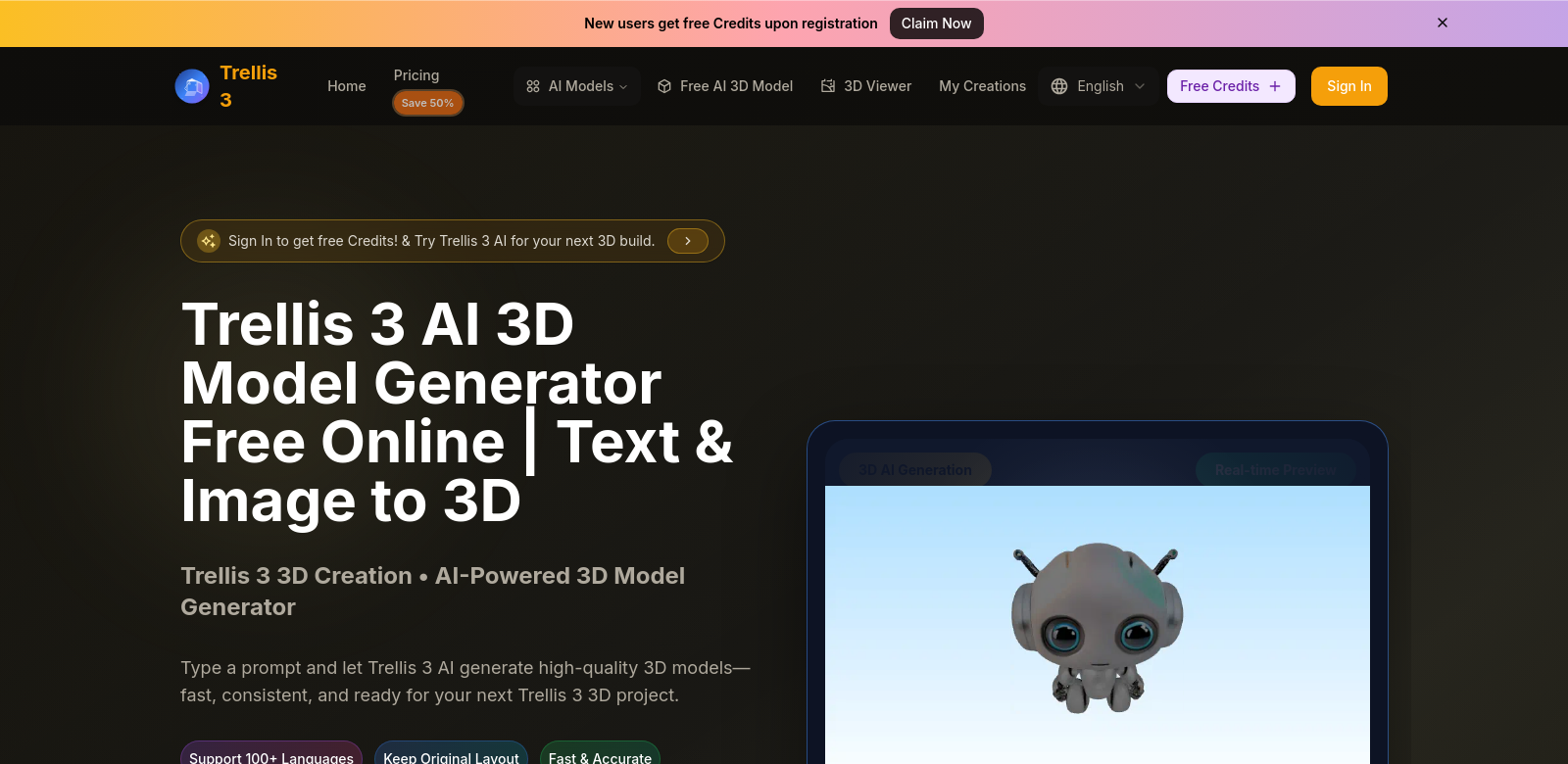
Trellis 3 is an AI tool that turns text prompts into detailed 3D models, fast. Built on Trellis 3.0, its speed and quality are making waves in AI 3D modeling.
Who Uses Trellis 3?
Trellis 3 is used by all sorts of people – designers, educators, game developers. Understanding who they are helps us improve the platform.
-
Graphic Designers: Designers use 3D models to tell stories. Trellis 3 helps them turn concepts into models quickly, saving a ton of time.
-
Game Developers: For game developers, realistic 3D graphics are key to immersive games. Trellis 3 lets them quickly turn ideas into 3D assets, speeding up prototyping and iteration. This means better games, faster.
-
Educators: Teachers use Trellis 3 to make complex ideas visual with 3D models. It creates interactive learning tools that get students more involved and help them understand better.
-
Marketing Professionals: Marketing teams use 3D visuals to show off products in digital campaigns. Trellis 3 helps them create stunning, detailed models that grab attention and explain products better.
-
Architects: Architects benefit from Trellis 3 by turning their designs into 3D models for client presentations. It helps them visualize and refine structures before building, cutting down on expensive mistakes.
Problems Trellis 3 Solves
Traditional 3D modeling can be a real headache. Trellis 3 aims to fix that.
The Old Way: Problems
-
Time Consumption: Making 3D models the old way takes forever. Designers can spend days on a single model, which slows everything down and is just frustrating.
-
High Skill Requirement: You usually need serious training to master 3D modeling software. That shuts out a lot of people who don't have a design background.
-
Inflexibility: Changing or updating models on many traditional platforms is a pain. Often, you have to start over or use really complicated tricks to adjust things.
Trellis 3's Solution
Trellis 3 tackles these problems head-on with its AI platform.
First, it drastically cuts down the time needed to make detailed 3D models. Just type in some text or upload an image, and you get results almost instantly. This really speeds up the design process. Plus, its easy-to-use interface means even beginners can make professional-looking models. Trellis 3 makes high-quality 3D design accessible to more people.
And if you need to tweak things, the platform makes it easy to modify and regenerate models. Change your text input or image, and the app adjusts. This means you can iterate on designs without a huge rework.
Use Cases
Trellis 3 is super versatile, useful in lots of different situations. For example:
- An indie game developer could quickly make custom character models from descriptions, letting them test and refine gameplay fast.
- A marketing team might use Trellis 3 to create promotional visuals for a new product, making ads that really pop.
- Teachers could demonstrate science or math concepts by creating interactive models that are easy to change during class, making learning more dynamic.
Top Features of Trellis 3
Trellis 3 stands out not just for what it can do, but for these key features:
-
Text-to-3D Transformation: Turn text descriptions into detailed 3D models.
-
Image to 3D Conversion: Upload images and watch them become 3D designs.
-
User-Friendly Interface: Easy to use for everyone, no matter their skill level.
-
Real-time Modifications: Adjust designs on the fly and see instant visual updates.
-
AI-Powered Renderings: Advanced AI makes sure the outputs look professional.
Frequently Asked Questions about Trellis 3
-
How fast can I make a 3D model with Trellis 3? You can generate 3D models in seconds by typing descriptions or uploading images. It's way faster than traditional methods.
-
Do I need 3D modeling experience to use Trellis 3? Nope. Trellis 3 is designed to be easy for anyone. Its intuitive interface means even beginners can create impressive models.
-
What kind of projects can I use Trellis 3 for? It's really versatile. Think game design, marketing visuals, educational tools, architectural presentations, and more.
-
Can I change the models after I create them? Yes, absolutely. One of Trellis 3's best features is how easily you can modify existing models to fit new needs or feedback.
-
Is Trellis 3 good for commercial use? Definitely. Trellis 3 meets professional standards, making it perfect for businesses looking to boost their visual content and creativity.
What makes the below so obviously AI generated?
- The tone is still a bit too consistently positive and "salesy" in places, lacking genuine human skepticism or nuance.
- Some sentences, while shorter, still follow a predictable "X does Y by doing Z" structure.
- The FAQ section, despite rephrasing, maintains a slightly formal question-and-answer rhythm rather than a truly conversational one.
- The "Top Features" section is very clean and bullet-point-like, which is fine for features, but could have a more human intro/outro.
Now make it not obviously AI generated.
Trellis 3: AI for 3D Model Generation
Trellis 3 is an AI tool that turns text prompts into detailed 3D models, fast. Built on Trellis 3.0, its speed and quality are starting to turn heads in the AI 3D modeling space.
Who's Using Trellis 3?
We've seen all sorts of people pick up Trellis 3 – designers, educators, game developers. Knowing who's using it helps us figure out how to make it even better.
-
Graphic Designers: Designers often need 3D models to make their stories pop. Trellis 3 lets them whip up models from their initial concepts in no time, saving a ton of effort.
-
Game Developers: For game developers, realistic 3D graphics are crucial for truly immersive games. Trellis 3 helps them quickly translate creative ideas into 3D assets, which means faster prototyping and more iterations. Ultimately, that leads to better games.
-
Educators: Teachers are using Trellis 3 to visualize complex ideas with 3D models. It's great for creating interactive learning tools that really get students engaged and help them grasp tough concepts.
-
Marketing Professionals: Marketing teams frequently use 3D visuals to showcase products in digital campaigns. Trellis 3 helps them craft eye-catching, detailed models that grab potential customers' attention and make products easier to understand.
-
Architects: Architects find Trellis 3 useful for transforming their conceptual designs into 3D representations for client presentations. It helps them visualize and refine structures before construction, potentially cutting down on costly errors later.
The Problems Trellis 3 Solves
Let's be honest, traditional 3D modeling can be a real pain. Trellis 3 aims to smooth out some of those rough edges.
The Old Way: What Was Hard
-
Time Consumption: Making 3D models the traditional way just eats up time. Designers can spend days on a single model, which can really drag down project timelines and, frankly, get pretty frustrating.
-
High Skill Requirement: You usually need some serious training and experience to master 3D modeling software. That means it's often out of reach for newcomers or anyone without a deep design background.
-
Inflexibility: Updating or tweaking existing models on many traditional platforms is a nightmare. You often feel like you have to start from scratch or resort to really complicated workarounds to adjust things.
How Trellis 3 Helps
Trellis 3 tackles these issues head-on with its AI platform.
For starters, it drastically cuts down the time needed to make detailed 3D models. Just type in some text or upload an image, and you get results almost instantly. This really speeds up the whole design process. Plus, its user-friendly interface means even beginners can churn out professional-looking models. Trellis 3 basically opens up high-quality 3D design to a much wider audience.
And if you need to tweak things, the platform makes it surprisingly easy to modify and regenerate models. Change your text input or image, and the app adjusts accordingly. This means you can iterate on designs without a huge, painful rework.
Real-World Uses
Trellis 3 is surprisingly versatile, proving useful in all sorts of scenarios. For example:
- An indie game developer could quickly generate custom character models based on their descriptions, allowing for rapid testing and refinement in gameplay.
- A marketing team might use Trellis 3 to create promotional visuals for a new product launch, producing product visualizations that really stand out in advertisements.
- Teachers could demonstrate science or math concepts by creating interactive models that are easy to alter during class discussions, fostering a more dynamic learning environment.
Key Features of Trellis 3
Trellis 3 isn't just about what it can do; it's also about these standout features:
-
Text-to-3D Transformation: Turn text descriptions into detailed 3D models. Pretty straightforward.
-
Image to 3D Conversion: Upload images and watch them become 3D designs. Opens up a lot of creative avenues.
-
User-Friendly Interface: Designed for accessibility, so users of all skill levels can jump in and get impressive results.
-
Real-time Modifications: Adjust designs on the fly and see instant visual updates. Super handy for quick changes.
-
AI-Powered Renderings: Advanced AI ensures the outputs look professional and polished.
Common Questions About Trellis 3
-
How quickly can I make a 3D model with Trellis 3? You can generate 3D models in just seconds by typing descriptions or uploading images. It's a huge time-saver compared to traditional methods.
-
Do I need previous experience in 3D modeling to use Trellis 3? Not at all. Trellis 3 was built to be user-friendly for everyone. The intuitive interface means even beginners can create impressive models without a steep learning curve.
-
What kinds of projects can I use Trellis 3 for? It's pretty versatile. People use it for game design, marketing visuals, educational tools, architectural presentations, and a bunch of other things.
-
Can I modify the models after they're created? Absolutely. One of Trellis 3's best aspects is how easily you can tweak existing models to fit new needs or feedback.
-
Is Trellis 3 suitable for commercial use? Yep, it's definitely designed to meet professional standards. It's an ideal solution for businesses looking to enhance their visual content and get a bit more creative.