Podcast To Transcript: Read Any Podcast
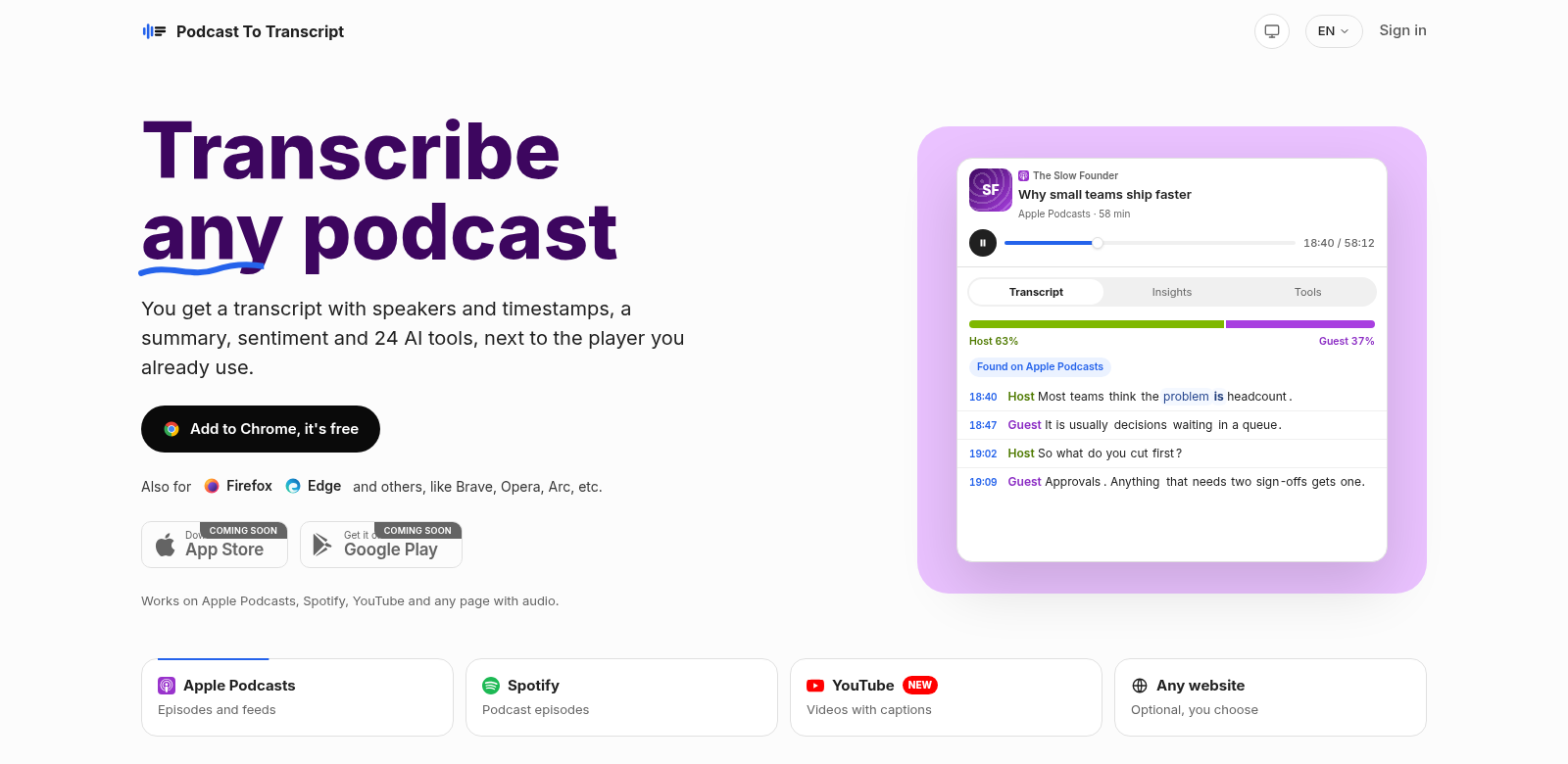
Podcast to Transcript is a smart tool that easily turns podcast episodes into fully formatted transcripts. It doesn't just give you accurate text; it also includes helpful features like speaker identification, timestamps, summaries, and chapter breakdowns. This makes listening a better experience and content much more accessible. With a free trial offering 30 minutes every 14 days, it's a tempting choice for podcasters, researchers, and content creators. Podcast to Transcript shows how good tech can be when it's built to be easy to use, helping you get the most out of audio content.
Who Uses Podcast to Transcript?
Podcast to Transcript helps all sorts of people who need to turn audio into text. By serving different types of users, the platform proves useful across many professional fields. Here are some of the main customer groups:
-
Content Creators: Content creators use Podcast to Transcript to make their episodes even better. They get written summaries and transcripts they can share on social media or their websites, which helps more people find and share their stuff.
-
Researchers: Researchers depend on this tool to pull data from interviews or discussions. The accurate transcripts make it easier to do deep analysis and cite sources for academic papers.
-
Business Professionals: Business professionals find Podcast to Transcript useful for keeping up with industry discussions. It helps them record important details, which is great for learning and professional growth.
-
Students: Students can use transcripts from educational podcasts to learn better. Having the material in writing makes it easier to understand and review, which helps them get ready for exams or assignments.
-
Accessibility Advocates: People who champion accessibility love Podcast to Transcript. By turning audio into text, podcasts open up to a much wider audience, making content truly inclusive for those with hearing impairments.
Problems and Solutions by Podcast to Transcript
There's so much audio content out there, and that brings its own set of problems. Podcast to Transcript helps fix them, making things easier to use and information more accessible.
Problems Podcast to Transcript Solves
-
Audio Content Can Be Hard to Access: It's hard for many people to get information from audio, which means valuable content doesn't reach everyone, especially those who are hard of hearing.
-
Note-Taking Is a Hassle: Trying to take notes while listening to a podcast is a pain. You often miss important stuff, which isn't great for learning or research.
-
Reviewing Content Takes Too Long: Sifting through hours of audio just to find one detail? That's a huge time sink and often makes people give up on the content entirely.
Solutions by Podcast to Transcript
Podcast to Transcript tackles these problems head-on. It gives you accurate, clear transcripts, making everything more accessible. Beyond just text, the platform breaks content into easy-to-digest summaries and chapters, so you can find what you need fast. This saves a ton of time – just skim the text instead of scrubbing through whole episodes. Plus, timestamps let you jump right to specific parts of an episode, no fuss.
Use Cases
Podcast to Transcript is incredibly flexible, useful for anyone who listens to podcasts. Content creators can turn transcripts into blog posts. Researchers can dig into the dialogue for qualitative studies. Businesses use it to pull out key discussions from informative podcasts and quickly share insights with their teams.
Top Features of Podcast to Transcript
What makes Podcast to Transcript stand out? It's packed with features that make it super easy to use.
-
Speaker Identification: It tells you who's talking, so you always know who said what.
-
Time Stamps: Timestamps let you jump right to specific moments in the audio.
-
Summaries: Every episode comes with a full summary, hitting all the main points so you can grasp it fast.
-
Chapter Divisions: Transcripts are broken into chapters, so you can skip straight to the topics you care about.
-
User-friendly Interface: The interface is super easy to use, no matter your tech skills. You'll get around and use the service without a hitch.
Common Questions About Podcast to Transcript
-
What audio formats does Podcast to Transcript support? Podcast to Transcript works with many audio formats, so it's compatible with most podcast platforms and reaches more people.
-
How accurate are the transcripts? Accuracy depends on how good the audio is, but Podcast to Transcript aims for really high-quality transcriptions to make sure the content is right.
-
Is there a limit to how many podcasts I can transcribe? The free trial gives you 30 minutes every 14 days. If you need more, our subscription plans let you transcribe as much as you want.
-
How does the free trial work? New users get a free trial to test the service for 30 minutes. It's a great way to see if it works for you before you sign up.
-
Can the transcripts be edited? Yep! You can edit transcripts to add your own notes or fix anything the automatic transcription might have gotten wrong.