Land Your Dream Job with ReCVme – Your Free AI Resume Builder
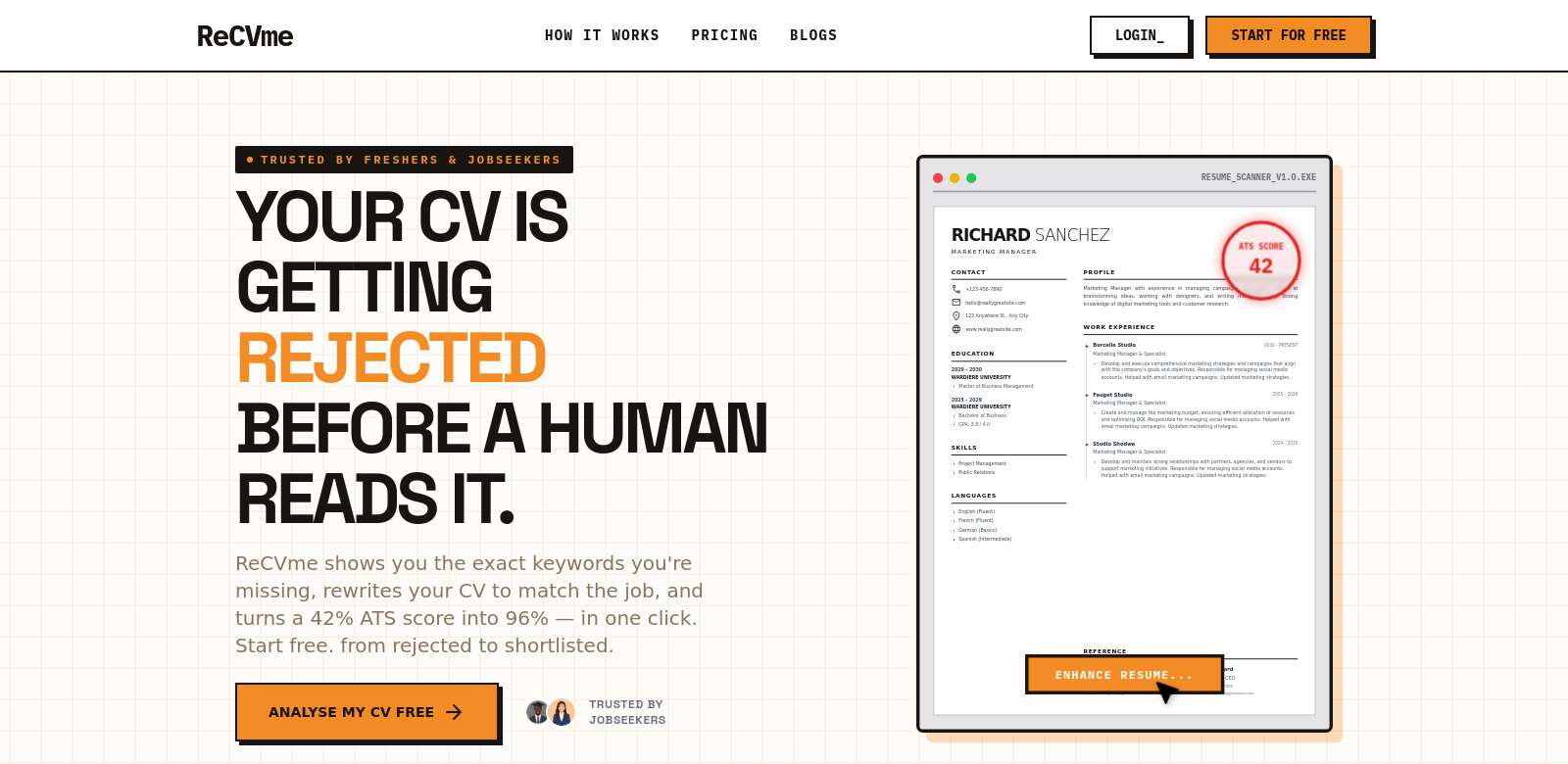
Getting noticed by employers in today's job market is tough. Your CV needs to stand out. ReCVme helps job seekers do just that, using AI to build better resumes. It gives you a free ATS score, points out keywords you're missing, and can even rewrite your CV with a single click. This saves you time and makes it much more likely you'll get called for an interview.
Who Uses ReCVme?
All sorts of people use ReCVme, from new grads to experienced professionals looking to move up. Here's a look at who we help:
-
Recent Graduates: New graduates often struggle to find their first job because they have limited work experience. ReCVme helps them build a strong CV that highlights their education and skills, making it more likely employers will notice them.
-
Career Changers: If you're switching careers, ReCVme can help you find your transferable skills and adjust your CV accordingly, making you more appealing in a new industry.
-
Experienced Professionals: Those with a lot of experience can refine their CVs, ensuring their key achievements and skills match the jobs they want. ReCVme helps them tell a clear story that focuses on what matters.
-
Job Seekers with Gaps in Employment: If you've had periods of unemployment, ReCVme's tools can help you explain those career gaps in a good light, showing off new skills or freelance work you did during that time.
-
International Job Seekers: People looking for opportunities abroad need CVs designed for different cultural expectations. ReCVme helps them adapt their profiles to fit international standards, increasing their chances of success.
Problems ReCVme Solves
The job market throws a lot of challenges at job seekers. ReCVme helps them tackle the most common ones.
Common Problems Job Seekers Face
-
Lack of ATS Compatibility: Many applicants don't realize they're submitting CVs not set up for Applicant Tracking Systems, and get automatically rejected.
-
Not Enough of the Right Keywords: Using the wrong or insufficient keywords can stop a CV from showing up for relevant job postings, making job seekers harder to find.
-
Poor CV Formatting: Badly formatted CVs can make a bad first impression, meaning you miss out on jobs even if you have the right qualifications.
-
Misunderstood Employment Gaps: Employment gaps can be a problem if not explained well, and employers might misunderstand them.
-
Difficulty Showing Achievements: Many job seekers struggle to clearly show what they've achieved. This makes it harder for potential employers to see how valuable they are.
How ReCVme Helps
ReCVme offers specific solutions to these common problems. Using smart technology, it scans your CV, giving you a detailed ATS score that shows what's working and what's not. Plus, you get helpful advice on missing keywords and how to add them to your CV. The one-click CV rewriting feature makes changes simple, so the final CV meets industry standards and uses the best writing practices.
The platform also shows users how to format their CV well, turning it into a good-looking document that gets noticed right away. The ability to explain employment gaps as learning experiences or chances for growth is also a big plus when using ReCVme.
A Real-World Example
Imagine a marketing professional looking to switch to a digital marketing role. By using ReCVme, they can improve their current CV to better show off relevant skills and past campaigns, while adding in those important industry keywords. What's more, telling a story about recent online courses or certifications taken during an employment gap makes the CV even stronger.
ReCVme's Best Features
ReCVme stands out because of its comprehensive features designed to assist job seekers:
-
ATS Score Analysis: You get instant feedback on how your CV stacks up against ATS, so you know exactly how to improve it.
-
Keyword Optimization: The system identifies missing keywords crucial for the job you want, making your CV easier to find.
-
One-Click CV Rewriting: This clever feature lets you really improve your CV with hardly any effort.
-
Visual Formatting Options: ReCVme offers a variety of templates that display your information in a professional, eye-catching way.
-
Actionable Insights: You get expert advice based on industry standards, helping you constantly improve your job applications.
Common Questions About ReCVme
-
How does ReCVme ensure my CV is ATS compliant? ReCVme uses smart technology to analyze your CV against ATS requirements, telling you what changes to make so it works better and meets what employers expect.
-
Can I rewrite my CV multiple times using the one-click option? Yes, you can use the one-click CV rewriting feature as many times as needed to tweak your document until you're happy with it.
-
What if I don’t have much work experience? ReCVme helps those with limited experience by focusing on education, skills, and projects, turning these into strong content for your CV.
-
Are the suggested keywords accurate for my industry? The platform constantly updates its keyword list to keep up with the changing job market, so you always get suggestions relevant to your industry.
-
Is there customer support available? ReCVme offers customer support if you have any questions or run into problems while using the platform.